
How to Create an Invoice in Word That Looks Professional
Learn how to create an invoice in Word using templates or from scratch. Get practical tips for branding and sending invoices for your small business.
Payly Team
January 23, 2026
You can absolutely create an invoice in Word. For many freelancers or small businesses just getting started, it's often the go-to choice. It’s a program most of us already know how to use, and it gives you complete control over the design without a steep learning curve.
Is Word the Right Tool for Your Invoices?
Before you jump into a blank document, it’s worth taking a moment to think about whether Word really is the best fit for your business right now. For lots of Australian sole traders and small business owners, it’s a perfectly good, accessible tool for crafting professional-looking invoices.
Word really shines when you’re not sending out a huge volume of invoices and you want total command over the branding and layout. You can tweak every little detail to match your brand's colours, fonts, and style, something rigid software templates don't always allow.
When Does Word Work Best?
I've found that Word is the perfect solution in a few common situations. It's probably the right choice for you if:
- You're just starting out: It’s a no-cost option when you're not quite ready to shell out for specialised accounting software.
- You send only a few invoices: If you're billing just a handful of clients each month, the manual effort isn't a big deal.
- You need complete customisation: You get the creative freedom to design a unique invoice that genuinely reflects your brand.
But it’s also important to be realistic about its limitations. And on a related note, it's crucial to understand the fundamental difference between an invoice and a receipt before you begin.
As your business grows, manually entering every detail, keeping track of who’s paid, and making sure your invoice numbers are sequential can become a real chore. It’s tedious and, frankly, opens the door to human error. At some point, you'll likely find that dedicated invoicing software for small business offers automation and efficiency that Word just can't compete with.
Building Your First Invoice in Word
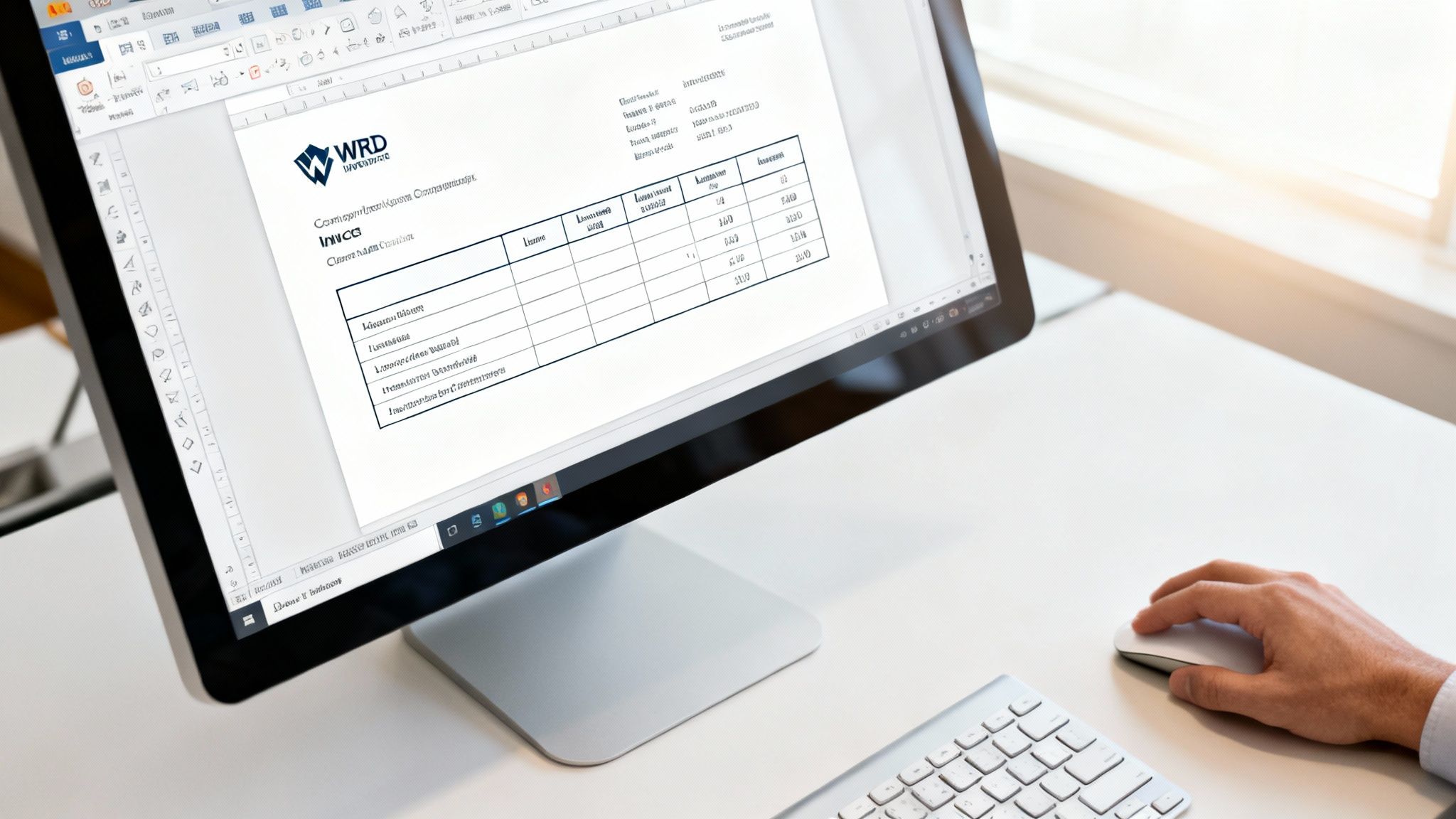
Alright, let's get down to business and actually create an invoice in Word. You’ve got two main ways to go about this. The fast track is using one of Word’s built-in templates. The other path, for those who want total control, is building one from the ground up.
It’s surprising, but for many Aussie businesses, invoicing is still a hands-on, manual job. Think about this: around 1.2 billion invoices are sent across Australia every year, and a staggering 90% of them are still processed the old-fashioned way. This manual grind can really slow things down, which is why nailing your invoicing process from the start is so crucial.
Let’s walk through both methods so you can decide what works best for you.
Using a Built-in Word Template
Microsoft Word is packed with ready-made invoice templates that can be a massive time-saver. They give you a solid, professional-looking structure, so all you have to do is drop in your details.
Finding them is easy. Just open Word, head to the search bar at the top, type in "invoice," and hit Enter. You’ll be greeted with a whole gallery of designs, from clean and corporate to something a bit more creative.
Here are a few things I look for when picking a template:
- Is it easy to read? The layout should be crystal clear. The total amount due, for instance, should jump right off the page.
- Does it match my brand? Choose a design that feels like you. A simple, minimalist template is often the easiest to customise with your own logo and brand colours.
- Are all the right bits there? Double-check that it has all the fields you need. Space for your ABN, item descriptions, and payment terms are a must.
Once you’ve found one you like, Word will open it as a new document. Then, it's just a matter of clicking on the placeholder text like "[Your Company Name]" and typing in your own information.
A great template is just the starting point. The real goal is to make it your own, so it represents your brand perfectly and gives your client all the information they need at a glance.
Creating an Invoice from a Blank Document
If you can’t find a template that clicks or you just want something that’s 100% you, starting with a blank document is the way to go. This approach gives you complete freedom over the layout and design, ensuring the final invoice is a perfect fit for your business.
The secret weapon for a tidy, professional-looking custom invoice is using a table. A table lets you line everything up neatly, with clean columns for item descriptions, quantity, rate, and totals. To add one, just head to the Insert tab and click Table.
From there, you can build out the rest of the invoice. Use text boxes for your business details and the client's information, and make sure to include an invoice number. Don't forget to pop your logo into the header for that polished, professional touch.
Yes, it takes a bit more effort upfront, but the payoff is a reusable template you can send to every client. If you're looking for ideas on what to include, our guide on a freelance invoice template in Australia is a great place to start.
Essential Fields for Your Australian Invoice
No matter which path you choose, getting the information right is non-negotiable. Forgetting a key detail can lead to payment delays or compliance headaches down the track. Here’s a quick checklist of what every professional invoice in Australia should include.
| Invoice Component | Description | Why It's Important |
|---|---|---|
| "Tax Invoice" | The words "Tax Invoice" displayed prominently at the top. | A legal requirement from the ATO if you're registered for GST. |
| Your Business Details | Your business name, address, and contact information. | Identifies you as the seller and makes it easy for clients to contact you. |
| Your ABN | Your 11-digit Australian Business Number. | Mandatory for all Australian businesses. Invoices without an ABN can cause issues for your client's tax claims. |
| Client's Details | The client's full name or business name and address. | Ensures the invoice is directed to the correct person or entity for payment. |
| Invoice Number | A unique, sequential number for each invoice (e.g., INV-001, INV-002). | Crucial for your record-keeping, tracking payments, and referencing in communications. |
| Date of Issue | The date the invoice was created and sent. | Establishes the start of the payment term. |
| Due Date | The date by which payment is expected. | Clearly communicates your payment terms (e.g., "Due in 14 days") and helps avoid late payments. |
| Itemised List | A clear breakdown of the products or services provided, including quantity and price per unit. | Provides transparency and helps the client understand exactly what they are paying for. |
| GST Amount | If applicable, the total amount of GST included in the price. | Required by the ATO if you are registered for GST to show the tax component of the sale. |
| Total Amount Due | The final, total amount payable, clearly stated. | This is the most important number on the invoice! Make it bold and easy to find. |
| Payment Details | Your bank account details (BSB and Account Number) or other payment methods. | Makes it simple for the client to pay you without needing to ask for your details. |
Having this table handy as you build your template will ensure you don't miss anything important. A complete, professional invoice not only looks good but also helps you get paid faster and stay compliant.
Making Your Invoice Unmistakably Yours
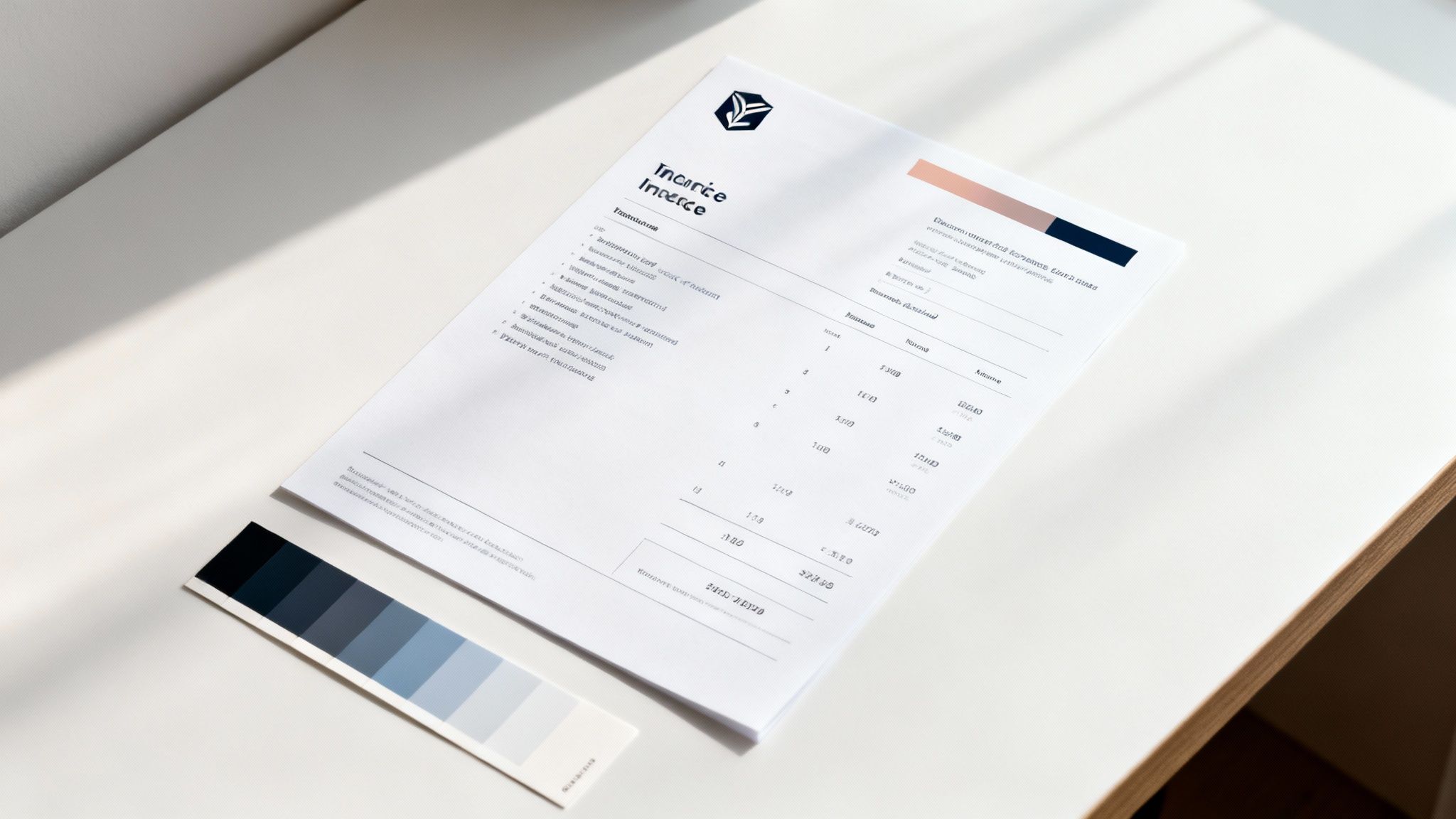
Think of your invoice as more than just a bill. It's a key piece of communication with your client and, frankly, a powerful branding opportunity. When you take a moment to create an invoice in Word that reflects your business, you’re building trust and making your brand more memorable.
The quickest win is adding your logo. Pop it into the header, and it’ll show up on every page, instantly identifying the document as yours. This single step adds a layer of professionalism that really sets the right tone from the get-go.
Weaving in Your Visual Identity
Your logo is just the beginning. To really make the invoice your own, start incorporating your brand’s colours. You don’t need to go overboard; a splash of your primary brand colour on the headings or the total amount due is all it takes to create a polished, cohesive look.
The fonts you choose also say a lot about your brand. While it can be tempting to get fancy with Word’s massive font library, professionalism often lies in simplicity and readability.
- Stick to clean, classic fonts. You can't go wrong with choices like Arial, Calibri, or Helvetica. They’re professional and easy to read on any device.
- Create a clear hierarchy. Use bold text and slightly larger font sizes for the important stuff, like the grand total and section headings. This helps guide your client’s eye right where it needs to go.
The goal isn't to create a work of art. It's to build a document that is instantly recognisable as yours, projecting the competence and attention to detail that your clients value in your work.
Keeping It Consistent
Once you've dialled in the design, save it as a custom template. This is a game-changer. It means every single invoice you send out will be consistent, reinforcing your brand with every client interaction.
A consistent, well-branded invoice doesn't just look professional, it helps you get paid faster by being clear and trustworthy. And if you need a signature, you can even add an electronic signature in Word to keep the whole process sleek and digital.
Getting Your Invoice Paid: The Final Steps
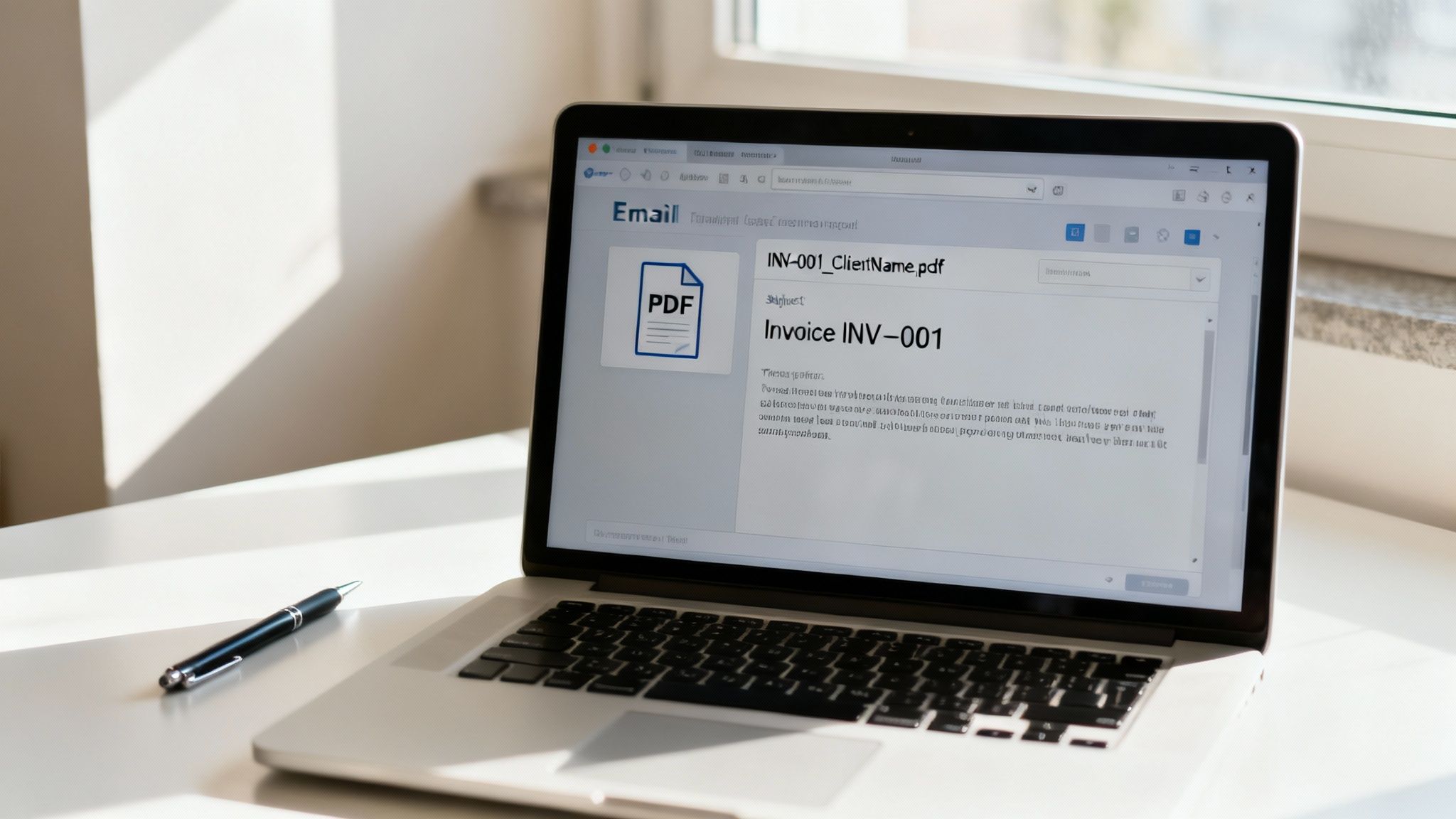
You've put in the effort to create a sharp, professional invoice. Now for the most important part: getting it to your client so you can get paid. How you handle these last few steps can seriously impact how quickly that payment lands in your account.
Before you even think about attaching the file, there's one golden rule: always send a PDF. Sending a raw Word document (.docx) just doesn't cut it. It looks unfinished and, worse, it can be easily edited by anyone. A PDF locks everything in place, preserving your formatting and ensuring your client sees exactly what you intended.
Thankfully, making a PDF in Word is a breeze. Just go to File > Save As, and in the "File Format" dropdown, select PDF. It’s a tiny step that makes a huge difference in professionalism.
Keep Your Files in Order
Trust me on this one, a good filing system will save you so much time later. Don't just call your file "Invoice.pdf". When you have dozens of them, finding the one you need becomes a nightmare.
Get into the habit of using a consistent naming convention. I find this format works brilliantly:
INV-[InvoiceNumber]_[ClientName].pdf
So, if you're sending invoice number 001 to a client called ABC Pty Ltd, the file name becomes INV-001_ABCPtyLtd.pdf. Simple, clean, and searchable. Your future self will thank you.
Writing an Email That Gets Opened
With your shiny new PDF ready to go, it’s time to draft the email. You don’t need to write an essay; just keep it clear, polite, and to the point. The subject line is key; a vague one like "Invoice" could get lost in a crowded inbox.
Here’s a simple, effective template you can tweak:
-
Subject: Invoice [Your Invoice Number] for [Your Business Name]
-
Body:
Hi [Client Name],
Hope you’re having a good week.
Please find attached my invoice ([Invoice Number]) for the recent work.
The total amount due is [Total Amount], with payment due by [Due Date].
Let me know if you have any questions at all.
All the best,
[Your Name]
This little message does everything it needs to: it’s friendly, provides all the key details upfront, and gives a gentle reminder of the payment terms. Nailing these final details is what separates a smooth payment process from a frustrating one.
The Downsides of Manual Invoicing
While getting your first few invoices out the door with a Word template feels like a win, it doesn't take long to see the cracks. What starts as a simple, free solution can quickly morph into a time-sucking administrative chore that pulls you away from the work that actually pays the bills.
The most glaring issue is the sheer amount of manual data entry. You have to type out every single detail for every invoice: the client’s name, their ABN, each line item, the date, the invoice number. It’s tedious, repetitive, and a perfect recipe for human error. One little typo in your BSB or a simple miscalculation of the GST can lead to awkward client emails and frustrating payment delays.
The Hidden Costs of Manual Tracking
It’s not just the data entry, though. The real headache begins when you try to keep track of it all. Relying on a spreadsheet, or worse, your memory, to know who has paid, what’s overdue, and who needs a polite nudge is a stressful and incredibly inefficient way to manage your cash flow.
As your client list grows, this manual system just doesn't scale. Before you know it, you're spending more time chasing payments than you are working.
This is a massive problem for Australian businesses. It's pretty shocking to learn that only 37% of Australian business invoices are actually paid on time, and a staggering 52% are overdue. This isn't just an inconvenience; it creates genuine cash flow emergencies. You can find more detail on this in recent B2B payment reports.
Every minute you spend hunting for old invoices, manually sending payment reminders, and reconciling your bank account is time you can't bill for. It's a hidden cost that eats directly into your profit.
At the end of the day, Word is a handy tool to get you started. But as your business picks up speed, its limitations become obvious. Without any automation for tracking, sending reminders, or reporting, you’re left wrestling with a process that a proper system could handle effortlessly.
When to Ditch Word for a Proper Invoicing Tool
Look, making an invoice in Word is perfectly fine when you're starting out. But there’s a tipping point for every business where the DIY approach starts to cost you more in time and headaches than it saves in money. Knowing when you’ve hit that point is crucial for scaling up.
This isn't just about making life easier; it's a smart financial move. For Australian SMEs, switching from manual to digital invoicing can be a game-changer. Research by Deloitte and SAP actually found that businesses could pocket up to A$40,000 extra per year just by adopting e-invoicing, mostly through faster payment processing and cutting down on admin time. It's well worth looking into the e-invoicing market findings to see the impact on Aussie businesses.
So, when is it time to switch? It usually boils down to a few familiar growing pains. Are you spending hours at the end of each month just building and sending invoices? Is keeping track of who’s paid and who hasn't become a nightmare of spreadsheets and sticky notes? These are tell-tale signs that your manual system is starting to hold you back.
Recognising the Triggers for Change
There are a few classic red flags that signal Word just isn't cutting it anymore. When creating invoices feels like a full-time job in itself, it’s probably time to look at dedicated automated invoicing software to get your time back.
Think about making a change if any of these sound familiar:
- Your Client List is Growing: Juggling invoices for more than a handful of clients manually is a recipe for mistakes, missed payments, and a lot of stress.
- You Need to Track Your Time: If you bill by the hour, manually copying timesheet data into a Word doc is tedious and a surefire way to make costly errors.
- You're Chasing Payments: Manually sending "just a friendly reminder" emails is a soul-destroying task that software can do for you automatically.
The moment you feel more like an admin assistant than a business owner, you’ve outgrown manual invoicing. The whole point is to work on your business, not get buried in it.
A dedicated tool is built to solve these exact problems. It can link your billable hours directly to an invoice, send out polite (but firm) payment reminders on autopilot, and give you a crystal-clear dashboard of your cash flow. Ultimately, it’s about spending less time on paperwork and more time doing the work that actually makes you money and, just as importantly, getting paid for it faster.
Ready to stop wrestling with Word templates and start getting paid faster? Payly combines smart invoicing, time tracking, and document management into one simple platform designed for Australian businesses. Ditch the manual work and automate your entire invoicing process. Start your free 14-day trial today.
Payly Team
Sharing insights and strategies to help service businesses thrive. Follow Payly for more tips on time tracking, invoicing, and business operations.
Related Articles

Ready to streamline your business?
Join thousands of freelancers and agencies who use Payly to track time, send invoices, and get paid faster.