
Discover small business accounting software australia: A Quick Guide
Explore how small business accounting software australia can simplify finances, improve compliance, and save you time with powerful tools for Australian SMBs.
Payly Team
January 28, 2026
Getting your accounting software sorted is one of the most important first steps for any Australian small business. It’s the difference between a shoebox full of receipts and a clear, organised view of your finances. This isn’t just about making bookkeeping less of a chore; it’s about reclaiming your time and staying on the right side of the Australian Tax Office (ATO).
Why Your Business Needs the Right Accounting Software
Ditching the spreadsheet for proper accounting software is a game-changer. It’s less of a tech upgrade and more of a strategic move that gives you genuine control over your money. For Aussie businesses, this is especially crucial for navigating our unique compliance hurdles like GST, BAS, and super.
Think of it this way: a spreadsheet is a bit like a street directory. It can show you where you are, but that’s about it. Good accounting software is your business GPS. It gives you turn-by-turn directions, reroutes you around cash flow traffic jams, and even predicts your arrival time with financial forecasting. You end up making smarter, faster decisions because you’re working with live data, not last month's numbers.
Meeting Australian Compliance Demands
The real magic of using Australia-specific software is how effortlessly it handles our local tax rules. These platforms are designed from the ground up to manage:
- Goods and Services Tax (GST): It automatically keeps track of the GST you’ve collected and paid, so you always know where you stand.
- Business Activity Statements (BAS): When it’s time to lodge, the software generates the reports you need for the ATO, saving you a massive headache.
- Single Touch Payroll (STP): It reports your team’s pay, tax, and super details directly to the ATO every single pay run, keeping you compliant without the extra work.
This built-in compliance doesn't just save a ton of time; it dramatically cuts the risk of making an expensive mistake.
The Growing Market for Financial Tools
It's no surprise that more and more businesses are catching on. The Australian accounting services market hit USD 11.4 billion and is expected to climb to USD 21.1 billion by 2033. This growth is fuelled by small businesses like yours looking for automated tools to simplify ATO regulations. Right now, cloud-based platforms hold a 43% market share, which tells you everything you need to know about the demand for accessible, real-time financial data.
Ultimately, picking the right software is about finding a partner that helps you grow. For a deeper dive into making the right choice, this guide on Choosing Accounting Software is a fantastic resource for expanding businesses. And remember, platforms like Payly can work alongside these tools, integrating things like time tracking and invoicing to create a seamless flow from the moment you clock an hour to the moment the invoice is paid.
5 Must-Have Features in Australian Accounting Software
When you're choosing accounting software for your small business here in Australia, it helps to think of it like fitting out a toolkit. Some tools are absolutely essential for getting the job done safely and legally, while others are just nice to have. Let's break down the non-negotiables that will keep your business compliant and your finances in good shape.
Think of these features less as optional extras and more as the bedrock of your financial operations. Trying to run a business without them is like trying to build a house with just a hammer. You'll create a mountain of extra work and risk a structure that isn't up to code. And for Aussie businesses, that 'code' is set by the Australian Taxation Office (ATO).
Getting ATO Compliance Right
First and foremost, your accounting software’s most important job is to make tax time less of a nightmare. The right platform will have built-in features designed specifically to handle Australia's tax rules, turning a notoriously complex process into a much smoother, automated workflow.
These are the core compliance features you absolutely need:
- Built-in GST Tracking: Your software must automatically calculate and record the Goods and Services Tax on every sale and expense. This completely removes the headache of manual calculations and gives you a clear, real-time picture of what you owe.
- Automated BAS Reporting: At the end of each quarter, the platform should take all that tracked GST data and use it to generate your Business Activity Statement (BAS). The best systems go a step further and let you lodge your BAS directly with the ATO, saving you hours of painful admin.
- Single Touch Payroll (STP) Compliance: This is a legal must-have if you have employees. STP-compliant software automatically reports your team's salary, tax, and super info to the ATO every single time you run payroll.
This diagram perfectly illustrates how proper cloud software acts as the crucial link between your day-to-day finances and meeting your ATO obligations.
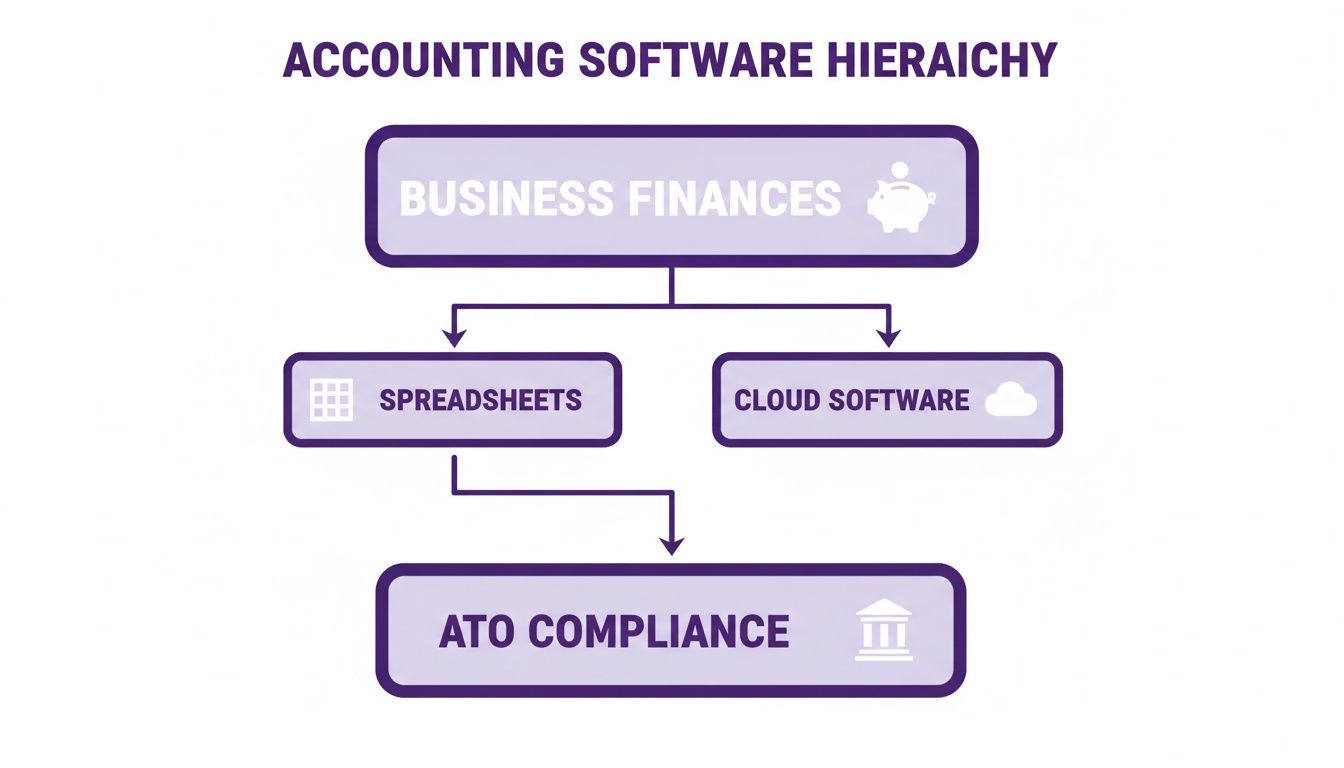
As you can see, making the leap from messy spreadsheets to a dedicated cloud platform is the clearest path to keeping your tax affairs in order.
Beyond Just Compliance: Financial Health and Smart Decisions
While staying on the right side of the ATO is critical, good accounting software should do more than just keep the taxman happy. It should give you the tools to actually understand and improve your business's financial performance. After all, a platform that only handles taxes is only doing half the job.
The right features bring clarity, helping you make smarter, more profitable decisions.
Take a freelance graphic designer, for instance. By using automated expense tracking, they can see exactly how much they're spending on software subscriptions each month. That insight might prompt them to consolidate a few tools, instantly boosting their profit margin without having to find a single new client.
For many service-based businesses, keeping track of documents like contracts and quotes is just as vital as crunching the numbers. Securely storing these files is a big deal, and you can learn more about the best ways to do it in our guide to document management software for small business.
Tools That Make Daily Operations a Breeze
Finally, your software should simply make your day-to-day tasks faster and more accurate. Look for features that cut down on manual data entry and connect different parts of your business, creating a much more efficient workflow.
- Bank Feeds: This is a game-changer. It securely connects to your business bank accounts and credit cards to automatically pull in all your transactions. No more manually typing in every coffee meeting or supply run, which dramatically cuts down on mistakes.
- Invoicing and Billing: The system should let you create and send professional, GST-compliant invoices in just a few clicks. Features like automated payment reminders are absolute gold for chasing up late payers and improving your cash flow.
- Financial Reporting: At a bare minimum, you need instant access to the big three reports: the Profit and Loss statement, the Balance Sheet, and the Cash Flow statement. Beyond the basics, a solid accounting solution also provides powerful tools for effective cash flow management, giving you a true pulse on the financial health of your business.
By making sure your chosen platform nails these essentials, you're not just buying software. You're building a strong financial foundation that supports compliance, clarity, and future growth.
Comparing the Top Accounting Software in Australia
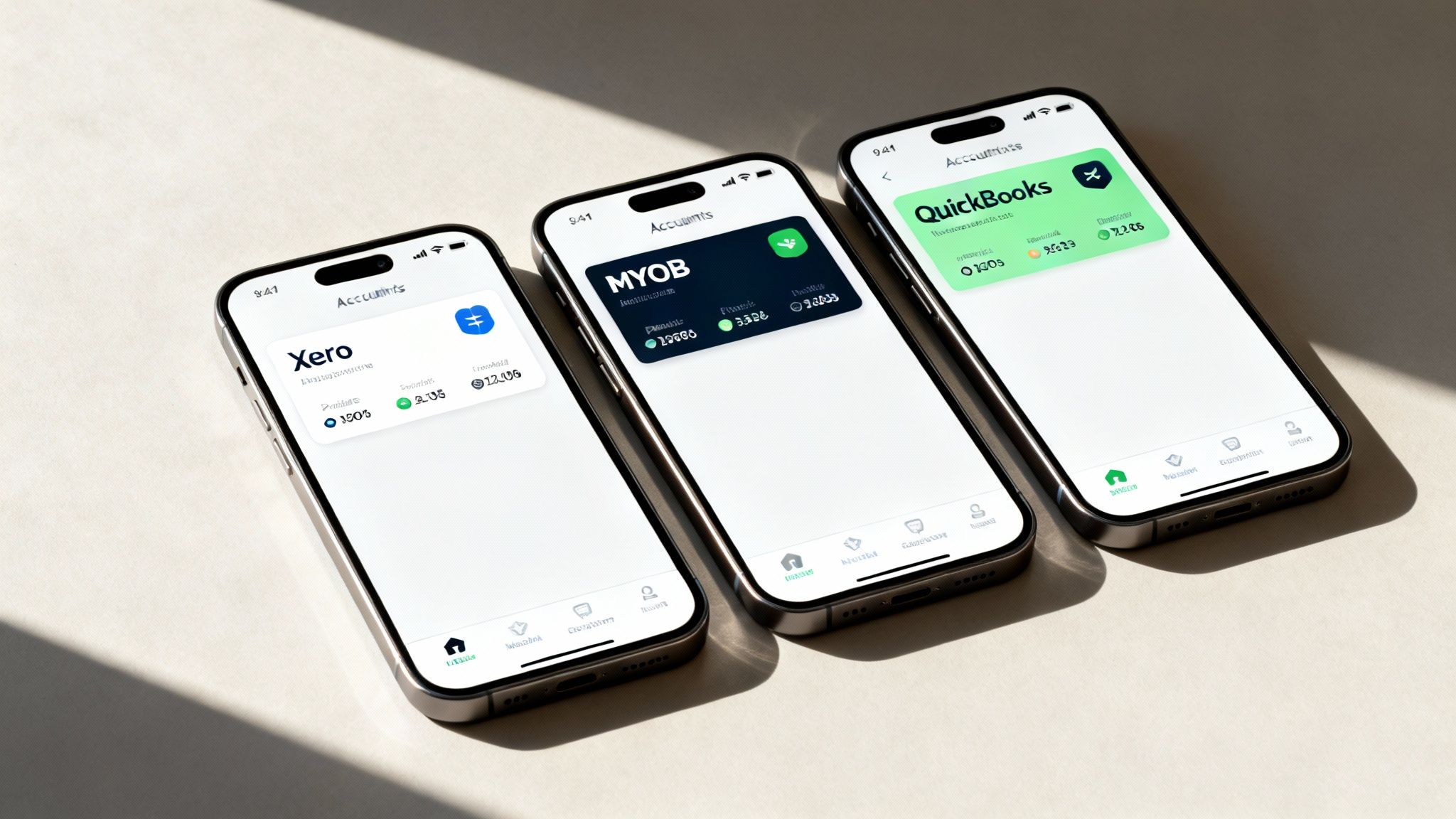
When you're looking for small business accounting software in Australia, the conversation almost always lands on three big names: Xero, MYOB, and QuickBooks. But here’s the thing: there's no single 'best' platform for everyone. The right choice depends entirely on your business. A freelance copywriter simply doesn't have the same needs as a bustling café owner with ten staff.
So, this isn't about crowning a winner. It's about helping you find the champion for your specific situation. We'll look at each one through the lens of what actually matters day-to-day: how much it costs, how easy it is to use, what the mobile app is like, and how well it plays with the other tools you already rely on.
By digging into some real-world examples, you'll get a much clearer picture of why one platform might be a perfect fit while another could just create more admin headaches.
Xero: The Modern, Cloud-First Favourite
For many Aussie business owners, Xero is the first name that springs to mind for cloud accounting, and for good reason. It was born in our part of the world and was built for the internet from day one. Its interface feels fresh and intuitive, which makes it a hit with people who aren't accountants by trade.
Xero’s biggest drawcard is its massive app marketplace, boasting over 1,000 third-party integrations. This means you can connect it to almost any other tool your business uses.
- Best For: E-commerce stores, digital agencies, and tech-savvy startups that lean heavily on other specialised apps (like Shopify, Stripe, or project management tools).
- Ease of Use: Widely considered the most user-friendly of the big three. The clean design and simple navigation really take the pain out of daily bookkeeping.
- Pricing: Subscription-based, with plans that scale up as you need more features, like payroll for more staff or multi-currency support.
Think about a growing online store using Shopify. They can hook Xero up to automatically pull in sales data, update inventory, and log customer details. This completely removes hours of manual data entry and gives a live view of profitability.
MYOB: The Established Powerhouse
MYOB has been a fixture in Australian business for decades. It started as desktop software and has since evolved into a seriously powerful cloud platform. Its deep feature set and robust reporting make it a go-to for more established businesses with more complex financial needs.
While the interface has been modernised, some people find it has a steeper learning curve than Xero. On the flip side, its payroll and inventory management systems are famously comprehensive.
Imagine a small construction company juggling multiple employees and complex project costs. MYOB's advanced job costing and payroll features are gold. It can handle tricky award rates and track every dollar spent against specific projects with a level of detail that simpler platforms often can't match.
MYOB really shines in its depth, especially for businesses in traditional industries like manufacturing, construction, or retail that need tight control over stock and employee payments.
QuickBooks: The Global All-Rounder
QuickBooks, a global giant from Intuit, has carved out a strong niche in the Australian market, especially with sole traders and freelancers. It’s well known for its competitive pricing and a sharp focus on making life easier for the self-employed.
It has a comprehensive set of features, and its mobile app gets a lot of praise for its brilliant receipt capture and expense tracking. This makes it perfect for managing your finances when you're out and about.
Here’s a quick look at where each one excels:
| Feature | Xero | MYOB | QuickBooks |
|---|---|---|---|
| Primary Strength | Huge integration marketplace | Deep payroll and inventory features | Excellent sole trader/freelancer tools |
| User Experience | Intuitive and modern | Comprehensive but steeper learning curve | User-friendly with a great mobile app |
| Ideal User | E-commerce, digital agencies | Established businesses, complex payroll | Freelancers, contractors, service providers |
A freelance photographer, for example, would love QuickBooks. They can snap a photo of a receipt for a new lens, and the app will instantly scan it, categorise the expense, and log the GST. That kind of on-the-go functionality is a massive time-saver for anyone who isn't stuck behind a desk.
Of course, sending invoices and managing expenses is just one part of the puzzle. To get the full picture, check out our guide to small business billing software.
Ultimately, the best way to decide is to try them yourself. All three offer free trials, so take them for a spin with your own data and see which one feels like the most natural fit for the way you work.
Moving Beyond Standalone Accounting Software
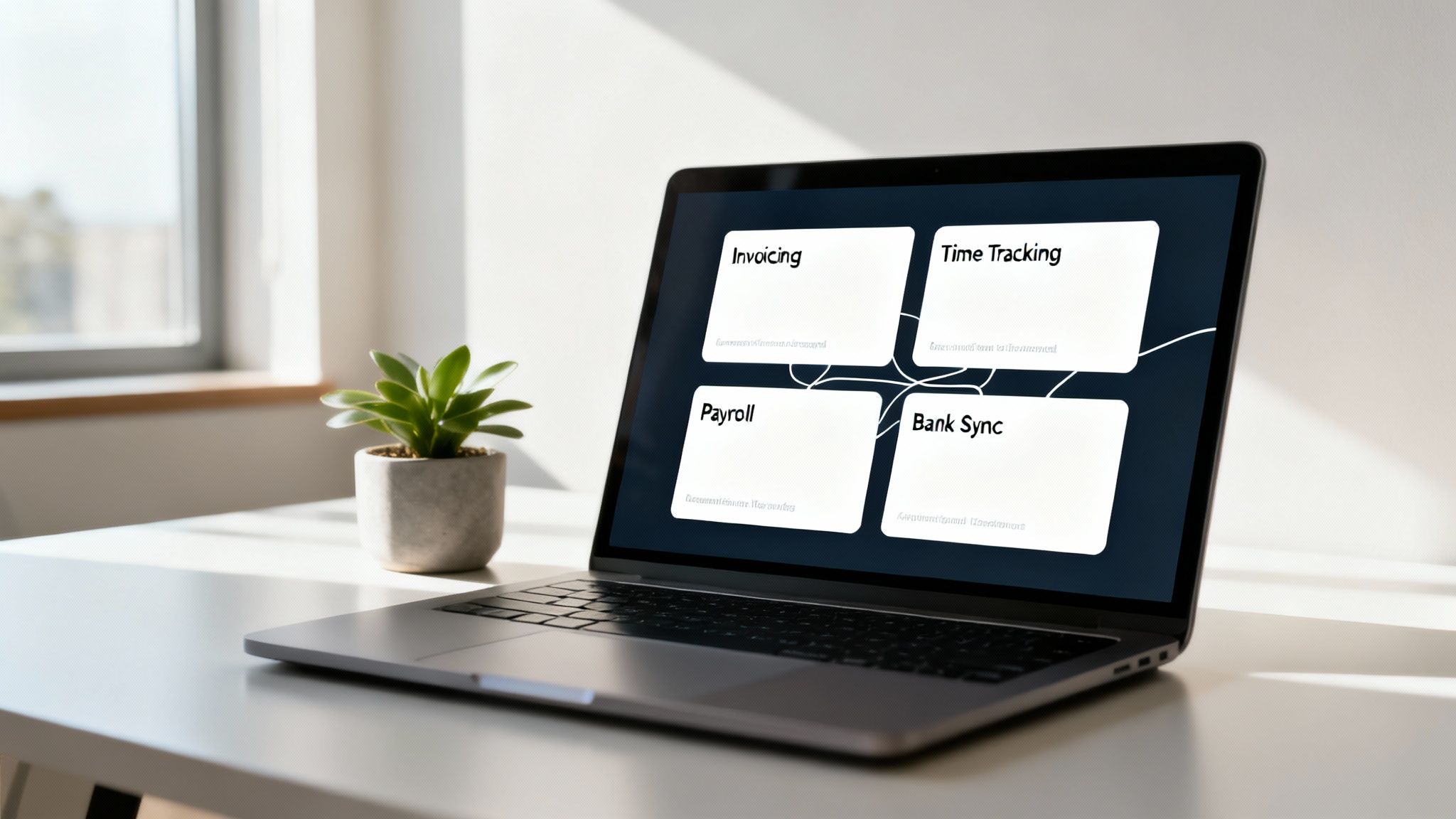
Does your workday feel like a constant game of app-switching? You jump from a time tracker to an invoicing tool, then over to your accounting software to make sure it all lines up. This messy routine is often called ‘software sprawl’, and it's a silent killer of productivity and a sneaky drain on your budget.
Each separate app becomes its own little data island. Getting information from one to the other usually means manual exporting and importing, which is not only tedious but also a perfect recipe for errors. It’s like having a toolbox full of individual tools when what you really need is one reliable, multi-purpose tool that does it all.
There’s a much smarter way to work. Integrated platforms can bring all these day-to-day functions under one roof, creating a central hub for your operations that feeds neatly into your accounting software.
The Power of an All-in-One Operations Hub
For Australian service businesses, an all-in-one platform like Payly can completely change the game. Instead of just managing the numbers after the fact, these systems help you manage the entire workflow that creates the numbers. They connect the dots between the work you do, how you bill for it, and your financial records.
This creates a seamless flow of information. Imagine a marketing consultant tracks their billable hours on a project. Those hours automatically generate a GST-compliant invoice, which is then sent straight to the client. Once the client pays, the payment data syncs perfectly with their main accounting software, like Xero or MYOB.
The benefits here go far beyond just saving a few dollars on subscriptions.
The real win is putting an end to manual data entry. Every hour you save from copying timesheet data into an invoice or chasing up payments is an hour you can pour back into growing your business. It also dramatically cuts the risk of human error, ensuring you bill accurately and get paid faster.
This integrated approach is catching on for good reason. While an impressive 73% of Australian small businesses now use cloud accounting software, many are still hitting roadblocks. Research shows that 34% of these businesses are frustrated because their software lacks key features or doesn't easily connect with their invoicing and time-tracking apps. This gap highlights a real need for truly unified solutions built for the Australian market.
Why an Integrated Platform Makes Sense
Moving to an integrated operational platform isn’t just about convenience; it’s a strategic move that directly boosts your bottom line. The goal is to create a single source of truth for your business operations, from tracking a minute of work to receiving the final payment.
Here’s why it works so well:
- Fewer Errors: Manual data entry is the number one cause of costly mistakes. When information flows automatically from timesheets to invoices to your accounting software, you can trust the numbers are right.
- Faster Payments: With professional invoicing and automated payment reminders, you can seriously shorten your payment cycle and get cash in the bank sooner.
- Clearer Visibility: Having all your operational data in one spot gives you a real-time view of project profitability, team productivity, and your overall financial health.
This is what a unified system looks like in practice. The centralised dashboard makes it simple to see tracked hours, manage invoices, and handle documents, all without having to open another browser tab.
This is the core idea behind what makes all-in-one business operations software in Australia so powerful for service-based businesses. It’s about creating a more streamlined, efficient, and ultimately more profitable way to run your business.
A Practical Checklist for Making Your Final Decision
Choosing accounting software for your small business is a big commitment. To avoid that sinking feeling of buyer’s remorse a few months down the track, it pays to be methodical. This checklist will walk you through the final steps, making sure the platform you pick is a great fit for your business today and has the legs to keep up as you grow.
Think of this as your final due diligence. You’ve probably compared the big names and have a good handle on the features, but now it's time to test your top pick against the reality of your day-to-day operations. After all, a slick interface is nice, but does it actually make your life easier?
Map Your Current and Future Workflows
First things first, get a crystal-clear picture of how your business actually runs. Don't just think about what you’re doing now; try to picture where you’ll be in a year or two. This kind of foresight is what separates a good choice from a great one, saving you from a painful software switch later on.
Ask yourself a few honest questions:
- Current Needs: Can the software handle my core, must-do tasks without any fuss? I’m talking about things like creating invoices, tracking expenses, and connecting directly to my Aussie bank accounts.
- Future Growth: What happens when I hire my first employee? Is there a clear, affordable way to add Single Touch Payroll (STP) features?
- Scalability: If my client list suddenly doubles, will the software grind to a halt? I need to know it can handle more transactions and more complex reporting without slowing me down.
Answering these questions now stops you from picking a solution you’ll outgrow in six months, which would force you into a difficult and expensive migration.
Calculate the True Long-Term Cost
That attractive monthly price you see advertised is rarely the whole story. Hidden fees, essential add-ons, and surprise upgrade costs can quickly inflate what you actually end up paying. It’s absolutely vital to dig a bit deeper to understand the complete financial commitment.
Start by looking past the sticker price.
Imagine a freelance consultant who signs up for a basic plan. They soon land an international client and realise they need project tracking and multi-currency invoicing. Turns out, those features are only available on the premium tier, effectively doubling their monthly software bill overnight.
Keep an eye out for potential hidden costs like one-off setup fees, data migration charges, or paying extra just to speak to a real person for support. Often, a slightly more expensive plan that includes everything you need from day one is far better value than a cheap plan that nickel-and-dimes you for every extra feature.
Test Integrations and Maximise Free Trials
Integrations are the glue that holds your business systems together. If your accounting software doesn’t play nicely with the other tools you rely on every day, it’s going to create more work, not less. Use the free trial period to put these connections through their paces.
Don't just log in and poke around the dashboard. Run the software through real-world scenarios.
- Connect Your Bank Account: Make sure the bank feed syncs reliably and that transactions are categorised correctly. For any Australian business, this is completely non-negotiable.
- Link Your Payment Gateway: If you take payments through Stripe or another service, connect it and send a test invoice to yourself. How smooth is the payment process from your client’s perspective?
- Explore Third-Party Apps: If you live inside a specific project management tool or CRM, confirm the integration works just like it says on the tin. A seamless flow of data between your apps is a massive time-saver.
This kind of hands-on testing is the single best way to know if a specific small business accounting software in Australia is genuinely the right choice. It takes you from theory to practice, giving you the confidence to make a final, informed decision that will serve your business well for years to come.
Got Questions About Accounting Software? We’ve Got Answers.
Diving into the world of small business accounting software in Australia can feel a bit like learning a new language. There's a lot of jargon and it’s completely normal to have questions as you try to figure out what your business actually needs. This section is here to clear things up.
Think of this as your no-nonsense FAQ. We’re tackling the most common questions we hear from business owners just like you, from whether freelancers really need this stuff to how it keeps you on the right side of the ATO. Let’s get into it.
Do I Really Need Accounting Software as a Freelancer?
Yes, you absolutely do. For a freelancer or sole trader, good accounting software is one of the smartest investments you can make right from the get-go. It’s the difference between being reactive and stressed about your finances, and feeling organised and in control.
Relying on spreadsheets is a classic mistake. It's a recipe for small errors that can turn into big headaches, making tax time an absolute nightmare. The right software puts your invoicing on autopilot, pulls expenses straight from your bank feed, and makes lodging your BAS a ridiculously simple process.
More importantly, it gives you a live, accurate picture of your cash flow and profitability. This isn't just about taxes; it's about understanding the real health of your business, day in and day out. Every hour you save on painful admin is an hour you can pour back into doing the work that actually pays the bills.
Is It a Hassle to Switch Accounting Software?
The thought of switching your accounting system can feel massive, I get it. But the good news is that modern cloud platforms have made this process so much easier than it used to be. The days of spending a weekend manually re-entering data are pretty much over.
The big players like Xero and MYOB have dedicated tools and support teams to help you bring your crucial data across. This usually covers your chart of accounts, customer and supplier lists, and even past transactions.
The secret to a smooth switch is all in the planning. Before you make the leap, spend a bit of time cleaning up your current data. Then, pick a clear cut-off date, like the start of a new financial year or quarter. This gives you a clean break and makes reconciling everything far simpler.
Many business owners find it helpful to run their old and new systems side-by-side for a short period, maybe a month. This lets you double-check that everything lines up perfectly before you say goodbye to the old software for good. It’s a bit of upfront effort, but the long-term payoff of being on the right system is huge.
What's the Difference Between Cloud and Desktop Software?
The main difference boils down to three things: where you can access it, where your data is stored, and who handles the maintenance. For almost every modern business, there's a clear winner here.
-
Desktop Software: This is the old-school way. You buy the software once, install it on a single computer, and all your financial data lives on that machine's hard drive. You can only do your books from that one computer, and you’re on the hook for doing your own backups and installing any updates.
-
Cloud-Based Software: This is the modern standard. You access it through your web browser or a mobile app, and your data is stored securely online. This means you can manage your finances from anywhere, on any device. It’s usually a predictable monthly subscription, and the provider takes care of all the security, updates, and backups automatically.
For Australian businesses today, the flexibility and real-time collaboration you get with cloud software make it a no-brainer. It lets you run your business from a cafe, the worksite, or home, and work seamlessly with your bookkeeper or accountant.
How Does This Software Help with ATO Compliance?
This is where Australian accounting software really earns its keep. It's specifically built to make meeting your ATO obligations almost effortless. It’s designed from the ground up with our local tax rules baked in, turning compliance from a dreaded, error-prone chore into a simple, integrated part of your workflow.
The system automatically tracks the GST on your income and expenses all year round. When it's time to report, it uses that data to generate your Business Activity Statement (BAS). In many cases, you can lodge your BAS directly with the ATO right from the platform.
And for anyone with employees, compliant software is non-negotiable because it includes Single Touch Payroll (STP). This is a mandatory ATO reporting system. It means that every time you run payroll, your team's salary, tax, and super info is sent to the ATO automatically. It’s a key legal obligation that your software handles without you even thinking about it.
Ready to stop juggling multiple apps and start streamlining your operations? Payly combines time tracking, smart invoicing, e-signatures, and document management into one powerful platform designed for Australian service businesses. See how much time and money you could save by starting your free 14-day trial today at https://www.payly.com.au.
Payly Team
Sharing insights and strategies to help service businesses thrive. Follow Payly for more tips on time tracking, invoicing, and business operations.
Related Articles
Ready to streamline your business?
Join thousands of freelancers and agencies who use Payly to track time, send invoices, and get paid faster.