
All-in-one business operations software in Australia
Discover the best all in one business operations software in Australia, compare options, and learn how to choose the right platform for your service business.
Payly Team
December 6, 2025


Why Australian service businesses are moving to all‑in‑one software
If you are running a services business in Australia, you are probably juggling separate tools for timesheets, invoicing, job management, CRM, email, maybe even a spreadsheet or two. Every new client, matter, or project means double handling data, chasing staff for hours, and trying to keep everything compliant for BAS and tax.
All in one business operations software promises a single source of truth for your work, clients, and money. For Australian freelancers, agencies, consulting firms, and practices, the right platform can tighten cash flow, cut admin hours, and reduce compliance risk. The wrong one can lock you into high fees, clunky workflows, and a painful migration.
This guide walks through how these platforms actually work in Australian conditions, compares common approaches, and gives you a clear decision framework so you can choose software that fits your specific practice, not just a glossy feature list.
What “all in one business operations software” really means
Vendors in Australia use “all in one” to describe everything from slightly extended invoicing apps to full practice management suites. Under the buzzwords, look for four functional pillars.
Core functional pillars to expect
Most credible all in one platforms for Australian professional services will group around these areas:
| Pillar | Typical features | Why it matters |
|---|---|---|
| Work & project | Job/matter setup, task lists, milestones, capacity planning | Controls delivery, deadlines, and utilisation |
| Time & expenses | Timesheets, timers, expense capture, billable vs non‑billable rules | Directly drives billable revenue and profitability |
| Billing & payments | Quotes, invoices, recurring billing, online payments, aging, reminders | Speeds up cash flow and reduces debtor days |
| Clients & compliance | CRM, engagement records, documents, audit trails, reporting, tax settings | Keeps you compliant and client‑ready at review or audit |
Key Takeaway: If a tool does not handle time, jobs, and invoicing in a single data flow, it is not truly “all in one”, it is just integrated software.
Local requirements for Australian businesses
For Australian operations, also check for:
- Native GST handling, including tax inclusive / exclusive pricing
- ATO aligned tax codes and rounding behavior
- Support for Australian invoice requirements, including ABN display
You can cross‑check expectations using a detailed resource such as a GST invoice template for Australia. - Easy export to your accountant or cloud ledger, such as Xero or MYOB
- Data hosting information, particularly if you work in legal or advisory fields
Key evaluation criteria for Australian service businesses
Before comparing vendors, get clear on the jobs your software must do for your particular business. Agencies, solo consultants, and law firms share some needs but differ on others.
Must‑have capabilities by business type
[INFOGRAPHIC: Comparison chart showing rows as business types (freelancer, small agency, consulting firm, law firm, bookkeeping practice) and columns as must‑have features (time tracking, WIP management, document management, trust accounting, multi‑user workflows, reporting).]
Freelancers and solo providers
Priorities:
- Simple quoting and invoicing with correct GST
- Fast time and expense capture from mobile
- Clear records for deductions and BAS
For example, pairing your software reports with a guide to sole trader tax deductions in Australia.
Best if:
- Low monthly cost
- Minimal setup
- You can run everything yourself without an ops manager
Marketing and creative agencies
Priorities:
- Project budgets, retainers, and capacity planning
- Timesheets across multiple staff and roles
- Profitability per client and per project
- Integrations with creative tools or storage
Best if:
- You price with a mix of fixed‑fee and time‑and‑materials
- You have account managers who need client views but not full finance access
Consulting, legal, and advisory firms
Priorities:
- Matter / engagement based work
- Billable rates by seniority or role
- Approval workflows for timesheets and invoices
- Strong audit trail and document handling
- For some legal practices, trust or controlled money support
Best if:
- You have partners who want WIP, realisation, and utilisation reports
- There are regulatory or professional standards to meet
Pro Tip: Make a short “non‑negotiables” list before looking at vendors. If a product cannot tick those five boxes, stop the demo early and move on.
All‑in‑one vs best‑of‑breed: which approach suits you
You have two strategic options: one platform that tries to cover everything, or several specialised tools that integrate with each other.
When an all‑in‑one platform is the better fit
An all‑in‑one platform works best if:
- You have limited internal IT resources
- Your processes are not heavily customised or industry‑specific
- The same team touches the whole workflow, from scoping to billing
- You want one contract, one support channel, and one vendor to manage
Practical benefits can include:
- Less double entry, since jobs, time, and invoices share the same data
- Fewer integration failures during busy periods, such as EOFY
- Faster onboarding of new staff, since they only learn one interface
When a best‑of‑breed stack is smarter
A modular stack makes more sense if:
- You already have deeply embedded tools that work well, such as a specialist legal practice management system or advanced CRM
- Your marketing, ops, and finance teams have very different needs
- You want highly customised workflows and automation
In that case, you might combine:
- A robust invoicing tool
For example, a dedicated system similar to those reviewed in guides on invoicing software for small business. - A separate project or practice management platform
- A separate CRM and marketing automation tool
Important: The hidden cost in best‑of‑breed is integration maintenance. Plan ongoing time and budget for keeping APIs, zaps, and connectors stable after every software update.
Feature comparison: what to look for in real use
Once you know your strategy, move beyond marketing pages and assess specific capabilities in practical, day‑to‑day terms.
Operational features that actually save time
Look for:
- Calendar and task views that match how your team works
Example: weekly timesheet summary for accountants, daily task board for creatives. - Templates for common engagements, such as standard retainers, fixed‑fee projects, or matters
- Workflows that start with a proposal or scope, convert to a job, and then to invoices without retyping
Ask vendors to show:
- How a real client engagement would be set up, tracked, and billed
- How changes in scope are recorded and priced
- How staff log time on shared work without confusion
Financial features that protect your cash flow
At minimum, your Australian all‑in‑one solution should offer:
- Correct GST handling on invoices
- Multiple tax codes for special cases, such as GST‑free exports
- Support for partial payments, prepayments, and credit notes
- Automated reminders and aging reports
Better platforms will also provide:
- Profit and loss by client or project
- Realisation metrics for consulting and legal work
- Clear exports for your accountant or bookkeeper, timed for BAS cycles
Key Takeaway: Ask every vendor to walk live through, “We sign a new client today, when do we get paid, how do we chase late accounts, and how do we see if this work was profitable?”
Pricing models, scalability, and implementation effort
The sticker price on the website is only part of the real cost. For an Australian services business, especially with several staff, consider pricing structure, room to grow, and the effort to get off spreadsheets or legacy tools.
Common pricing patterns in Australia
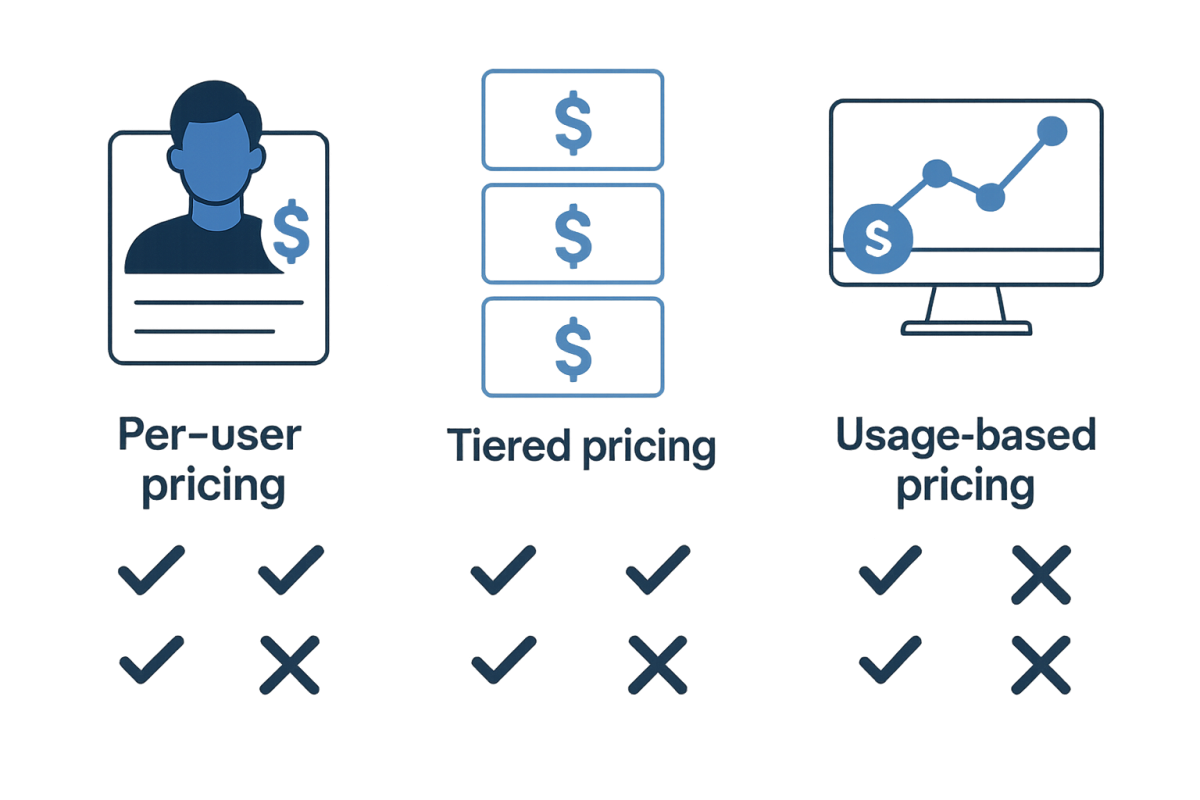
Typical models:
| Model | How it works | Best for |
|---|---|---|
| Per user per month | Fee per active user | Small teams, predictable staffing |
| Tiered feature plans | Features unlock at different price tiers | Growing practices, staged rollouts |
| Usage based | Charges on invoices sent, clients managed, or storage | Solo providers, seasonal or highly variable work |
Questions to ask:
- Are there discounts for annual commitments and what happens if staff numbers drop
- Are external collaborators or contractors counted as full users
- Are there separate fees for onboarding, training, or premium support
Implementation and change management
Moving from spreadsheets or manual processes into all‑in‑one software is a project in itself.
Plan for:
- Data migration, such as clients, current jobs, rate cards, and outstanding invoices
- Transition period where some work is in the old system and some in the new
- Training sessions tailored for different roles: partners, practitioners, admin, and finance
Real‑World Example: A 12‑person marketing agency in Sydney migrating to an all‑in‑one system typically invests two to four weeks in setup and training. In return, they often cut invoice preparation from one full day per week to less than one hour and reduce debtor days by one to two weeks.
How Payly Australia fits into your operations stack
For many freelancers, small agencies, and consulting or professional services firms, the biggest operational pain sits around invoicing, payments, and keeping things clean for tax. That is where Payly Australia can act as the financial backbone of your operations.
Using Payly as the financial core
With Payly, you can:
- Generate compliant Australian invoices with correct GST
- Accept online payments to shorten the “quote to cash” timeline
- Keep a clear record of income that aligns with how the ATO expects you to report
- Export data cleanly to your accountant or cloud ledger
Combined with lightweight project or practice tools, Payly can serve as the stable, compliant layer for billing and cash flow, while you evolve the rest of your operations stack over time.
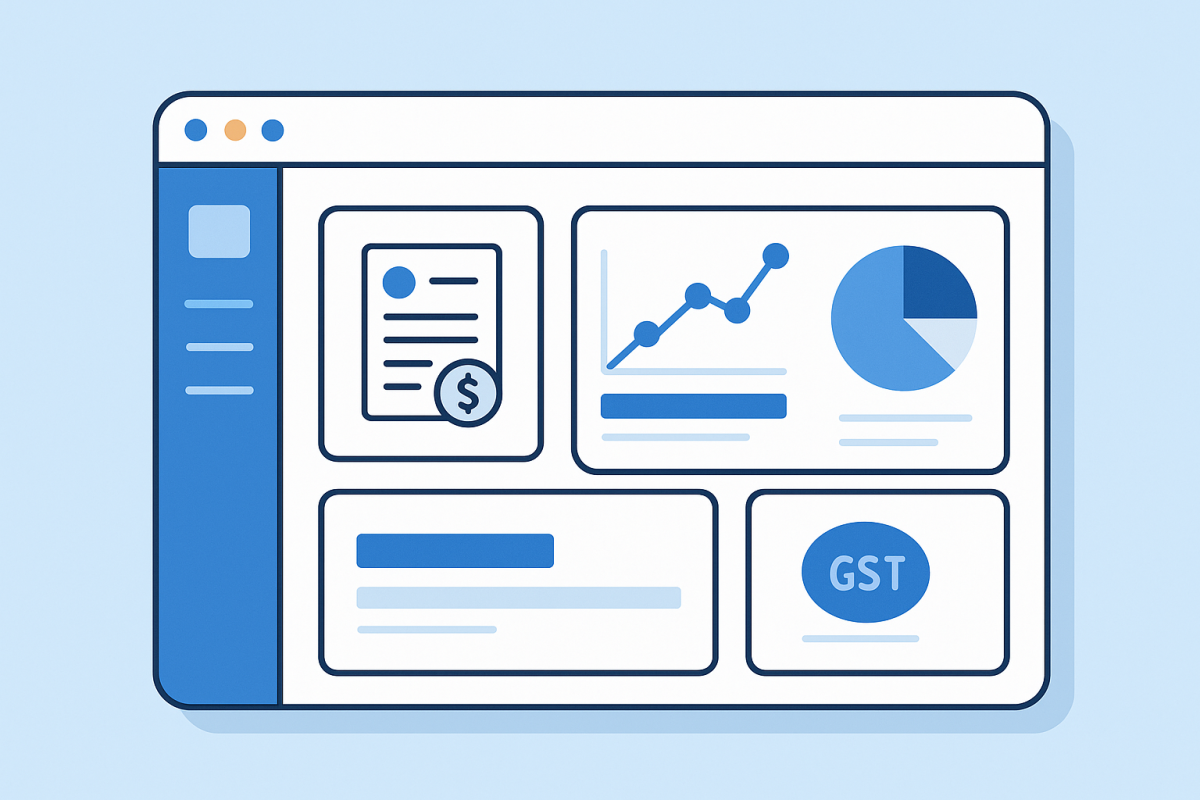
If you are currently handling invoicing manually or via basic templates, explore Payly as a practical step toward integrated operations without the learning curve of a full enterprise platform.
[CTA]
Strong invoicing and payment workflows are the backbone of any “all in one” operations setup. Before committing to a large, complex platform, consider stabilising your billing and cash flow first. Payly Australia gives you Australian‑specific invoicing, GST handling, and payment tools that plug neatly into how you already work.
Visit Payly Australia to see how it can simplify your invoicing and payment processes and support the rest of your operations stack.
Learn more
[/CTA]
Practical next steps to choose the right platform
To turn research into a decision, follow a structured process that fits your size and risk tolerance.
Map your current workflow
Spend one short session mapping:
- How a client moves from enquiry to signed engagement
- How work is allocated, supervised, and checked
- How time and expenses are recorded
- How and when invoices are raised and paid
- What your accountant or bookkeeper needs from you each quarter
This becomes your benchmark.
Shortlist and test against real scenarios
Create a shortlist of two to four platforms that look aligned with your business type. For each:
- Run a demo using a recent real client scenario
- Have at least one manager and one frontline staff member test the flows
- Check Australian tax and compliance treatment in detail
Score each vendor on:
- Fit to your workflow
- Ease of use for non‑technical staff
- Local tax and compliance confidence
- Total cost of ownership over three years
Start small, then expand
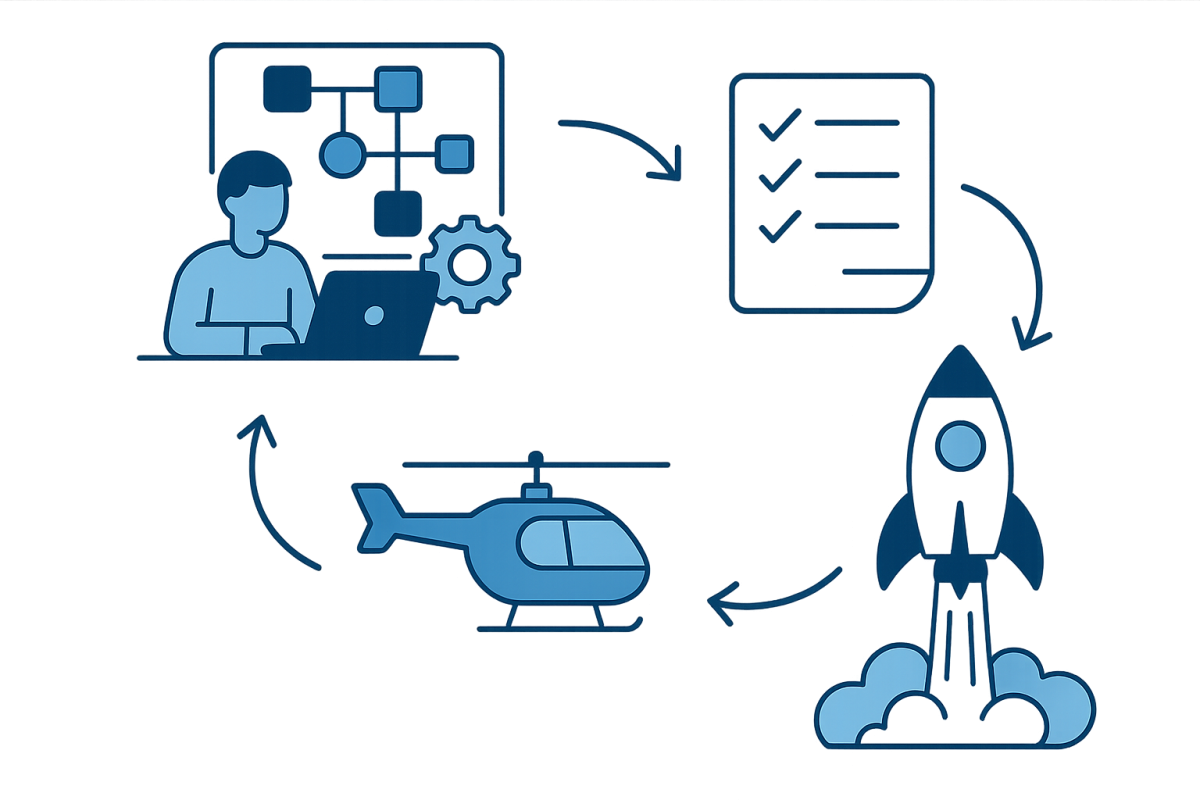
If the jump to a full all‑in‑one platform feels high risk:
- Begin with stabilising invoicing and payments
- Add time tracking and project features once billing is consistent
- Integrate or replace CRM and other tools later
This phased approach suits smaller Australian practices and agencies that cannot afford disruption during busy seasons.
Frequently Asked Questions
What is the difference between all in one and standard invoicing software?
Standard invoicing software focuses on creating and sending invoices, recording payments, and sometimes handling reminders and simple reporting. All in one business operations software covers a broader lifecycle, including client management, work or project tracking, timesheets, and resource planning, then flows that data through to invoicing and reporting. Many Australian businesses start with invoicing software and later upgrade or integrate into a fuller operations stack as they grow.
Is all in one software overkill for a sole trader or freelancer in Australia?
Not necessarily, but it often is. Many Australian sole traders primarily need fast, compliant invoices, simple expense tracking, and clear records for BAS and deductions. A full all‑in‑one system can add cost and complexity without much extra value. For most freelancers, starting with a focused invoicing and payments tool and then adding light project tracking is a more efficient path, especially when combined with knowledge about available sole trader tax deductions.
How important is Australian GST support in these platforms?
Australian GST support is critical. Incorrect GST settings can lead to under‑ or over‑payment of tax, confused clients, and rework at BAS or tax time. Your software should handle 10 percent GST correctly, support GST‑free and input‑taxed items where relevant, and produce invoices that meet ATO requirements, including ABN display and tax breakdowns. Ideally, it should also simplify reconciling GST collected and paid, ready for your BAS submissions.
Can I integrate all in one software with my existing accounting system?
Most modern platforms offer integrations with cloud accounting tools such as Xero and MYOB, though the quality varies. Check whether the integration sends full invoice data, tax codes, and contact information, and whether payments sync back reliably. Ask vendors to show a live example of a transaction flowing from their system into your accounting ledger, including GST treatment. Also confirm who is responsible for maintaining the integration when either system updates.
How long does it usually take to implement an all in one platform?
For a small Australian services business with fewer than 15 staff, a realistic implementation period is two to six weeks. The timeline depends on data migration complexity, how standardised your processes are, and staff availability for training. A simple setup with clean data can go live within a fortnight, while multi‑office firms with custom workflows and historical data imports might need several months. Plan for a short overlap period where both old and new systems run in parallel.
Payly Team
Sharing insights and strategies to help service businesses thrive. Follow Payly for more tips on time tracking, invoicing, and business operations.
Related Articles



Ready to streamline your business?
Join thousands of freelancers and agencies who use Payly to track time, send invoices, and get paid faster.