
The Top 12 Invoice Templates for Google Docs in 2026
Discover the 12 best free and paid invoice templates for Google Docs. Find professional, customisable templates to streamline your billing in Australia.
Payly Team
January 22, 2026
Getting paid on time is critical for any Australian business, and the humble invoice is the first step in that process. While dedicated invoicing software is powerful, sometimes you just need a fast, flexible, and free solution that lives where you already work: Google Docs. The challenge is sifting through the countless options online to find professionally designed, functional invoice templates for Google Docs that work for you. A poorly designed invoice not only looks unprofessional but can also lead to payment delays if it lacks clarity or essential information.
This curated guide is designed to solve that problem. We have done the legwork to bring you the definitive list of the best sources for Google Docs invoice templates, from free galleries to premium designer bundles. We will explore platforms like TheGoodocs, Smartsheet, and even specialised add-ons from the Google Workspace Marketplace. For each resource, we provide a clear overview, screenshots, and direct links to help you quickly assess its suitability for your specific business needs, whether you're a freelancer, a digital agency, or a professional services firm.
More importantly, we will go beyond just listing templates. We will provide step-by-step instructions on how to customise these documents to meet local standards. Any effective Google Docs invoice template for an Australian business must adhere to the specific requirements of a tax invoice set by the ATO, including adding your ABN and correct GST details. This guide will show you exactly how to do that, ensuring your invoices are not only beautiful but also fully compliant.
1. Google Docs Template Gallery
For a truly zero-cost, no-setup solution, the best place to start is directly within Google Docs. Google’s native Template Gallery provides a collection of starter documents that you can access with a single click, making it the most straightforward option for creating invoice templates for Google Docs without leaving the ecosystem.
The primary advantage is its seamless integration. Every template you choose is instantly saved to your Google Drive, inheriting all of its powerful features like real-time collaboration, version history, and easy sharing via a link. This is ideal for teams where multiple people might need to review or edit an invoice before it’s sent. The user experience is familiar to anyone who has used a Google Workspace application, requiring no learning curve.
Key Features and User Experience
- Access: Completely free with any standard Google account.
- Simplicity: Templates are launched directly from the Google Docs home screen, eliminating the need for downloads or imports.
- Collaboration: Shareable with clients or team members for instant feedback or approvals.
While convenient, the selection is its main limitation. The gallery typically offers only a few basic invoice styles, and their availability and organisation can change with Google's interface updates. This option is perfect for users who need a functional, no-frills invoice immediately but may not suit businesses seeking a unique or branded design. For those who find these templates too basic, exploring dedicated invoicing software for Australian businesses is a logical next step for greater functionality.
2. Template.net
For those seeking a much broader selection than Google’s native offerings, Template.net provides a massive library of business documents, including a vast array of invoice templates for Google Docs. This platform acts as a huge repository where you can find templates tailored to specific industries, from creative agencies to construction, offering a significant upgrade in variety and professional design.
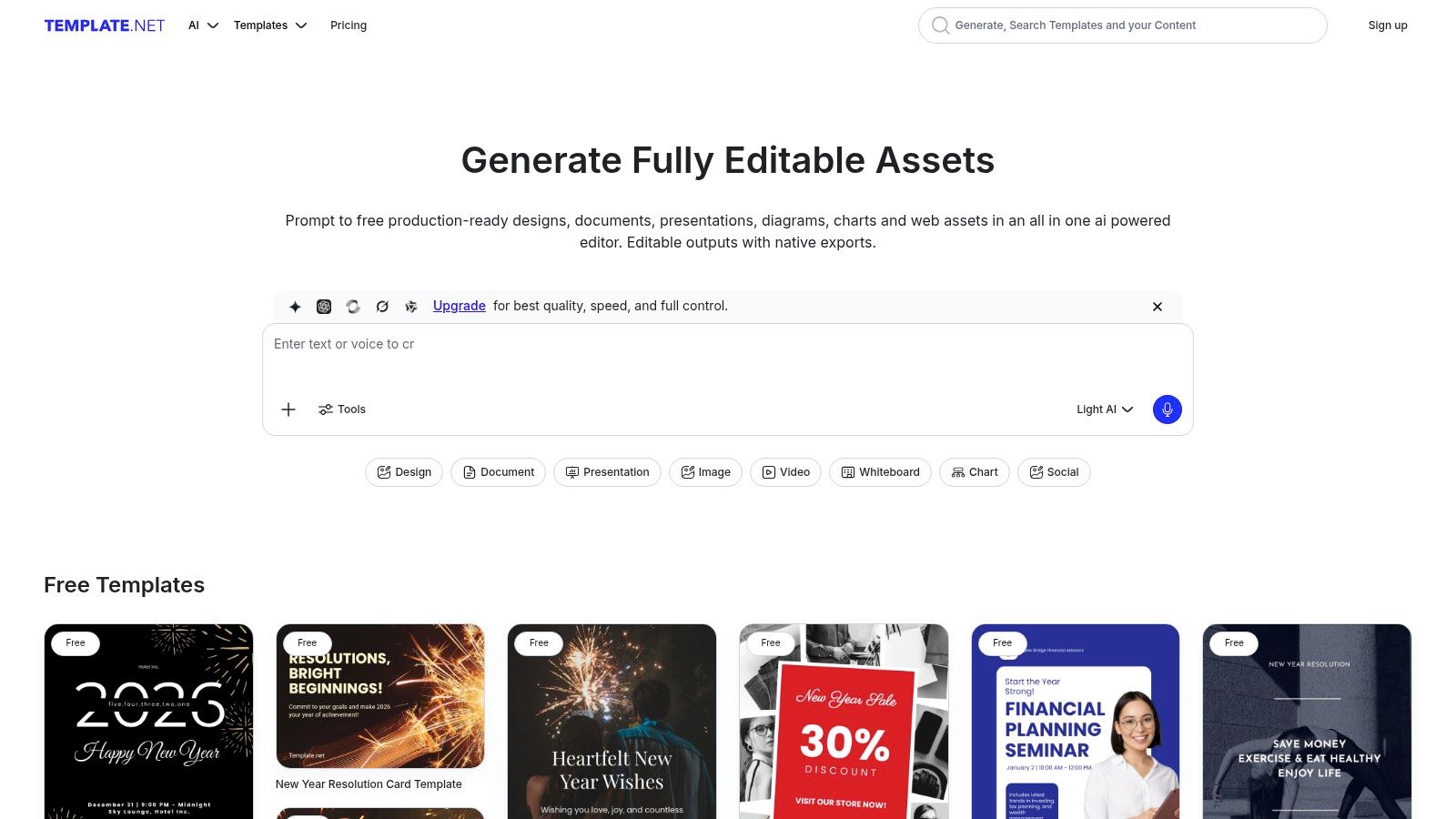
The standout feature is its direct integration with Google Workspace via an add-on. This allows you to browse, select, and import templates directly into a new Google Doc without ever leaving your document editor. This convenience streamlines the process of finding and using a suitable design, making it a powerful alternative for users who need more options without a complicated workflow. The experience is straightforward, though navigating the sheer volume of templates can sometimes be overwhelming.
Key Features and User Experience
- Access: A mix of free and premium templates. Full access requires a paid subscription.
- Variety: An extensive collection with hundreds of designs for different business needs and styles.
- Integration: A Google Workspace add-on lets you import your chosen template directly into Google Docs.
The primary limitation of Template.net is its freemium model. While many templates are available, the most polished and professional designs are often locked behind a subscription. Additionally, the quality can be inconsistent across the library. This platform is best suited for businesses wanting more design choices than the basic Google gallery and who are willing to either search for a quality free option or invest in a subscription for premium access.
3. Smartsheet – Free Google Docs Invoice Templates
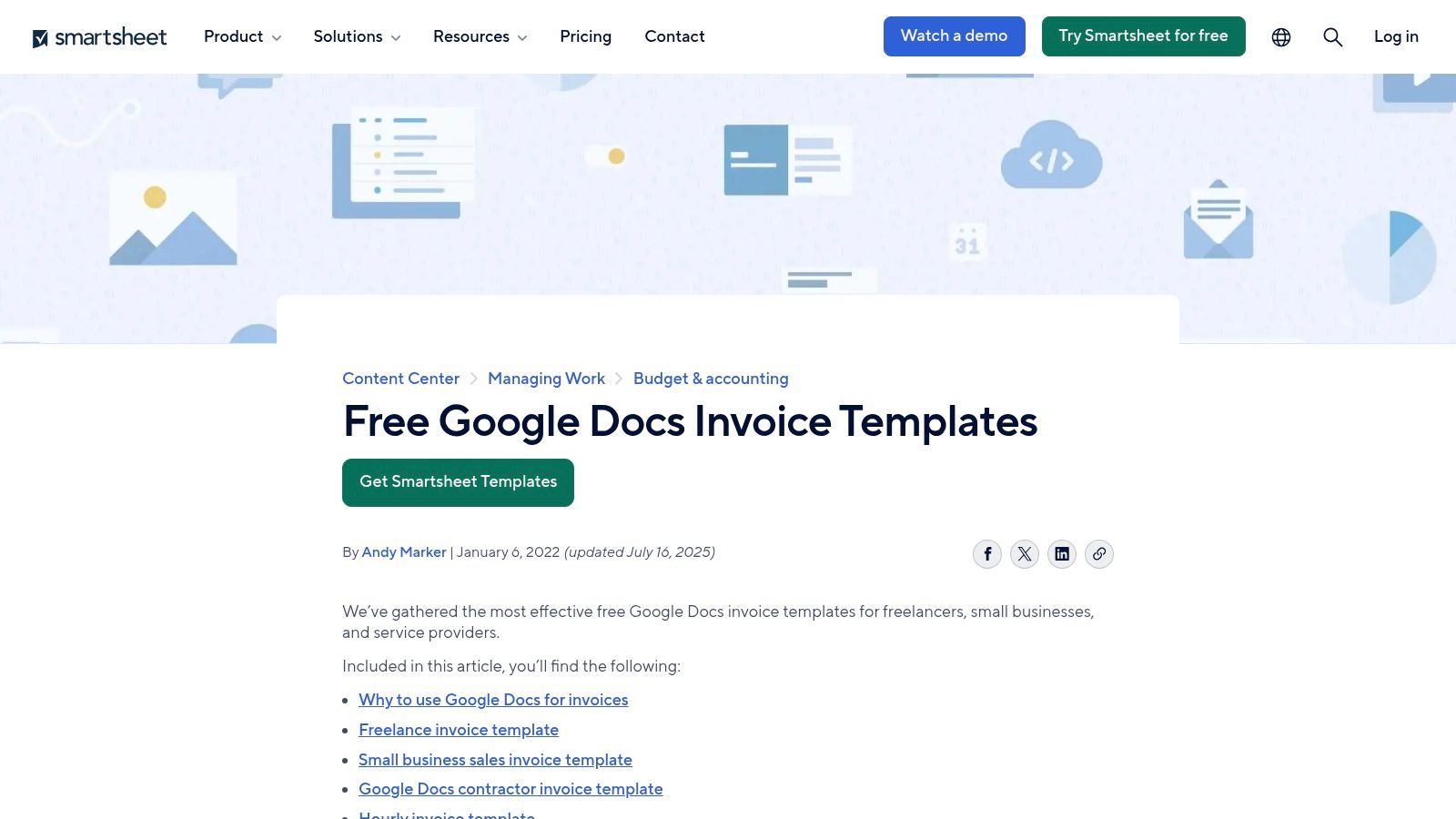
Smartsheet offers a well-organised resource hub with a curated collection of free templates specifically formatted for Google Docs. This platform stands out by categorising its templates based on business scenarios, such as freelance work, hourly billing, and contractor services, making it easy to find a functionally appropriate starting point for your invoice templates for Google Docs.
Unlike a simple gallery, Smartsheet provides context and explanations for each template, helping users understand when to use a proforma invoice versus a recurring one. The direct 'Download for Google Docs' link for each option simplifies the process, eliminating guesswork and ensuring you get a clean, editable document copied directly to your Google Drive. This is a practical, no-nonsense approach for businesses that prioritise function over flashy design.
Key Features and User Experience
- Access: Completely free, with no account or sign-up required to download the templates.
- Variety: Provides specific templates for different billing structures, including proforma, hourly, and recurring invoices.
- Simplicity: One-click download links open the template directly in your Google Docs account, ready for customisation.
The primary limitation of Smartsheet's collection is its design philosophy. The templates are highly practical and structured, featuring clear fields for tax, totals, and payment terms, but they lack the unique or heavily branded visual styles found on dedicated creative marketplaces. This makes it an excellent choice for professionals who need a reliable, well-structured invoice quickly but may not be the best fit for creative businesses seeking a more stylised document. For greater control over branding and workflow, a platform like Payly can help turn these basic templates into trackable, professional invoices.
4. FreshBooks – Google Docs Invoice Templates
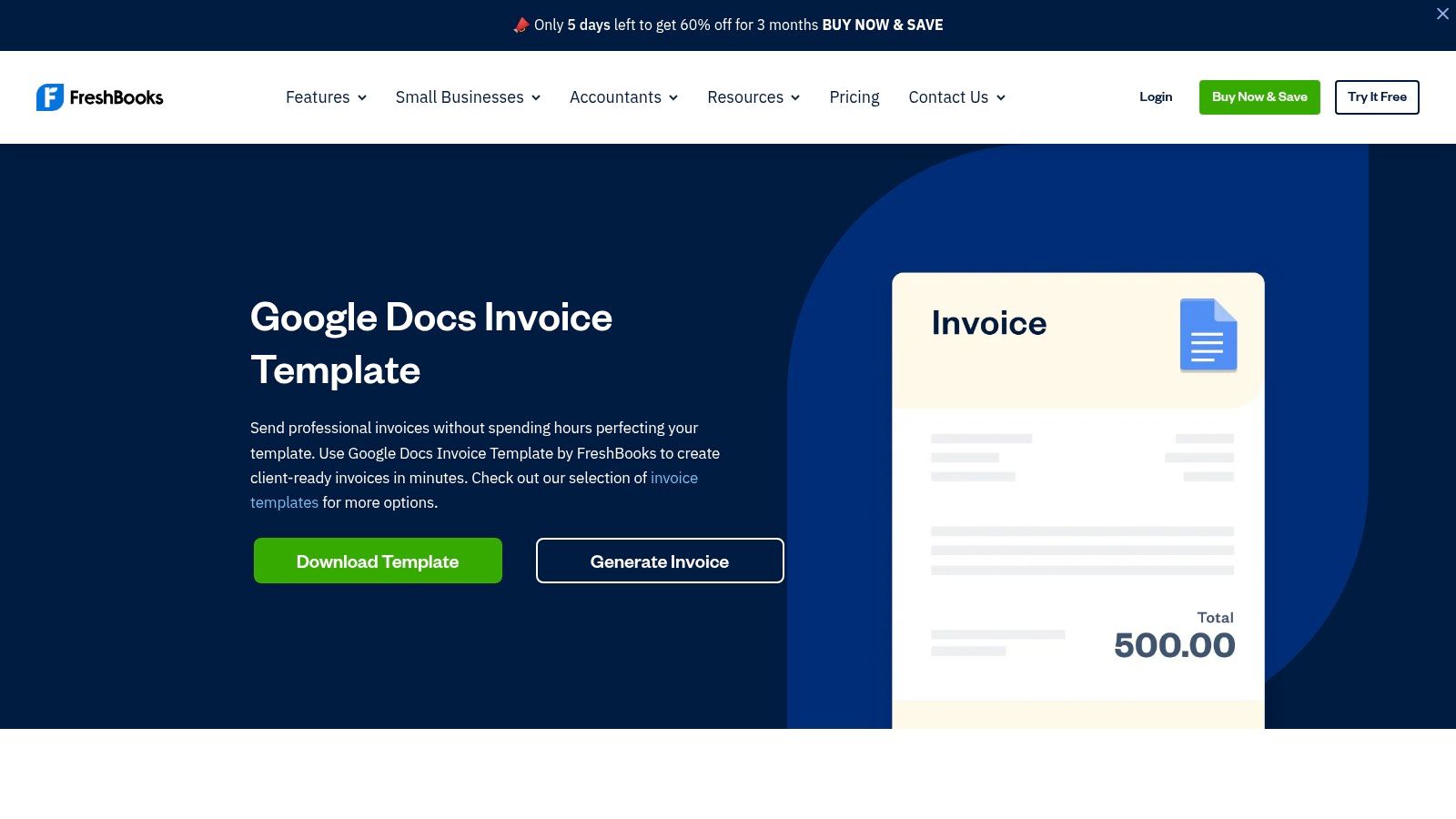
As a leading name in accounting software, FreshBooks offers a collection of free, professionally designed invoice templates for Google Docs that carry a sense of trust and reliability. This resource is ideal for freelancers and small businesses who want a clean, traditional invoice layout from a reputable source, without immediately committing to a full software suite.
The main benefit of using a FreshBooks template is its focus on clarity and professionalism. The layouts are intentionally straightforward, ensuring all necessary information like ABN, GST, and payment terms is easy to find and read. While the templates are free to download and use in Google Docs, they also serve as an introduction to the broader FreshBooks ecosystem, offering a clear upgrade path for businesses whose needs grow beyond simple document-based invoicing.
Key Features and User Experience
- Access: Completely free to download; no account required.
- Formats: Available for Google Docs, Google Sheets, Word, and PDF, offering great flexibility.
- Guidance: The page includes helpful tips and best practices for invoicing, adding educational value.
The primary limitation is the intentionally basic design, which encourages users to explore the paid FreshBooks platform for more advanced features like automated reminders and payment tracking. These templates are perfect for businesses seeking a solid, functional starting point, but they may need more customisation for a truly unique brand identity. For further guidance, this resource on how to properly send an invoice provides essential next steps after you have created your document.
5. TheGoodocs
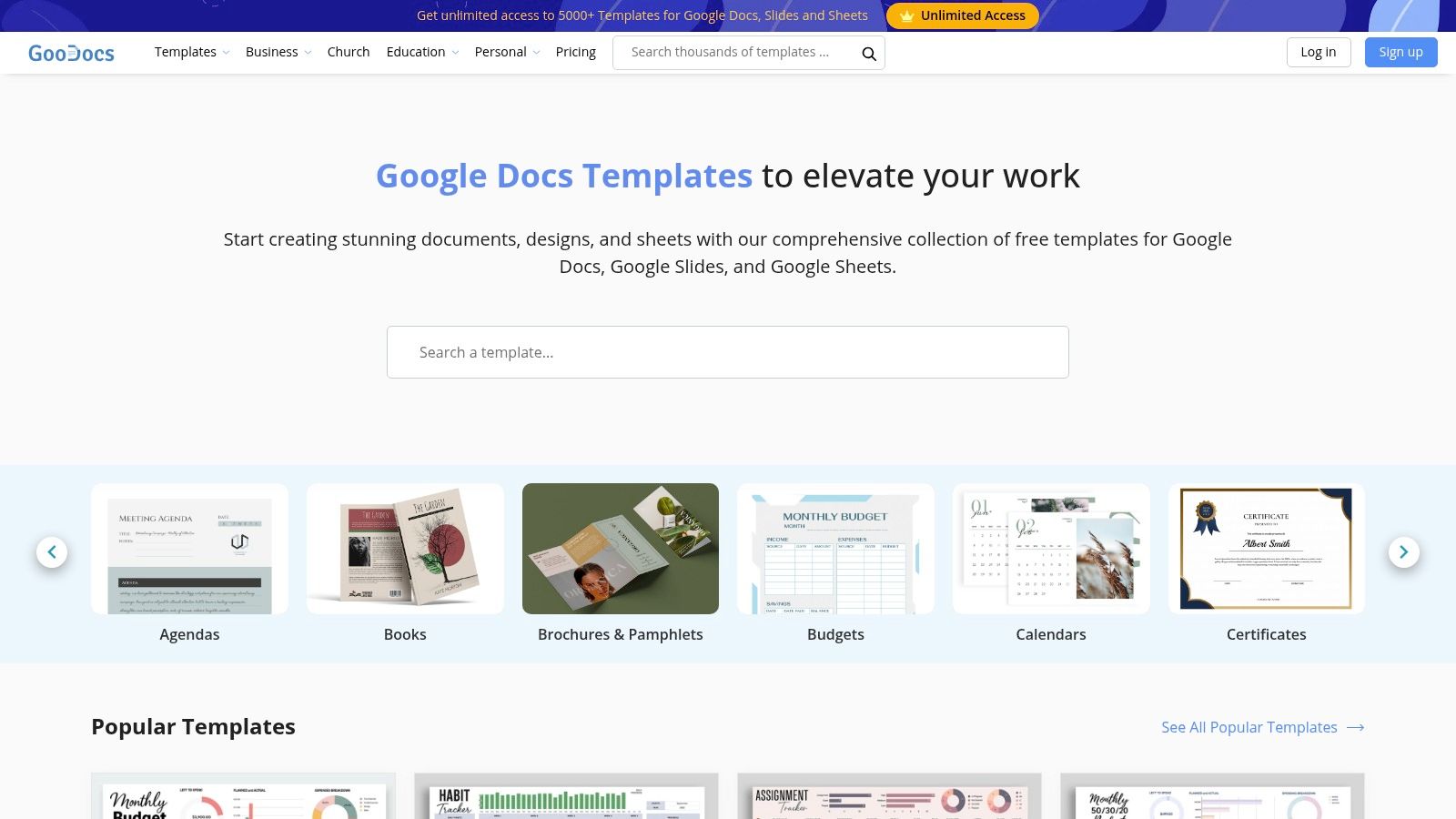
TheGoodocs is a dedicated resource platform offering a catalogue of free templates specifically designed for Google Workspace applications. It stands out by providing stylish and modern invoice templates for Google Docs that can be copied to your Google Drive with a single click, eliminating any complicated download and upload process.
The platform is purpose-built for users who want a bit more design flair than the native Google options without committing to a paid service. The templates are organised clearly and are available in both A4 and US Letter sizes, ensuring they are print-ready and correctly formatted for Australian businesses. This makes it an excellent choice for freelancers or small businesses looking to quickly generate a professional-looking invoice.
Key Features and User Experience
- Access: Completely free, with a simple one-click 'Edit in Google Docs' button that copies the template directly to your personal Google Drive.
- Design Variety: Offers a wider and more modern selection of designs than the native Google gallery, including minimalist and creative layouts.
- Format Options: Each template is available in both A4 and US Letter sizes, a practical feature for international or local use.
While TheGoodocs provides a significant upgrade in design quality, its library is smaller than massive marketplaces, so the selection is more curated than exhaustive. Users might also encounter promotional text on the website, but this does not interfere with the template's functionality. It serves as a strong middle-ground option for those who have outgrown basic templates but do not yet require a comprehensive invoicing system.
6. gdoc.io
For those seeking modern, aesthetically pleasing designs created specifically for Google Docs, gdoc.io offers a curated collection of free templates. Unlike sprawling marketplaces, this platform focuses on quality over quantity, providing clean, contemporary layouts that are ideal for creative professionals, freelancers, and small businesses wanting to present a polished brand image.
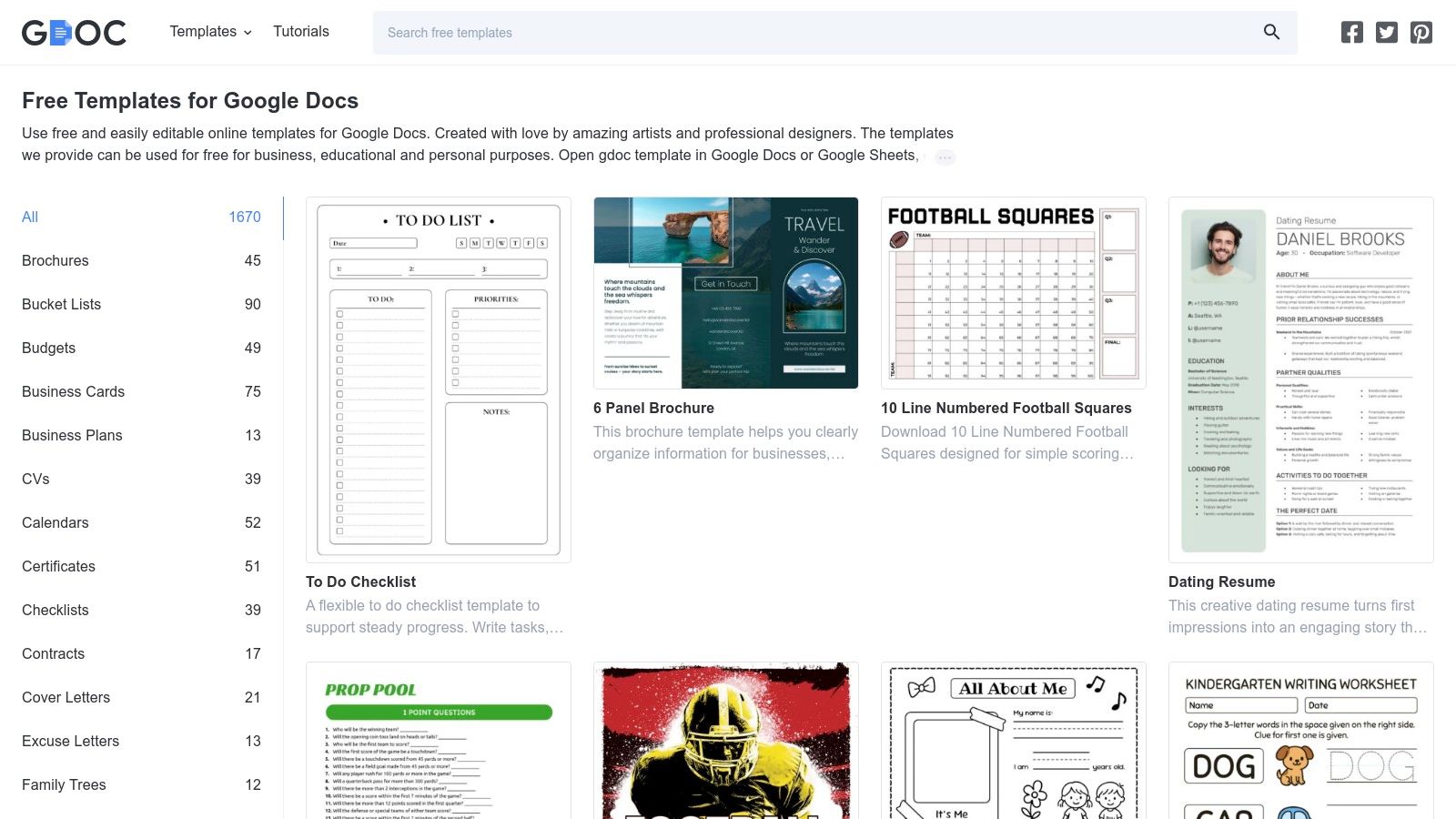
The standout feature of gdoc.io is its simplicity and direct integration. Each template preview includes a clear "Copy this document" button, which instantly creates a duplicate in your personal Google Drive with a single click. This frictionless process removes the need for manual downloads or file conversions, making it one of the quickest ways to acquire and start using high-quality invoice templates for Google Docs. The designs are intentionally minimalist, making them easy to customise with your logo and business details.
Key Features and User Experience
- Access: Completely free with a one-click copy-to-Drive function.
- Design Quality: Modern, professional, and minimalist designs that look sharp and are easy to read.
- Simplicity: The workflow is incredibly straightforward, designed for users who want a great-looking template without any hassle.
The primary limitation is its deliberately small selection. While the available templates like "Generic Invoice" or "Minimal Invoice" are excellent, you won't find the vast variety of a larger library. This makes gdoc.io a perfect choice for users prioritising a clean, modern aesthetic and ease of use over an extensive range of options. It’s an ideal resource for getting a professional invoice ready in minutes.
7. Billdu – Google Docs Invoice Templates
Billdu offers a straightforward approach, providing a collection of free invoice templates for Google Docs and Google Sheets that act as a gateway to its more comprehensive invoicing software. The platform is designed for users who want a quick, usable template now, with the potential to upgrade to a more powerful system later. The process is simple: users can preview different styles and then click a button to "make a copy" directly into their own Google Drive.
The primary advantage here is the blend of immediate access and a clear upgrade path. While the templates themselves are standard Google Docs files, the website frames them as an entry point to its dedicated mobile and web app. This makes Billdu an interesting option for Australian businesses that are starting with basic templates but anticipate needing features like expense tracking, payment reminders, and online payments in the near future.
Key Features and User Experience
- Access: Completely free access to the Google Docs templates via a direct copy link.
- Simplicity: No downloads or sign-ups are required to use the templates themselves, just a single click.
- Upgrade Path: The site heavily promotes an optional 7-day trial of the full Billdu invoicing application for those needing more functionality.
While the "copy-to-Drive" process is exceptionally fast and efficient, the selection of designs is quite limited compared to larger marketplaces. The user experience on the website is geared towards converting visitors into trial users for the paid software, which can be a minor distraction for those only seeking a free template. This option is best for sole traders or small businesses looking for a functional template that comes with a built-in suggestion for their next invoicing tool.
8. Bonsai (HelloBonsai) – Google Docs Invoice Template
Bonsai is a well-regarded name in the freelance and small business software space, and their free offering provides a clean, professional template designed for service providers. Rather than offering a large gallery, Bonsai focuses on a single, well-structured layout that you can copy to your Google Drive, providing a solid foundation for creating invoice templates for Google Docs that project credibility and clarity.
This approach is beneficial for those who feel overwhelmed by choice and simply want a proven, professional format. The template includes pre-filled fields for essential details like payment terms, tax rates, and client information, which helps guide users through the invoicing process correctly. Its design is minimalist and functional, prioritising readability and essential information, which is a hallmark of the Bonsai brand.
Key Features and User Experience
- Access: Completely free to copy the template from their website.
- Professional Design: The structure is clean and trusted, originating from a SaaS brand known for its freelance tools.
- Guidance: The page includes brief instructions and best practices for filling out your invoice.
The main limitation is the lack of variety; only one primary style is offered for free. The page also serves as an entry point to Bonsai’s paid suite of tools, so users can expect some upselling. However, for freelancers looking for a reliable, no-fuss template from a trusted source, this is an excellent starting point. Mastering the basics of invoicing as a freelancer is crucial, and this template provides a great framework.
9. Signeasy – Google Docs Invoice Template
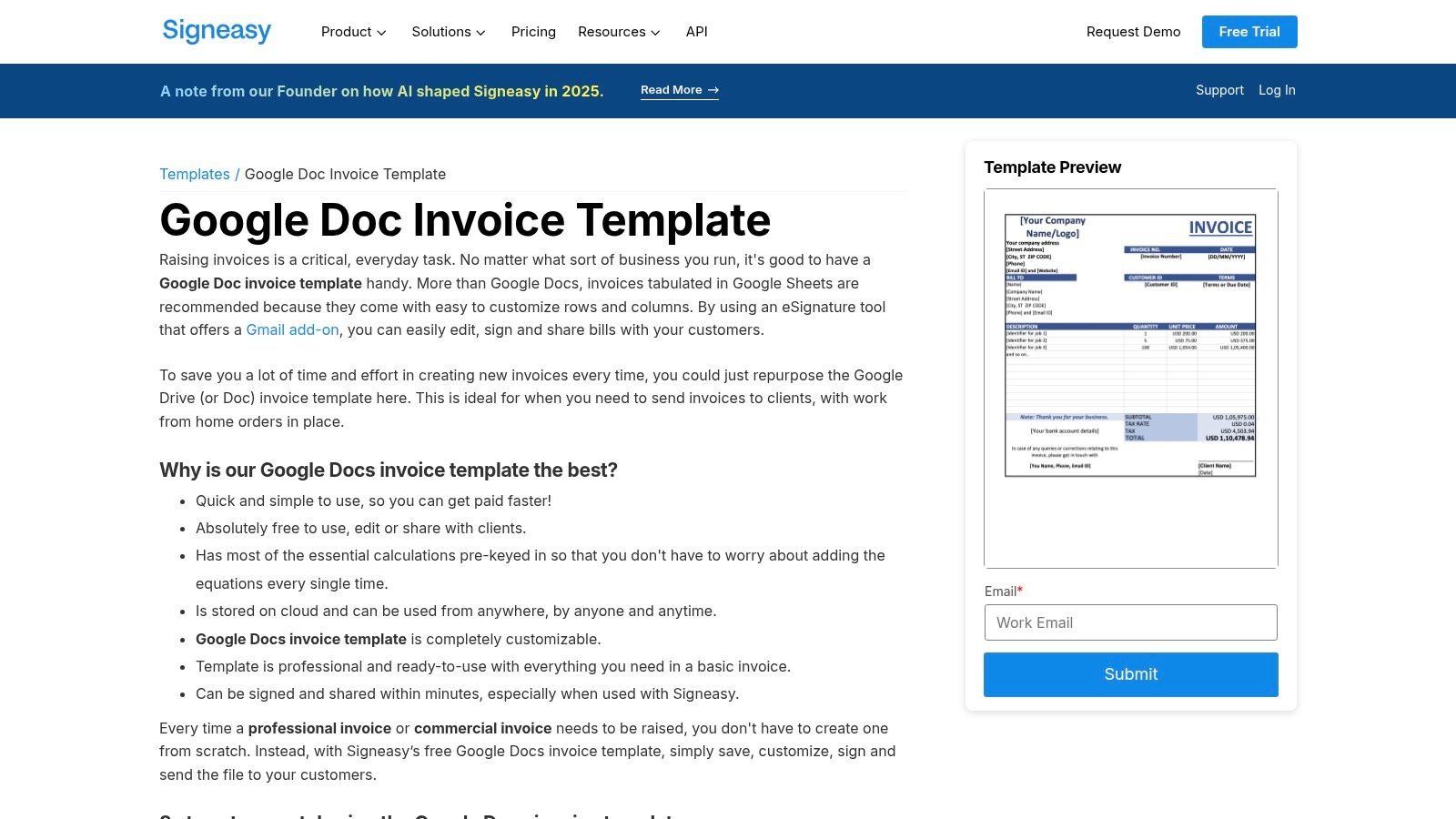
For businesses where invoices require formal sign-off or client approval before payment, Signeasy provides a solution that merges a standard template with a powerful e-signature workflow. They offer a clean, functional invoice template that can be copied directly into your Google Drive, but its real value lies in its integration with the Signeasy e-signature platform, which is designed to streamline approval processes.
This approach is particularly useful for service agreements, project milestones, or any high-value invoice where a signature confirms the client's acceptance of the charges. The platform offers add-ons for both Gmail and Google Drive, allowing you to send your completed invoice templates for Google Docs for signing without ever leaving your Google Workspace environment. It bridges the gap between simple invoicing and legally binding document management.
Key Features and User Experience
- Access: The invoice template is free to copy, but using the e-signature features requires a Signeasy account, with full functionality available on paid plans.
- Workflow Integration: Designed to work seamlessly with Signeasy’s e-signature add-ons for Google Docs, Gmail, and Drive.
- Approval-Focused: An excellent choice for professional services firms, consultancies, or agencies where client sign-off on invoices is a standard procedure.
While the template design itself is quite basic and lacks creative flair, its strength is its purpose-built functionality. The setup is straightforward, with clear instructions on how to prepare the document for signing. This option is less about aesthetics and more about creating a verifiable, approval-based invoicing system directly within your existing Google workflow. You can get the template and learn more at Signeasy.
10. Etsy – Digital Invoice Templates (Google Docs compatible)
For businesses seeking a unique aesthetic without the cost of a graphic designer, Etsy is an unexpected but valuable resource. The marketplace hosts thousands of independent creators selling digital invoice templates for Google Docs, offering a vast array of styles from minimalist to highly creative. This is an ideal solution for brands that want to stand out with a distinct, professionally designed invoice on a small budget.
The primary advantage of Etsy is the sheer variety and affordability. For a one-time purchase, often just a few dollars, you can get an instant digital download that includes a link to a Google Docs template. Seller reviews and detailed previews help you gauge the quality before buying, and many listings include matching document suites like quotes and proposals for consistent branding. The experience supports small creators while giving you a unique asset.
Key Features and User Experience
- Access: Low-cost, one-time purchases with instant digital downloads.
- Variety: Thousands of unique, designer-made templates in countless styles and colourways.
- Simplicity: Most sellers provide a PDF with a direct link to copy the template to your Google Drive.
The main challenge is the variability in quality and support, which depends entirely on the individual seller. It’s crucial to read reviews and check the seller’s terms regarding usage rights and customisation support. While it requires a bit more vetting than a dedicated template site, Etsy provides an excellent, budget-friendly path to a beautifully branded invoice that reflects your business's personality.
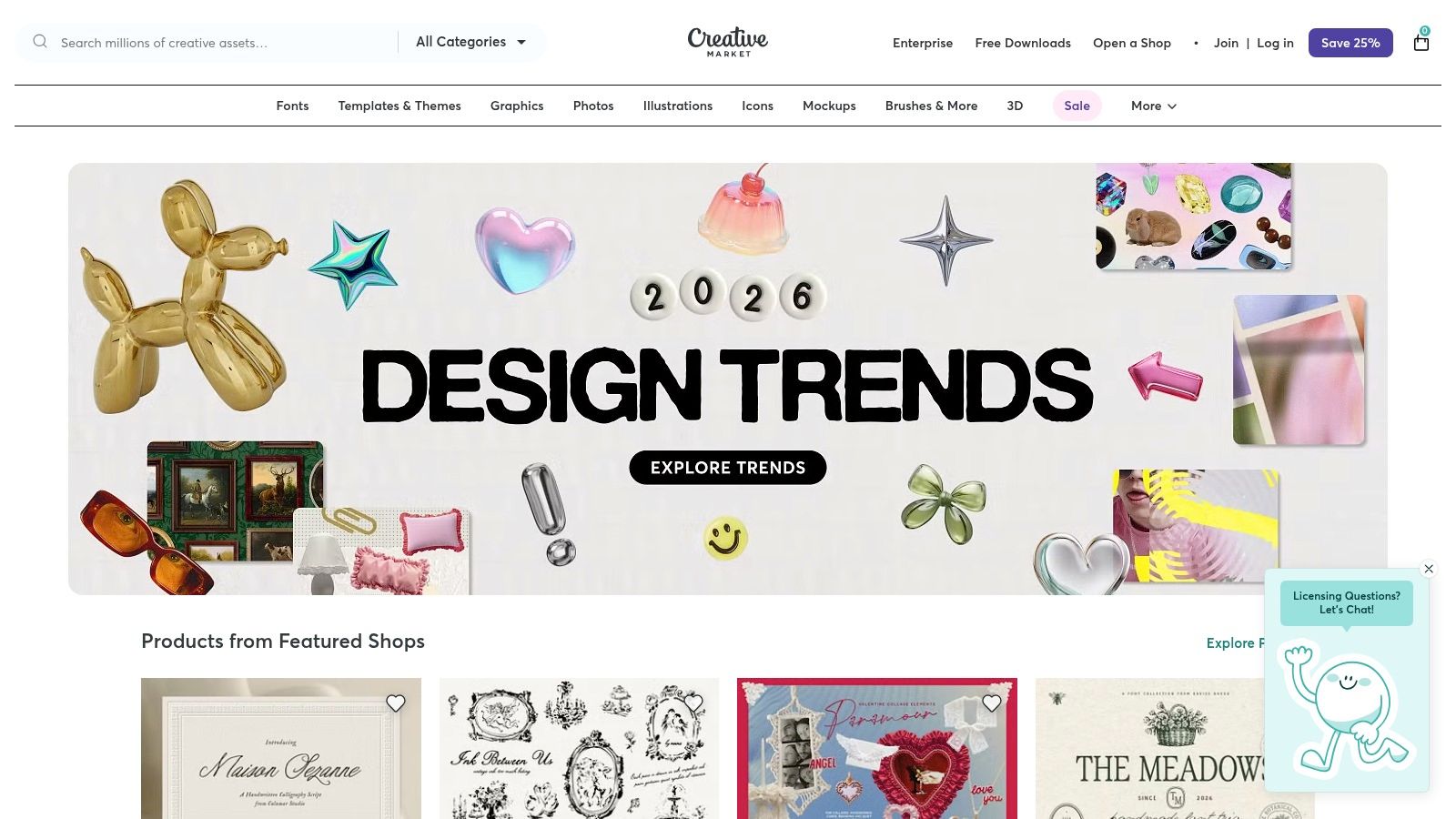
11. Creative Market – Invoice Template Bundles (include Google Docs)
For creative agencies, designers, and businesses where brand presentation is paramount, Creative Market provides a curated marketplace of premium, design-forward invoice kits. Unlike free template sites, this platform offers sophisticated bundles created by professional designers, many of which include explicit support for Google Docs alongside Adobe formats. This makes it an ideal source for businesses needing to present a polished and cohesive brand identity across all client-facing documents.
The primary benefit is the aesthetic quality and the one-time purchase model. You buy a bundle once and receive multiple layouts, colour variations, and often a complete branding suite (like letterheads and proposals) for a single fee. This avoids recurring subscriptions while delivering a high-end result. However, it's crucial to carefully read the product description, as not all templates are compatible with Google Docs.
Key Features and User Experience
- Access: Premium templates available for a one-off purchase, with prices varying by designer.
- Design Quality: Offers professionally designed, aesthetically strong invoice templates for Google Docs that stand out.
- Licensing: Commercial licenses are available, which is essential for business use.
The user experience on Creative Market is straightforward, but it requires due diligence. Users must use the search filter or manually check listings to confirm Google Docs compatibility before purchasing. While the price is higher than mass marketplaces, the investment gives you a unique, on-brand template that can elevate your business’s professional image far beyond what a generic template can achieve.
12. Google Workspace Marketplace – Template Add-ons for Docs
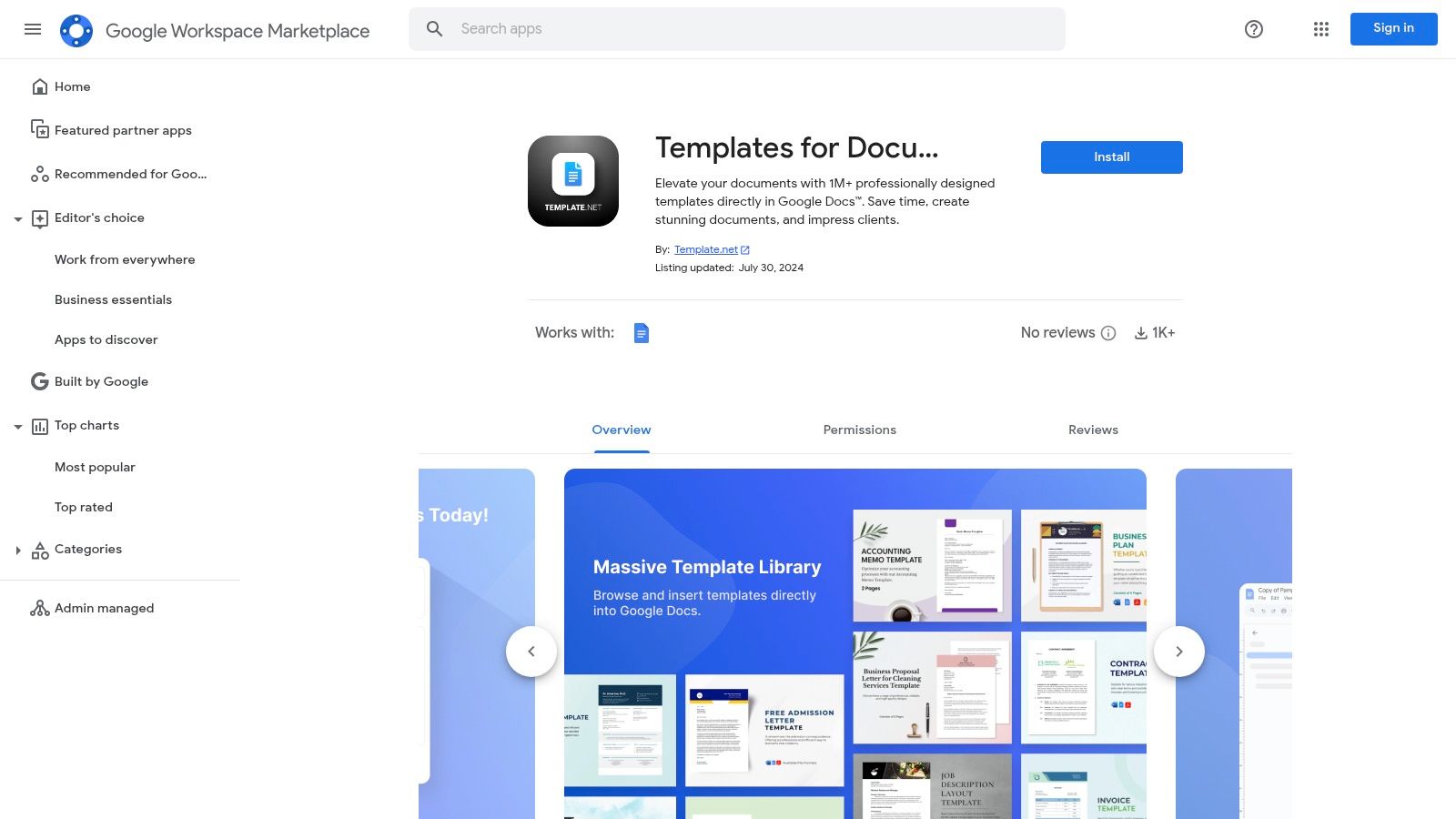
For users who want to expand Google Docs' native capabilities without ever leaving the document editor, the Google Workspace Marketplace is the ultimate resource. It allows you to install third-party add-ons that integrate directly into the Docs interface, providing vast libraries of templates, including invoice templates for Google Docs, accessible from a convenient sidebar. A prime example is Template.net's "Templates for Document" add-on.
This approach offers a powerful middle ground between Google’s basic gallery and standalone template websites. By installing an add-on, you effectively embed a massive template library right inside your workspace, eliminating the cumbersome process of downloading a file, uploading it to Drive, and then opening it. The experience is streamlined for efficiency, making it ideal for teams and individuals who create many different types of documents and want a single, integrated source for all their template needs.
Key Features and User Experience
- Access: Add-ons are free to install, but many operate on a freemium model where premium templates require a subscription.
- Convenience: Browse, select, and import templates directly from a sidebar within Google Docs, saving significant time.
- Variety: These add-ons often contain thousands of templates across dozens of categories, far exceeding what Google offers natively.
The primary drawback is that the sheer volume of options can be overwhelming, and discovering the perfect template may require some browsing. Additionally, the quality can vary between different add-ons, and some may gate their best designs behind a paywall. This solution is best suited for power users who frequently need diverse templates and value the convenience of an all-in-one, integrated workflow. For those seeking just an invoice, a more focused provider might be a quicker option.
12 Google Docs Invoice Template Comparison
| Source | Cost & Access | Key features | Best for (target audience) | Notes / Unique selling points |
|---|---|---|---|---|
| Google Docs Template Gallery | Free (Google account) | One-click templates, autosave, real-time collaboration | Individuals & teams needing quick, zero-cost invoices | Zero setup; seamless Drive integration; limited invoice styles |
| Template.net | Freemium (many paid items) | Large library, industry variants, Workspace add-on import | Users needing wide selection and consistent formatting | Vast selection; quality varies; many templates behind paywall |
| Smartsheet – Free Google Docs Templates | Free downloads (usually no account) | Curated templates for scenarios, tax/payment fields, clear labels | Freelancers & small businesses needing practical templates | High-quality guidance; practical designs, not brand-heavy |
| FreshBooks – Google Docs Templates | Free templates; FreshBooks upsell | Multiple formats (Docs/Sheets/Word/PDF), brandable, invoicing resources | Users considering upgrade to accounting/invoicing software | Clean, reputable layouts; intentionally basic; product promotion |
| TheGoodocs | Free (one-click Edit in Docs) | A4/US Letter sizes, print-ready, simple styles | Quick starters who edit directly in Google Docs | Tailored for Google editors; smaller library; occasional promos |
| gdoc.io | Free | One-click copy to Docs, modern designs, clean line-item tables | Freelancers wanting contemporary, minimal invoices | Modern aesthetic; curated small set; limited advanced variants |
| Billdu – Google Docs Templates | Free templates; optional app trial | Multiple Docs/Sheets templates, quick copy-to-Drive flow | Users who may upgrade to a mobile/web invoicing app | Fast access; limited design variety; upsell to Billdu app |
| Bonsai (HelloBonsai) | Free templates; paid suite upsell | Docs/Sheets formats, pre-filled fields, freelancer-focused | Freelancers & service businesses needing structured invoices | Professional structure and tips; limited styles; upsell present |
| Signeasy – Google Docs Template | Free template; e-sign features may be paid | Template + e-sign guidance, Drive/Gmail add-ons | Teams requiring invoice sign-offs or approvals | Good for signed invoices; basic design; full e-sign paid |
| Etsy – Digital Invoice Templates | Low-cost per item (varies by seller) | Designer-made templates, Docs-compatible, multiple sizes | Agencies/designers wanting unique, affordable branded invoices | Huge variety and previews; quality and licenses vary by seller |
| Creative Market – Invoice Bundles | One-time purchase (premium) | Design-forward bundles, multiple layouts, commercial licensing | Agencies and designers needing high-quality branded invoices | Strong aesthetics and licensing; higher cost; check Docs support |
| Google Workspace Marketplace (Add-ons) | Free & paid add-ons/subscriptions | In-Docs browsing/import, broad template categories | Teams working mainly in Google Workspace | Very convenient inside Docs; premium content often paid; can overwhelm |
Choosing the Right Invoicing Path for Your Business
Navigating the landscape of invoice templates for Google Docs can feel overwhelming, but as we've explored, the right choice ultimately hinges on your specific business needs, workflow, and growth aspirations. We have journeyed through a comprehensive collection of resources, from the native Google Docs Template Gallery to specialised platforms like TheGoodocs and robust business tools such as FreshBooks and Bonsai. The key takeaway is that a simple document can become a powerful, professional touchpoint in your client relationships.
A well-designed invoice does more than just request payment; it reinforces your brand identity, communicates professionalism, and streamlines your administrative processes. For many Australian freelancers and small businesses, the journey begins with a free, customisable template. These are excellent starting points for establishing a consistent look and ensuring all essential information, like your ABN and GST details, is correctly presented.
From Static Document to Dynamic Workflow
The real transformation in your invoicing process occurs when you move beyond a static template. While a Google Doc is an excellent foundation, its true potential is unlocked when integrated into a broader, more dynamic workflow. This means considering the entire lifecycle of an invoice: creation, customisation, delivery, tracking, and payment reconciliation.
Think about the time you spend on manual follow-ups or cross-referencing payments with outstanding invoices. As your business scales, these small administrative tasks can accumulate, consuming valuable hours that could be better spent on client work or business development. This is the critical juncture where you must decide if a basic template is sufficient or if a more integrated solution is required.
Key Factors to Guide Your Decision
When selecting your invoicing path, reflect on these crucial questions:
- What is your current business stage? A solopreneur just starting out has different needs than a growing agency managing multiple clients and projects. A simple template from Template.net or Smartsheet might be perfect initially, while a more comprehensive system may be necessary later on.
- How important is brand consistency? If a unique and memorable brand experience is a priority, investing in premium templates from sources like Etsy or Creative Market, or using a dedicated invoicing platform, will offer greater control over your visual identity.
- What is your tolerance for manual work? Consider the entire process. Do you need features like automated payment reminders, e-signatures (as offered by Signeasy), or direct payment links? If you find yourself manually tracking every step, it’s a clear sign you need to upgrade your system.
- Do you need to integrate with other tools? Think about your accounting software, project management tools, or payment gateways. An integrated solution will save you significant time by eliminating duplicate data entry and providing a single source of truth for your financial records.
Ultimately, the best invoice templates for Google Docs are the ones that not only look professional but also fit seamlessly into your operational reality. When considering the optimal invoicing path for your business, it's also beneficial to consult with dedicated financial and payments experts who can provide tailored advice on streamlining your financial workflows for maximum efficiency and compliance. Your invoice is the final, crucial step in your service delivery, so make it a process that is as polished and professional as the work you provide.
Ready to transform your Google Docs invoice from a simple document into a powerful, trackable, and payable tool? Payly bridges the gap by allowing you to add secure, branded payment links directly to your existing templates. Stop chasing payments and start getting paid faster with a system designed for modern Australian businesses. Discover how Payly can revolutionise your invoicing workflow today.
Payly Team
Sharing insights and strategies to help service businesses thrive. Follow Payly for more tips on time tracking, invoicing, and business operations.
Related Articles

Ready to streamline your business?
Join thousands of freelancers and agencies who use Payly to track time, send invoices, and get paid faster.