
Free Time Sheet Template for Australian Businesses
Download our free time sheet template for Excel, Sheets, and PDF. Simplify hour tracking, GST calculations, and invoicing for your Australian business.
Payly Team
January 8, 2026

At its core, a simple time sheet template is just a pre-made document for logging the hours someone works. It’s got the essentials: spots for dates, start and end times, breaks, and the total hours worked. This creates a straightforward record for everything from payroll and client invoicing to keeping projects on track.
Your Essential Time Sheet Template Toolkit
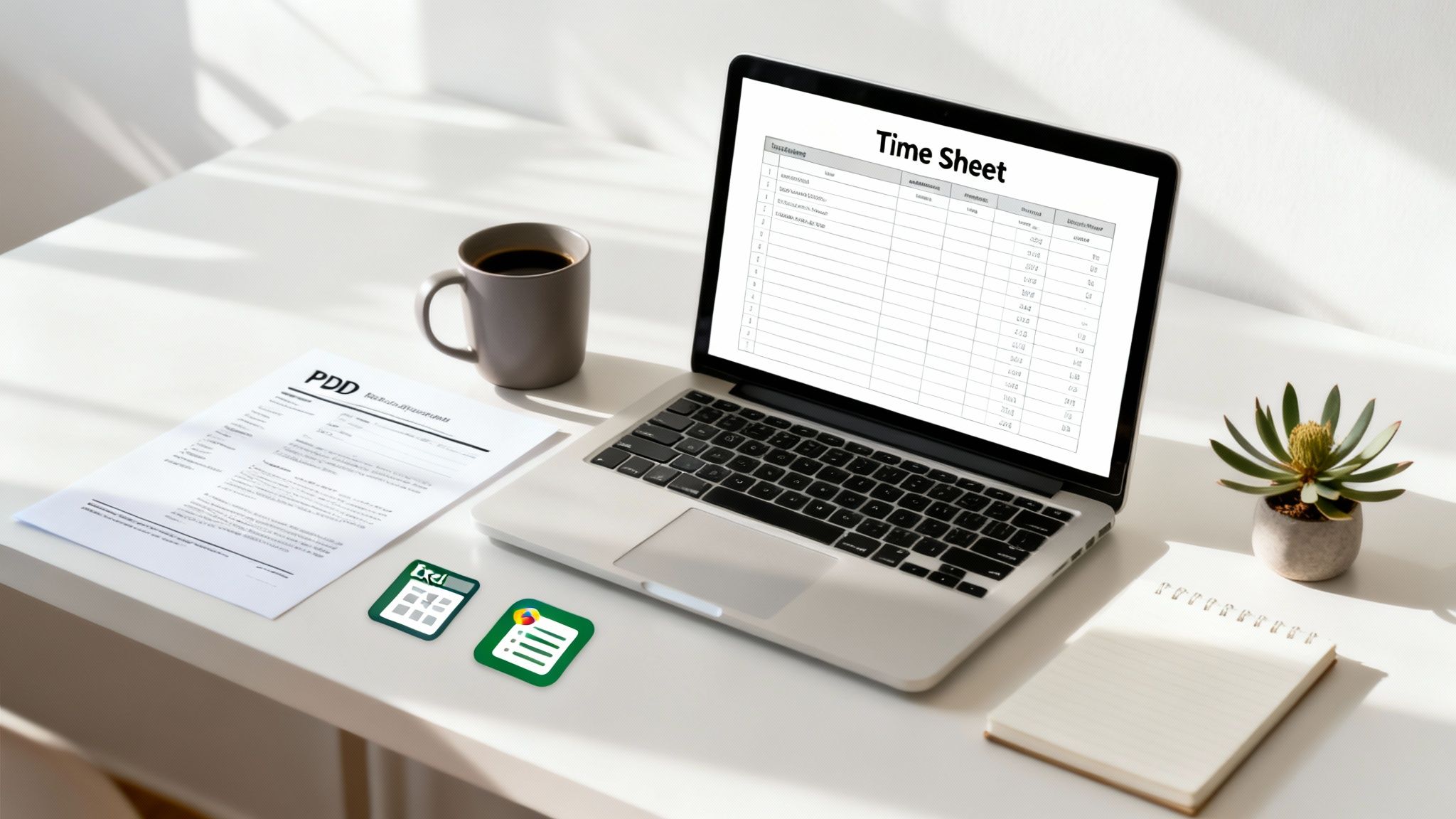
Spot-on time tracking is the foundation of any healthy service business. It’s what ensures you’re paid fairly for every single billable hour, keeps your projects in the black, and gives your clients a transparent record of the work you’ve done. Whether you're a freelancer bouncing between gigs or a small business owner managing a team, having a solid time sheet system is non-negotiable.
To get you up and running right away, we’ve put together a toolkit of free, practical templates specifically for Australian businesses. Just grab the format that fits your workflow best, and you can start logging hours today.
Which Time Sheet Template Is Right for You?
Not sure which file to download? Each format has its own strengths. A spreadsheet like Excel or Google Sheets is brilliant for doing the maths for you, whereas a PDF is a simple, print-and-go option for manual logs or getting client sign-offs on-site.
This quick comparison should help you decide which one is the best fit for your business.
| Template Format | Best For | Key Features |
|---|---|---|
| Microsoft Excel | Businesses & individuals comfortable with offline software and needing robust calculation features. | Powerful formulas for complex calculations (overtime, etc.), great for detailed project breakdowns, works completely offline. |
| Google Sheets | Teams that need to collaborate in real-time, especially remote or hybrid setups. | Cloud-based for access from any device, multiple users can edit simultaneously, easy to share with clients or managers. |
| Printable PDF | On-site work where digital access is tricky, or when you need a physical signature for approval. | Simple, no-fuss format, perfect for manual record-keeping, universally accessible and easy to print. |
Ultimately, the goal is to find a system that feels natural and doesn't add a bunch of admin work to your plate.
Choosing the right template isn't just about logging hours; it's about creating a system that reduces administrative friction and gets you paid faster. Your time sheet is the first, most crucial piece of evidence for the value you deliver.
And while these templates are a fantastic starting point, remember they are a manual solution. As your business grows, you might find yourself spending more and more time on them. For businesses looking to scale, exploring automated time tracking software can be a game-changer. It saves a huge amount of time, cuts down on human error, and seamlessly links the hours you work directly to your invoicing and payroll.
Making the Timesheet Your Own
A blank timesheet template is a solid starting point, but it's not truly yours until you’ve tailored it to how you actually work. A few tweaks here and there can transform it from a basic spreadsheet into a document that makes invoicing a breeze, helps you manage projects better, and keeps you compliant with Australian standards. Let's walk through how to make it work for you.
First up, let’s make it look professional. Adding your business identity is a small touch that goes a long way, especially if clients will ever see a copy. It creates a clean, branded paper trail for all your hard work.
- Pop in your logo: Just drop your company logo into the header section.
- Add your details: Make sure your business name, address, and Australian Business Number (ABN) are clearly visible. You'll need this for invoicing and tax time anyway, so it's good practice to have it on everything.
Billable vs. Non-Billable Hours: The Key to Profitability
With the basics in place, it’s time for the most important customisation: separating your billable and non-billable hours. Honestly, not tracking this properly is one of the easiest ways to lose money without even realising it.
Billable hours are pretty straightforward; it's the time you spend on direct client work you can charge for. Think design work, consultations, or site visits. On the flip side, non-billable hours cover all the essential internal stuff: admin, chasing up leads, or writing proposals.
Clearly splitting these on your timesheet gives you an honest look at your business's health. You'll see exactly how much of your day is spent on tasks that make money versus the time spent just keeping the lights on.
A freelance graphic designer, for instance, might log five billable hours creating a logo for a client. But they might also spend two non-billable hours that same day updating their portfolio and sending out invoices. Both tasks are necessary, but only the first one generates revenue.
Adding Columns for Project Details and Expenses
To get the most out of your timesheet, you need more detail. Think about the information you always find yourself digging for when it's time to send an invoice. Adding specific columns for these details from the get-go saves a ton of headaches later.
Consider adding columns to track things like:
- Project/Client Code: A simple, unique code for each project makes filtering and reporting so much easier.
- Task Description: A quick note on the specific work done (e.g., "Drafting initial wireframes," "On-site consultation").
- Travel Expenses: A dedicated spot to log mileage, public transport fares, or other reimbursable costs.
- Overtime Hours: If you pay or charge overtime, create separate columns to track it. In Australia, this usually means columns for time-and-a-half (1.5x) and double-time (2.0x) to stay aligned with Fair Work requirements.
By adding these fields, your timesheet stops being just a log of hours and becomes a rich record of everything that went into a job. This level of detail is gold when a client questions an invoice, and it’s invaluable for figuring out where your team’s time is really going.
From Hours Logged to Invoice Paid
Logging your hours is one thing, but getting paid for them is the real endgame. That's where a meticulously kept timesheet isn't just a record, it's the bedrock of every invoice you send.
A good timesheet makes invoicing almost effortless. Instead of wracking your brain trying to recall what you worked on three weeks ago, you’ve got a clear, chronological log right in front of you. This makes it simple to group your tasks, tally up the costs for different projects, and build a professional, itemised bill that clients can understand at a glance.
Turning Time into an Invoice
So, how do you get from a spreadsheet of hours to a paid invoice? It’s all about translating that raw data into a polished, professional document. The first move is to pull together all the time entries for a specific client or project.
Next, you'll want to itemise the work you did. Nobody likes a vague invoice. Instead of a single line item like "15 hours - Project X," break it down into something meaningful.
For example:
- Initial Design Mockups: 7 hours
- Client Revisions & Feedback: 8 hours
This level of transparency builds trust and clearly shows the client exactly where their money is going.
This simple workflow shows how to get your timesheet data ready for billing.
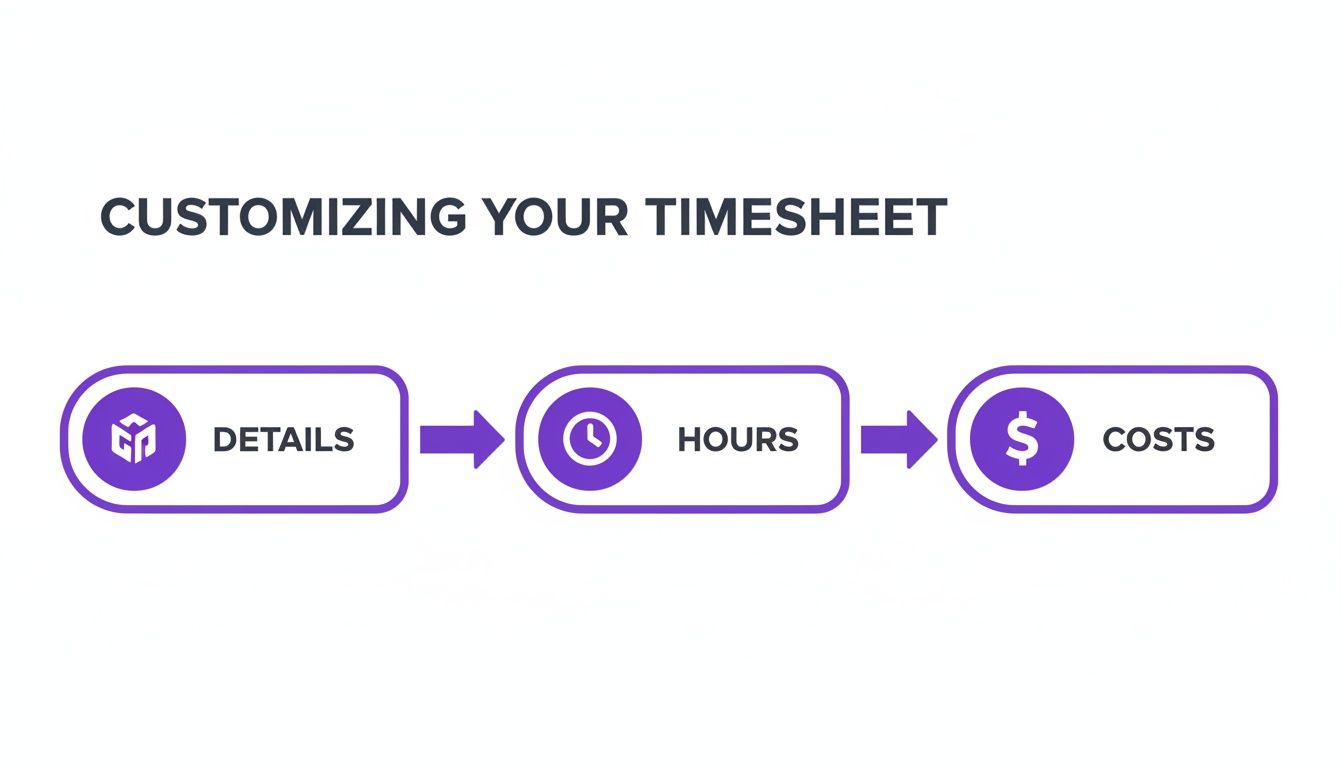
It’s a straightforward process: confirm your details, verify the hours, and then calculate the final costs.
Calculating GST and Final Costs in Australia
If you’re running a business in Australia and you're registered for GST, this next step is non-negotiable. You have to correctly add the Goods and Services Tax to your invoices. The standard rate is 10% of your total service cost.
Here's how it works: add up all your billable hours and any associated costs to get a subtotal. Then, calculate 10% of that figure to find the GST amount. The final invoice total is your subtotal plus the GST. Make sure your invoice clearly shows all three figures: the subtotal, the GST amount, and the final price. For a more detailed walkthrough, our guide on how to send an invoice covers everything you need to know.
Manually turning timesheets into invoices is where mistakes happen. A misplaced decimal point or a forgotten entry can mean you under-bill for your hard work or, even worse, overcharge a client. Either way, it's not a good look.
This is exactly why automation is such a game-changer. Tools like Payly are built to take this tedious job off your hands. With just a few clicks, your approved timesheet becomes a professional, accurate invoice with GST calculated for you. It saves a massive amount of time and, more importantly, slashes the risk of human error, helping you get paid faster and correctly.
Timesheet Best Practices for Australian Businesses
Getting your timesheets right is about so much more than just crunching numbers for an invoice. Here in Australia, they’re a critical legal record that proves you’re on the right side of the Fair Work Act. Honestly, keeping detailed and consistent records isn't just a 'nice-to-have', it's a fundamental practice that protects your business and your team.
This has become even more important as remote work has taken hold and conversations around employee wellbeing are (finally) front and centre. A good, clear timesheet template, used by everyone without fail, is your best defence against compliance headaches and helps foster a transparent, trusting work environment.
Why Meticulous Record Keeping Matters
Think of transparent time tracking as your business's safety net. For starters, it provides concrete proof of hours worked, which is the bedrock for accurate pay, overtime calculations, and managing leave entitlements. Without that solid documentation, a simple payroll question can spiral into a messy and expensive dispute.
But the benefits go way beyond just compliance. Your timesheet data is a goldmine of business insights. By looking at the patterns, you can spot the early warning signs of employee burnout or see if work is being spread unevenly across the team. If one person is constantly racking up huge overtime hours, that’s a red flag. It’s your cue to step in and reassess their workload before it becomes a real problem, protecting both their health and your productivity.
It also gives you a crystal-clear view of project profitability, showing you exactly where your team's most valuable resource, their time, is going. For a deeper dive, check out our guide on effective methods for tracking employee time.
An accurate timesheet is more than a log of hours; it's a legal document, a project management tool, and a snapshot of your team's health all in one. Neglecting it is like navigating without a map, you might move forward, but you risk getting seriously lost.
The current Australian workplace culture really underscores the need for this clarity, especially when it comes to work creeping into after-hours. Recent research found that a staggering 61% of Australian workers reply to messages after hours just to look committed. That’s a lot of pressure outside the standard 9-to-5. With burnout levels stubbornly sitting at 40%, having accurate timesheet data is no longer just for payroll; it’s a vital tool for establishing healthier work boundaries. You can find more of these insights in the research on Australian workforce trends.
Legal and Tax Compliance in Australia
Getting into the nitty-gritty, Australian law is very specific about how long you need to keep your business records. This is where your day-to-day timesheet habits meet your legal duties to organisations like the Australian Taxation Office (ATO) and the Fair Work Ombudsman.
For compliance, you must hang onto all timesheet and payroll records for a minimum of seven years. It’s not enough to just have them stored somewhere on a hard drive, either. These records must be:
- Readily accessible: If an auditor asks for them, you need to be able to pull them up quickly.
- Legible and in English: They have to be clear and easy for anyone to understand.
- Secure: Crucially, they cannot be altered or tampered with after they’ve been lodged.
Failing to meet these requirements can lead to some pretty hefty penalties. Using a reliable timesheet template or, even better, a digital system, ensures everything is organised, secure, and ready for inspection. This systematic approach doesn’t just keep you compliant; it saves you a world of stress if you ever face an audit, letting you get back to running your business instead of frantically searching for old files.
Automating Your Workflow with Business Tools
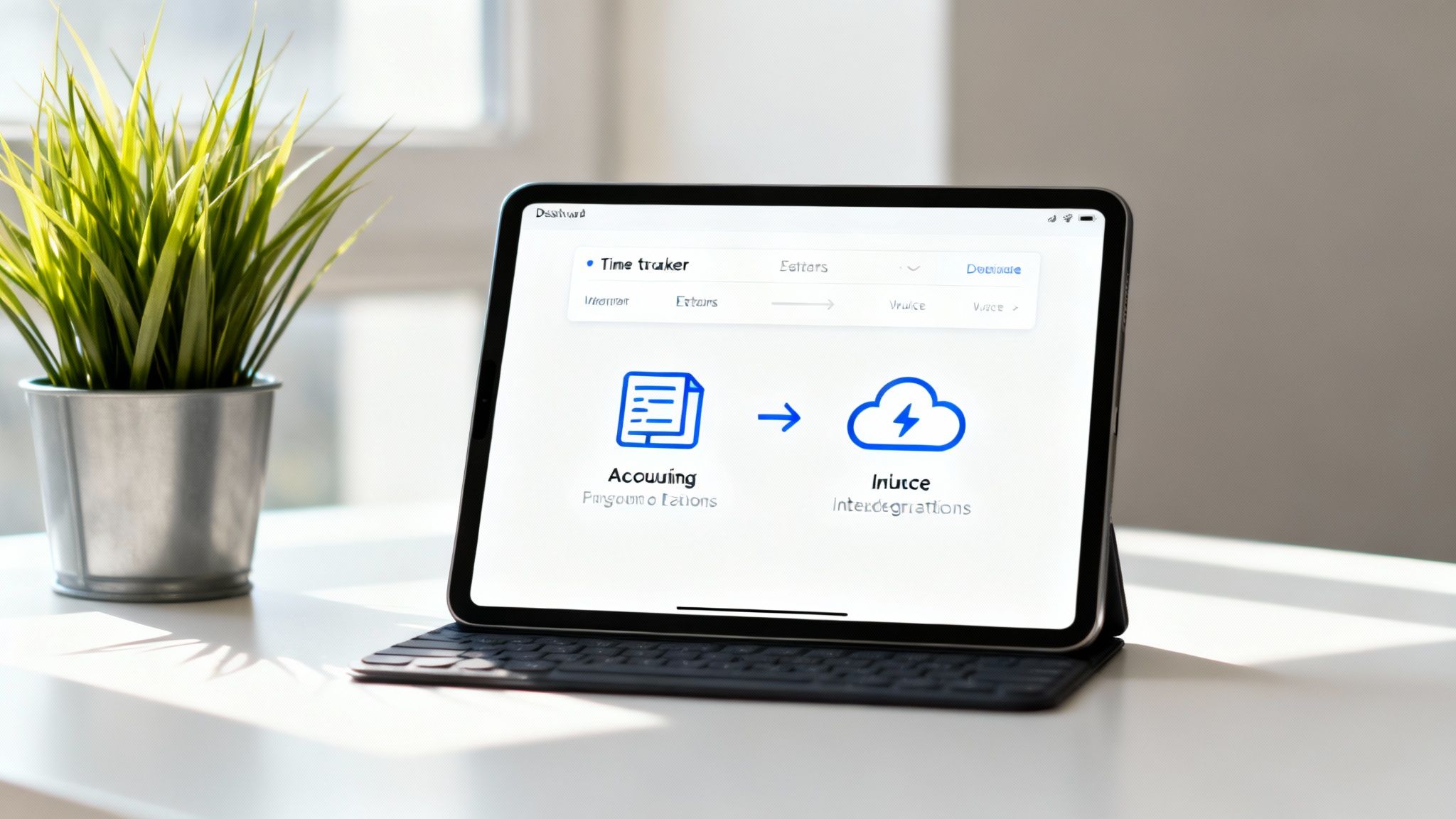
While manual spreadsheets are a great starting point, the real game-changer is when you move past basic templates. Automation is what frees up your time, cuts down on costly mistakes, and creates a direct line from the hours you work to the money in your bank account.
This is all about swapping out a static timesheet template for a dynamic system that talks to the other software you’re already using.
Upgrading from Templates to an Integrated Platform
A dedicated platform like Payly can completely replace your manual templates, acting as a central command centre for your entire workflow. You're not just logging hours anymore; you're using a system that actively helps run your business from end to end.
When you use an integrated time tracker, your billable hours stop being just numbers on a spreadsheet. They become live data points you can instantly convert into smart invoices, link to specific projects, and use to pull together accurate financial reports.
The real power of automation isn't just about saving a few minutes on data entry. It’s about creating a single source of truth for your business, where time tracked, invoices sent, and payments received are all perfectly in sync.
This digital-first approach also makes document management a breeze. Project briefs, client contracts, and signed agreements can all live alongside your time entries. This gives you a complete, at-a-glance view of every job without having to dig through endless folders.
Connecting with Xero, MYOB, and QuickBooks
The magic of automation really becomes clear when you connect your time tracking platform with your accounting software. For most businesses in Australia, this means linking up with popular tools like Xero, MYOB, or QuickBooks. This simple connection gets rid of the risky and tedious job of manually keying in data from one system to another.
Once you’re connected, the process is incredibly smooth:
- You track time for a client in a platform like Payly.
- An invoice is generated directly from those approved hours.
- The invoice is then pushed automatically into your accounting software.
This sync keeps your financial records constantly up to date without any double-handling. It tidies up everything from client billing to payroll and makes preparing your Business Activity Statement (BAS) so much simpler.
The Australian workforce presents its own unique challenges, especially with the wide variation in remote work adoption. While remote work has jumped by 30% in most regional areas, Queensland has seen a much smaller uptick of only 16%. This diversity means any timesheet template or system needs to be flexible enough to handle different work arrangements and pay structures across the country.
If you're serious about getting your operations in order, starting with a solid workflow documentation template is a smart move. By mapping out your processes first, you can pinpoint exactly where a tool like Payly will make the biggest difference, ensuring a seamless shift from manual spreadsheets to a fully connected system built for your business.
Answering Your Top Timesheet Questions
Even with a great template, you're bound to run into some tricky situations. Juggling project profitability, keeping clients happy, and staying on the right side of the law can feel like a lot.
Think of this as your go-to guide for those nagging timesheet questions that pop up for Australian freelancers and small businesses.
How Long Must I Keep Timesheet Records in Australia?
This one is non-negotiable. Under Australian law, you have to hang onto all timesheet and payroll records for a minimum of seven years.
These records need to be kept somewhere safe, be easy to read, and stored in a way that can’t be tampered with later. Whether you go digital or stick with paper files, make sure your system is solid. Falling short of the requirements from the ATO and Fair Work can lead to some hefty penalties, so it's not worth the risk.
How Should I Handle a Client Dispute Over Billed Hours?
It happens. Sooner or later, a client might question an invoice. When they do, a detailed timesheet is your best friend. The first thing you should do is send them a clear, itemised breakdown of the hours logged.
This is exactly why vague entries like "Project Work" just don't cut it. Your timesheet needs to tell a story with specific activities, such as:
- "Drafting initial homepage mockups"
- "Implementing client feedback on logo concepts"
- "On-site project kickoff meeting and consultation"
A transparent, detailed timesheet turns a subjective argument about time into an objective conversation about the work you delivered. It’s hard evidence of your effort and the value you provided, which often clears things up straight away.
If the disagreement drags on, pull out your original contract or scope of work document. Having clear terms locked in from the start is your ultimate safety net for managing expectations and resolving disputes fairly.
How Do I Track Time on Fixed-Price Projects?
It might seem counterintuitive to track hours on a project you're not billing by the hour, but it’s one of the smartest things you can do for your business. You absolutely need to know where your time is really going.
Logging every hour against a fixed-price job helps you calculate its true profitability. For example, say you quoted a project at $5,000. If it took you 100 hours, your effective hourly rate was $50. But if it stretched to 150 hours, that rate plummets to just $33.
This kind of data is gold when it comes to quoting your next job. It shows you which projects are actually making you money and which ones are a drain, allowing you to fine-tune your pricing and build a more profitable business. For a deeper dive into how improving internal processes can impact your bottom line, it's worth exploring answers to common business automation questions. Understanding these can help you refine everything, including how you track time on both billable and internal work.
Ready to leave manual spreadsheets behind? Payly pulls everything together in one place, combining time tracking, smart invoicing, and document management to make running your business simpler. Stop losing hours to admin and start getting paid faster. See how Payly can change your workflow with a free 14-day trial at https://www.payly.com.au.
Payly Team
Sharing insights and strategies to help service businesses thrive. Follow Payly for more tips on time tracking, invoicing, and business operations.
Related Articles


Ready to streamline your business?
Join thousands of freelancers and agencies who use Payly to track time, send invoices, and get paid faster.