
How to Electronically Sign a PDF: Quick Guide to Legally Sign Documents
Discover how to electronically sign a pdf quickly and legally with free tools, apps, and platforms for step-by-step guidance.
Payly Team
February 17, 2026
Let’s be honest, the whole print-sign-scan routine is a massive time-waster. Thankfully, figuring out how to electronically sign a PDF is something you can master in minutes, using tools you probably already have on your computer or phone. It's a game-changer for getting contracts finalised, invoices approved, and keeping your business humming along without the paper-chasing headaches.
Why Bother With Electronic Signatures?
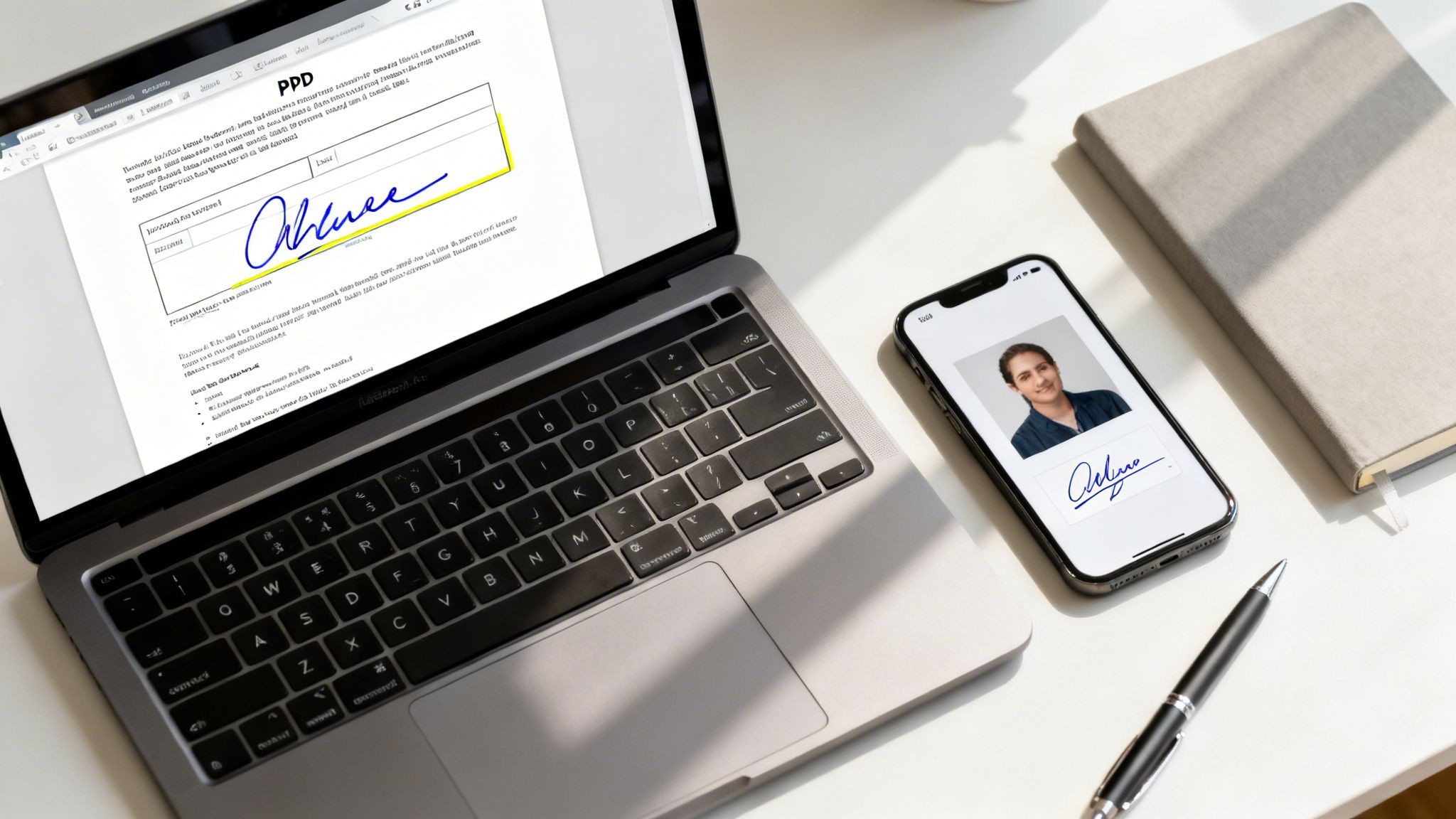
Moving away from paper isn't just about saving a few trees or clearing desk clutter; it’s about how business gets done now. For Australian freelancers and small businesses, embracing e-signatures means getting client agreements back faster, onboarding new contractors in record time, and generally looking more professional and organised.
This isn't just a niche trend. The Australian digital signature market is booming, and it's on track to hit USD 3,325.7 million by 2033. This surge is backed by serious government investment in secure digital identity systems, which makes electronic signing a solid, reliable way to run your operations.
When you consider that 95% of Australian adults now use their mobile phone as their main way to get online, being able to sign a document from anywhere isn't just a nice-to-have; it's an absolute must. You can dive deeper into these trends over at the IMARC Group website.
Choosing the Right Tool for the Job
Not all e-signature methods are built the same. The best approach really depends on what you're trying to do. Are you just quickly signing a one-off form, or do you need a bulletproof, repeatable process for important business documents?
Think about these real-world scenarios:
- Quick Approvals: A freelance designer gets a simple scope of work from a client. Using their phone’s built-in markup tool to quickly add a signature is perfect here. It's fast and gets the job done.
- Formal Contracts: A marketing agency is sending a major service agreement to a new corporate client. They'll want to use a dedicated platform that creates a proper legal audit trail, proving who signed and when.
- Internal Documents: Your team lead just needs you to sign off on an internal project report. The free signature feature in a program like Adobe Acrobat Reader is more than enough for this.
The context is everything. Signing off on a casual team memo is a world away from putting your signature on a legally binding commercial lease. The stakes are different, and so the tool should be too.
Before we get into the step-by-step guides for each platform, the table below gives a quick overview to help you pick the right path.
Choosing Your PDF E-Signature Method
Deciding on the right tool can feel a bit overwhelming, but it boils down to balancing convenience with security. This table breaks down the most common options to help you make a quick, informed choice based on what you need to sign.
| Method | Best For | Pros | Cons |
|---|---|---|---|
| Built-in OS Tools | Quick, one-off signatures on personal documents | Free and already installed; no extra software needed | Lacks a legal audit trail; very basic functionality |
| Web-Based Platforms | Legally binding contracts and frequent business use | Secure, compliant, and includes detailed audit trails | Often requires a paid subscription for the best features |
| Mobile Apps | Signing documents while you're out and about | Incredibly convenient; lets you work from anywhere | The small screen can be fiddly for complex documents |
Each of these methods has its place. Your phone's markup tool is great in a pinch, but for your most important business agreements, a dedicated e-signature platform is the smarter, safer bet.
Using Built-In Tools to Sign PDFs on Your Computer
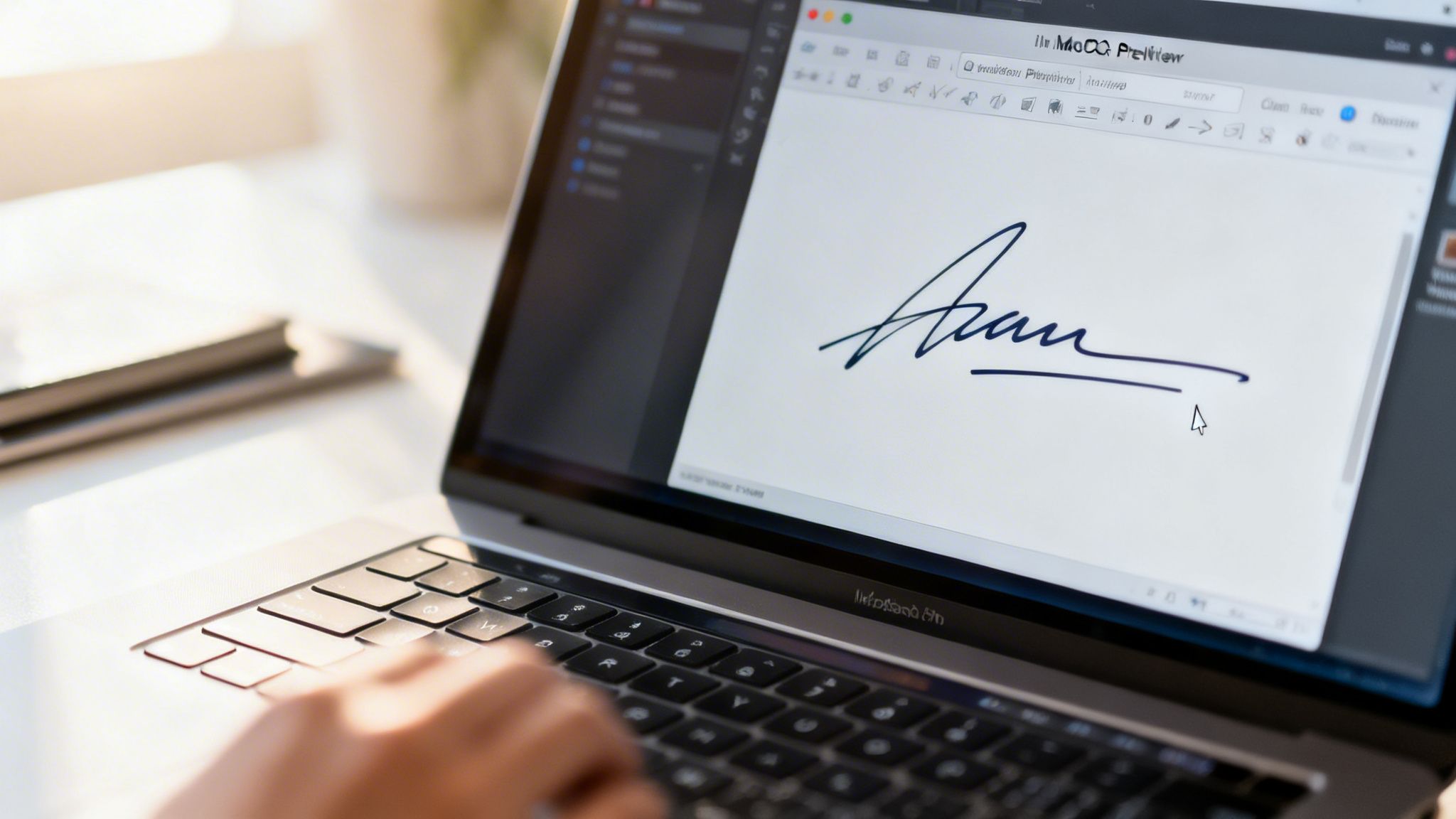
Before you go hunting for new software, take a look at what’s already on your computer. You might be surprised to find that both macOS and Windows come with free, capable tools that handle basic PDF signing without any fuss.
For those one-off documents or simple internal forms, these native features are often all you need. They're perfect for situations where you don't require a comprehensive, legally-binding audit trail. Think of it as the digital equivalent of printing, signing, and scanning, just much, much faster.
How to Sign a PDF on a Mac Using Preview
If you're a Mac user, you're in luck. You have a brilliant tool called Preview baked right into the operating system. It’s the default app for viewing images and PDFs, but it has a powerful, slightly hidden talent for creating and storing your electronic signature.
The process is refreshingly simple and gives you a few ways to capture a signature that you can reuse over and over. Once it’s saved, adding it to any PDF takes just a couple of clicks.
You can create your signature in a few different ways:
- Trackpad: Just draw your signature directly on your trackpad with your finger. It might take a few goes to get it looking right, but it's easily the quickest method.
- Camera: Sign your name in black ink on a plain white piece of paper. You can then hold this up to your Mac's camera, and Preview will instantly digitise it into a clean signature with a transparent background.
- iPhone or iPad: If you have an iPhone or iPad handy, you can draw your signature on its screen with your finger or an Apple Pencil, and it appears instantly in Preview on your Mac.
From my experience, the camera method gives the most authentic-looking result. It feels most like a real signature. Just sign a few times on a piece of paper, pick the best one, and let Preview capture it. It's stored securely for you to use anytime.
Once it's saved, adding it is a breeze. Open your PDF, click the Markup icon (it looks like a pen tip inside a circle), hit the Sign button, and choose your signature. You can then pop it anywhere on the document and resize it to fit perfectly.
How to Sign a PDF on Windows Using Adobe Reader
For anyone on a Windows machine, the go-to free tool is Adobe Acrobat Reader. While Adobe has a feature-packed paid version, the free Reader app includes a really useful Fill & Sign feature that gets the job done quickly. Many PCs have it pre-installed, but if not, it’s a quick and free download.
It works a lot like Preview on the Mac, letting you create and save a signature for repeated use. You can type your name and pick a script-like font, draw your signature with a mouse or trackpad, or even upload a picture of your handwritten signature.
To get started, open your PDF in Adobe Acrobat Reader and find the Fill & Sign tool. It's usually a pen icon in the right-hand panel. Click that, and a new toolbar will appear at the top. Select Sign yourself, then Add Signature. From there, you can choose how you want to create it.
Once your signature is created and saved, you just click where you want it on the PDF. The same toolbar also lets you add other text, like the date or your printed name, making it a great little tool for completing simple forms.
The Limitations of Built-In Tools
These free, built-in methods are fantastic for convenience, but it's really important to know where they fall short. The signatures they produce are essentially just image overlays placed on the document.
They don't come with the cryptographic security or the detailed, legally-binding audit trail you get from a dedicated e-signature platform. This means they are best suited for lower-stakes situations like:
- Internal company documents
- Approving design mock-ups
- Personal forms and applications
- Timesheets or simple expense claims
When it comes to client contracts, financial agreements, or any document where legal enforceability is critical, you'll want to step up to a more robust solution. That's where dedicated platforms come in, offering the security and compliance that Australian businesses need to protect themselves.
Signing PDFs on Your Phone or Tablet
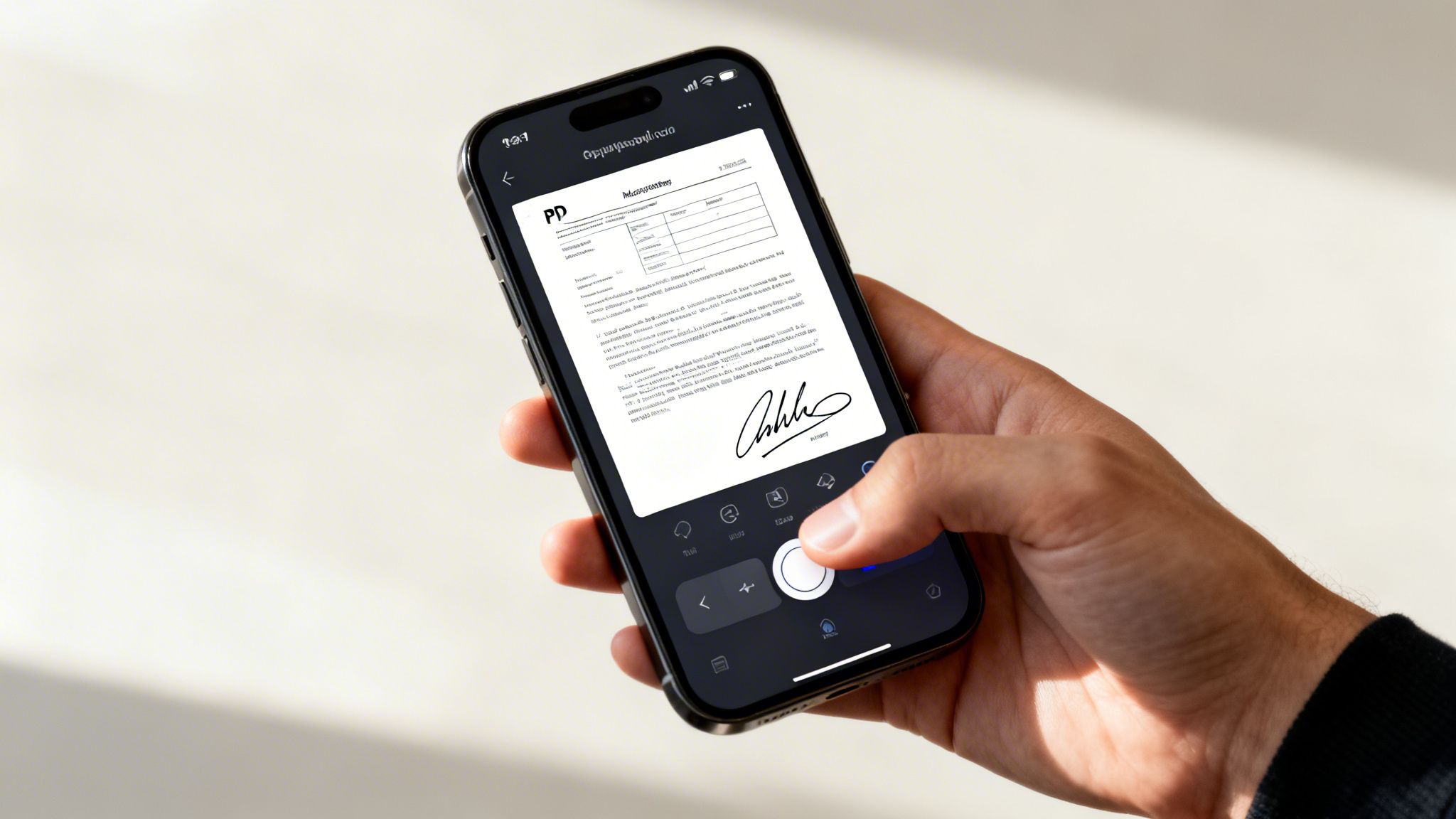
Let’s face it, business doesn't just happen at a desk anymore. We’re finalising deals from cafes, approving proposals between client meetings, and managing projects from just about anywhere. Being able to sign critical documents on the go isn't just a convenience, it's essential to keep things moving.
Imagine getting an urgent contract while you're travelling. Instead of the old scramble for a printer and scanner, you can sign and return it from your phone in under a minute. This kind of responsiveness doesn't just save time; it shows your clients you’re efficient and on the ball.
Got an iPhone or iPad? Use the Built-in Markup Tool
If you're an Apple user, you've got a fantastic tool called Markup baked right into your device. It’s seamlessly integrated into apps like Mail and Files, so you don't need to download anything extra to get a PDF signed.
The whole process is incredibly simple. When you open a PDF attachment in an email, look for a small icon that looks like a pen tip in a circle. Tapping it brings up the Markup toolbar.
From there, tap the little plus (+) icon and choose "Signature." The first time, you’ll be asked to scribble your signature with your finger or an Apple Pencil. The best part? Your device securely saves it for next time, letting you add it to future documents with just a couple of taps.
This feature is an absolute lifesaver. I once had to approve a last-minute change order while standing in a queue for coffee. I just opened the email, tapped Markup, dropped in my saved signature, and sent it back before my latte was even ready. It's genuinely that quick.
Once you’ve placed your signature, you can easily drag it into position and resize it to fit perfectly on the dotted line. For a more detailed walkthrough, check out our guide on how to sign a document on iPhone.
Signing PDFs on an Android Device
For those on Android, you have plenty of great choices. While there isn't one universal, built-in tool like Markup, the Google Play Store is full of trusted apps that get the job done beautifully.
One of the most reliable and popular options is Adobe Fill & Sign. It’s a free app designed specifically for this purpose, and it makes the process a breeze.
Here’s what that typically looks like:
- First, you import your document. You can pull a PDF straight from an email, Google Drive, or your phone's storage.
- Next, you create your signature by drawing it with your finger or a stylus. Just like the iPhone tool, it saves your signature so you don't have to do it every single time.
- Finally, you just tap where you want the signature to go. You can then drag and resize it before saving the final, signed document.
If you need something a bit more powerful for managing entire signing workflows (like sending documents out for others to sign), the Jotform Sign Mobile app is another excellent choice.
Rethinking Your Workflow for Mobile Signing
The real magic happens when you stop seeing mobile signing as a one-off task and start integrating it into your daily workflow. It's about more than just signing a document; it's about making your business operations more fluid and responsive.
Think about it: a freelance consultant can get a new client agreement, sign it on their tablet during their commute, and have the final copy automatically saved to a shared cloud folder. That whole loop can be closed in less than five minutes, all without a desktop in sight.
A mobile-first approach has some serious perks:
- Serious Speed: You can finalise deals almost instantly. This shortens sales cycles and gets projects kicked off faster.
- Total Flexibility: You're no longer tethered to the office. Approve invoices, sign NDAs, and execute contracts from literally anywhere you have a connection.
- A Better Client Experience: Quick turnarounds look professional and show you respect your client's time, setting a great tone for your entire working relationship.
By getting comfortable with the tools on your phone, you turn it from a simple communication device into a proper business hub. You'll never be the bottleneck again just because you're away from your desk.
When It’s Time to Upgrade to a Dedicated E-Signature Platform
The free, built-in tools on your computer are fantastic for signing the odd PDF here and there. But as your business grows, you start to feel the limitations. Suddenly, you’re juggling more contracts, dealing with higher-stakes agreements, and the need for rock-solid security and legal standing isn't just a "nice-to-have," it's essential.
This is the turning point where moving to a dedicated e-signature platform becomes a smart business decision, not just an expense. The gap between a basic signature tool and a professional platform is massive. A dedicated service gives you legally binding signatures backed by a complete audit trail, where every single action is tracked, time-stamped, and verified. This is absolutely critical for staying compliant with Australian laws like the Electronic Transactions Act.
More Than Just an Image on a Page
Let’s imagine a digital agency bringing on a new client. There’s a proposal, a detailed service agreement, and then the first invoice. Trying to manage all that by shuffling PDFs between different apps for signing, storage, and billing is clunky. It wastes time and, frankly, can look a bit amateur.
A dedicated platform brings all of this under one roof. You can send a contract for signing and have an invoice automatically generated and fired off the moment it's executed. It’s not just about saving admin hours; it’s about giving your clients a seamless, professional experience from start to finish.
The real value isn't just in pasting a signature onto a PDF. It's about building a secure, automated workflow around that signature that connects the dots from initial agreement to getting paid.
This way of working is now firmly supported by Australian law. After the pandemic, electronic signatures on PDFs gained permanent legal status. States like Queensland and Victoria passed laws allowing e-signatures for documents as major as mortgages. This legal backing is a big reason the market is projected to grow from USD 117.1 million to USD 891.1 million by 2030. For freelancers and agencies, this means you can create legally binding PDF signatures that carry the same weight as old-school pen and ink.
The Core Pillars of a Professional Platform
When you invest in a professional e-signature solution, you’re buying into features that protect your business and make your life easier. These platforms are built on three core pillars that the free tools just can't compete with.
1. Legally Binding Audit Trails
A professional platform does so much more than let someone squiggle their name. It creates a detailed audit trail that meticulously records the entire signing journey. This log typically includes:
- The email addresses of everyone involved.
- The IP addresses used to access the document.
- Precise time-stamps for when the document was opened, viewed, and finally signed.
This digital certificate acts as undeniable proof of a signature’s authenticity, which is invaluable if a contract ever comes into question.
2. Robust Security and Compliance
When you're looking at dedicated platforms, you have to scrutinise their security. The best ones use bank-level encryption to protect your documents while they're being sent and while they're stored.
Even better, look for services that guarantee Australian data compliance. This means your sensitive client information is kept on local servers and handled according to our national privacy principles. This isn't just about ticking a box; it's about building and maintaining client trust. A good provider will have a robust Information Security Management System (ISMS) in place.
3. Workflow Automation and Integration
The most powerful platforms don't operate in a silo. They connect with the tools you already rely on every day, like your accounting software or cloud storage.
By automating these links, you can kill off manual data entry and dramatically cut the risk of human error. This integration turns a simple signing task into a streamlined business process that saves you time and helps you get paid faster. Improving your internal processes is a massive win, something we explore further in our guide to the best document management software for small businesses.
Streamlining Your Workflow from Contract to Invoice
Knowing how to electronically sign a PDF is a great start, but the real magic happens when you move beyond just the signature. The ultimate goal isn’t just to get a document signed; it’s to build a smart, connected process that links your client agreements all the way through to getting paid. A truly efficient workflow handles this entire journey in one seamless system.
Think about the classic juggle for a freelance consultant or a small agency. You draft a service agreement, send it off for a signature, and then… what? You wait. Then you manually create an invoice. With an all-in-one platform, the moment that contract is signed, the system can automatically generate and send the first invoice. It's not a far-off dream; it's what modern business tools are built for.
This isn’t just about convenience. It’s a fundamental shift away from treating e-signatures as a standalone task. Instead, a signed contract becomes the trigger that kicks off the next crucial step in your business operations, like invoicing and project onboarding.
Connecting Your Tools for Maximum Impact
I’ve seen it time and time again: the real power of a dedicated platform is how it connects with the other essential tools you already rely on. For most Aussie businesses, that means seamless integration with accounting software like Xero and MYOB. When your e-signature tool talks directly to your accounting system, you eliminate hours of mind-numbing data entry and seriously reduce the risk of costly mistakes.
For instance, once a contract is signed, the client's details can automatically sync to your accounting software. The initial deposit invoice can be created and fired off without you lifting a finger. This simple automation means you get paid faster and maintain healthy cash flow right from the get-go.
The true return on investment isn't just about saving a few minutes here and there. It's about reclaiming hours of admin work every single month and presenting a polished, professional front to every client you work with.
Plus, having built-in tools tailored for Australian businesses, like a GST calculator, makes compliance simpler and invoicing far more accurate. This cohesion ensures the entire financial side of the client relationship is set up correctly and runs like clockwork from day one.
From Manual Hassle to Automated Workflow
Let’s be honest, the old way of doing things is a pain. It's a perfect example of why just knowing how to sign a PDF isn't enough; you need to improve the whole process.
The Old, Disjointed Way:
- Draft a contract in Word or Google Docs.
- Save it as a PDF, then attach it to an email.
- The client has to print it, sign it, scan it, and email it back.
- You then have to save that signed PDF somewhere you'll remember.
- Next, you log into your accounting software to create a new client profile.
- Finally, you manually generate and email the first invoice.
It’s a clunky, multi-step mess. This infographic really captures the journey businesses take as they move away from these basic methods toward a more sophisticated, integrated system.
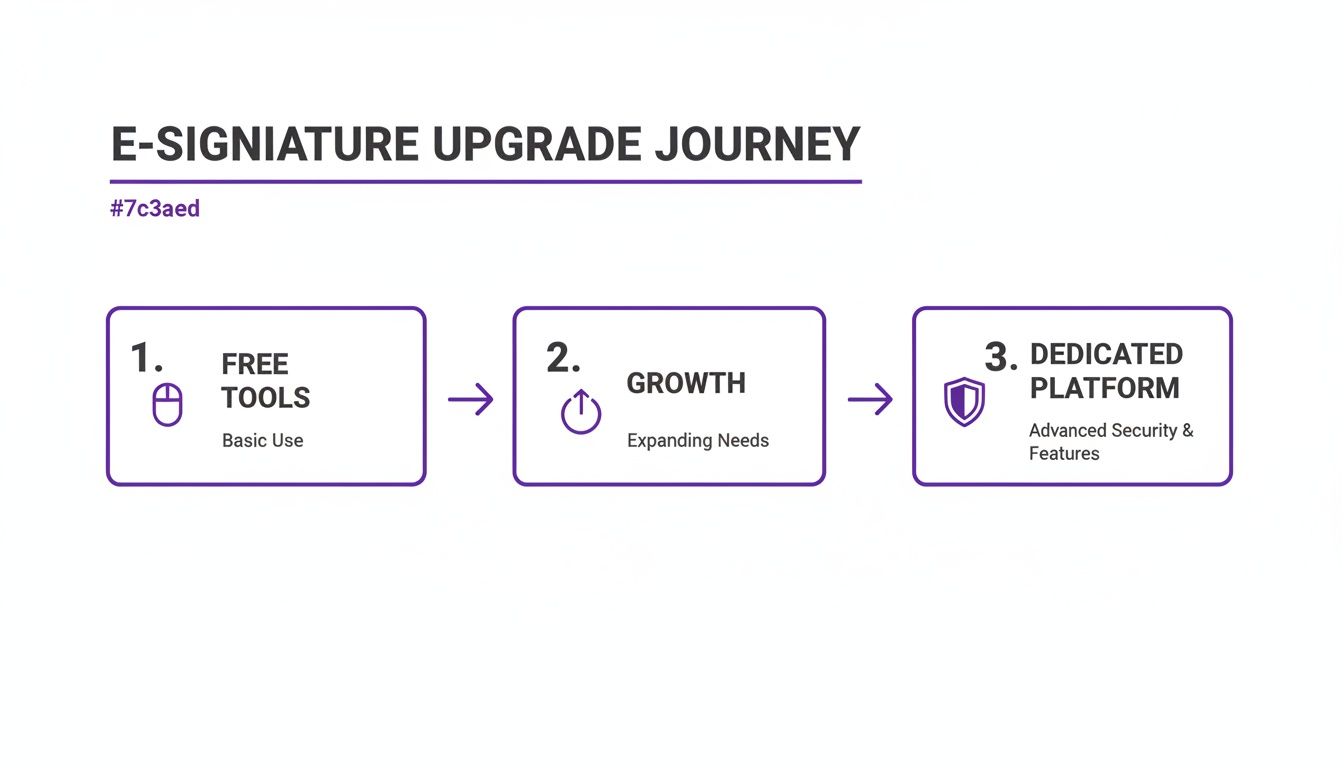
As your business grows, those free, disconnected tools quickly become a bottleneck. That's when a dedicated platform with built-in security and automation isn't just a nice-to-have; it's a necessity.
The Modern, Integrated Way:
- One System: A contract is created from a template, sent for e-signature, and tracked, all in one place.
- Automated Triggers: The moment it's signed, the system can mark the project as active and automatically create an invoice.
- Synced Data: Client details from the agreement are instantly ready for invoicing, killing off duplicate data entry for good.
This modern approach doesn't just save a tonne of time; it creates a predictable, repeatable process you can rely on. Often, the need for a dedicated e-signature platform is part of a bigger picture. Exploring Contract Lifecycle Management best practices can show you how e-signatures fit into a complete business strategy.
Building a Better Client Experience
At the end of the day, this isn't just about making your own life easier. A streamlined workflow has a huge, positive impact on your clients. When someone new can review and sign a professional agreement from their phone in just a few minutes, it sets a brilliant tone for the entire project.
There’s no friction, no confusion, and no "I'll get to it when I'm back at my desk" delays. The process is smooth, secure, and shows that you’re an organised, modern business that respects their time. That first impression builds confidence and trust from the very start, laying the groundwork for a great partnership.
Your E-Signature Questions Answered
It’s completely normal to have a few questions before you switch up how you handle important documents. When we're talking about signing legal paperwork, you need to be sure about the process.
Let's clear up some of the most common queries we hear from Australian freelancers and small business owners when it comes to electronically signing a PDF. My aim here is to give you the straight answers you need to sign with confidence.
Are Electronic Signatures Legally Binding in Australia?
Yes, they are. For the vast majority of business dealings in Australia, electronic signatures are legally recognised and carry the same weight as a pen-and-ink signature. This is all thanks to the Electronic Transactions Act 1999 (Commonwealth) and similar laws in each state and territory.
For an e-signature to hold up, it generally needs to tick three boxes:
- Consent: Everyone involved has to agree to do things electronically.
- Reliability: The signing method must be dependable and suitable for what's being signed.
- Identification: The signature has to clearly identify the person signing and show they intended to agree to the document's terms.
What Is the Difference Between Electronic and Digital Signatures?
This is a really common point of confusion, but the difference is important. Think of an electronic signature as the umbrella term for any electronic mark made to show acceptance. It could be as basic as typing your name or drawing your initials with a mouse.
A digital signature is a specific, much more secure type of electronic signature. It uses a clever bit of technology called cryptography to create a unique, tamper-proof seal on the document when it's signed. This process not only verifies who signed it but also locks the document, so any changes made after signing are immediately obvious.
If you want to dive deeper, we have a whole guide exploring the nuances between a digital signature vs electronic signature.
Can I Just Type My Name as a Signature?
For many casual agreements, absolutely. Australian law is pretty flexible on this. A typed name can be a perfectly valid electronic signature, as long as you can show the person’s intent to be bound by the agreement.
The problem is, for critical business documents like client contracts or NDAs, a typed name offers almost no security. It's just too easy to dispute.
For any serious business purpose, you should always use a platform that generates a secure audit trail. It provides rock-solid proof of who signed, when, and where, which can be a lifesaver if a disagreement ever pops up down the track.
This is why the context of the document is so crucial when you're deciding how to electronically sign a PDF.
Do I Need Special Software to Sign a PDF?
Not necessarily. If you just need to sign a one-off, low-risk document, the free tools built into your computer are often good enough. Things like Preview on a Mac or the Fill & Sign tool in Adobe Acrobat Reader on Windows will do the trick without costing you a cent.
But when your business depends on getting documents signed to get paid, stay compliant, or protect yourself legally, it's time to step up to a dedicated e-signature platform. These tools provide the robust security, detailed audit trails, and streamlined workflows that the free options just can't match. They make sure your agreements look professional and are legally sound.
Ready to stop juggling multiple apps and start streamlining your entire workflow? Payly combines e-signatures, invoicing, and time tracking into one simple platform for Australian businesses. Start your free 14-day trial today and see how much time you can save.
Payly Team
Sharing insights and strategies to help service businesses thrive. Follow Payly for more tips on time tracking, invoicing, and business operations.
Related Articles
Ready to streamline your business?
Join thousands of freelancers and agencies who use Payly to track time, send invoices, and get paid faster.