
Creating an Invoice in Word A Guide to Professional Invoicing
Learn the essentials of creating an invoice in Word with our guide. Get AU-ready templates, ATO compliance tips, and strategies to get paid faster.
Payly Team
January 12, 2026
Staring at a blank Word document to create yet another invoice is a familiar feeling for countless Australian small business owners. It seems like the obvious choice, right? It's free, it's easy, and it's already on your computer. But what starts as a simple task can quickly turn into a time-consuming headache that hurts your cash flow.
The Hidden Costs of Manual Word Invoicing

While using Word for invoicing feels productive in the moment, it often creates more problems than it solves. The whole process is incredibly repetitive and, frankly, a minefield for human error.
Think about it. Each time you need to bill a client, you're probably just copying an old invoice and swapping out the details. This is where things go wrong. It’s so easy to leave the wrong date, mix up client information, or make a simple calculation mistake. One tiny typo can spark a payment dispute, forcing you into an awkward follow-up call and delaying when you actually see the money in your account.
The Real Price of Manual Data Entry
And let's not forget about GST. Manually adding 10% to every single line item is tedious work, and it's something that’s easily missed when you're in a rush. Those small oversights can create major compliance headaches come tax time. All these little administrative tasks pile up, stealing hours you should be spending on your actual business, not chasing paperwork.
This isn't just a small problem; it's a massive inefficiency across the board.
Back in 2021, the Treasury estimated that Australian businesses send over 1.2 billion invoices every year, and a staggering 90% of them are still processed manually or semi-manually.
The cost of this inefficiency is very real. Deloitte modelling showed that switching from a standard PDF or paper invoice to a proper e-invoice can save a business up to $20 per invoice. You can dig into more of these eye-opening stats from the Australian Treasury.
At the end of the day, manual invoicing creates friction for everyone involved. It delays your payments, makes your cash flow unpredictable, and leaves you with a disorganised pile of files. This is exactly why having the right document management software in Australia is so critical for keeping your records straight and setting your business up for growth.
How to Build a Professional Invoice in Word
Starting an invoice in Word doesn't have to mean staring at a blank page. The good news is that Microsoft has done a lot of the heavy lifting for you with a solid library of pre-built templates. This is the best way to avoid the headache of formatting everything from scratch.
To find them, just open Word, head to File > New, and type "invoice" into the search bar. You’ll get a whole range of designs, from minimalist and modern to more classic layouts. Pick one that feels right for your brand - you can always tweak the colours and fonts later.
Using a template is a massive time-saver. It gives you a reliable structure from the get-go and makes it much harder to forget any of the essential details.
Customising Your Chosen Word Template
Once you've got a template you like, it's time to make it yours. This is where you bring in your brand's personality and double-check that all the critical information is front and centre. A sharp-looking invoice really does build trust with your clients.
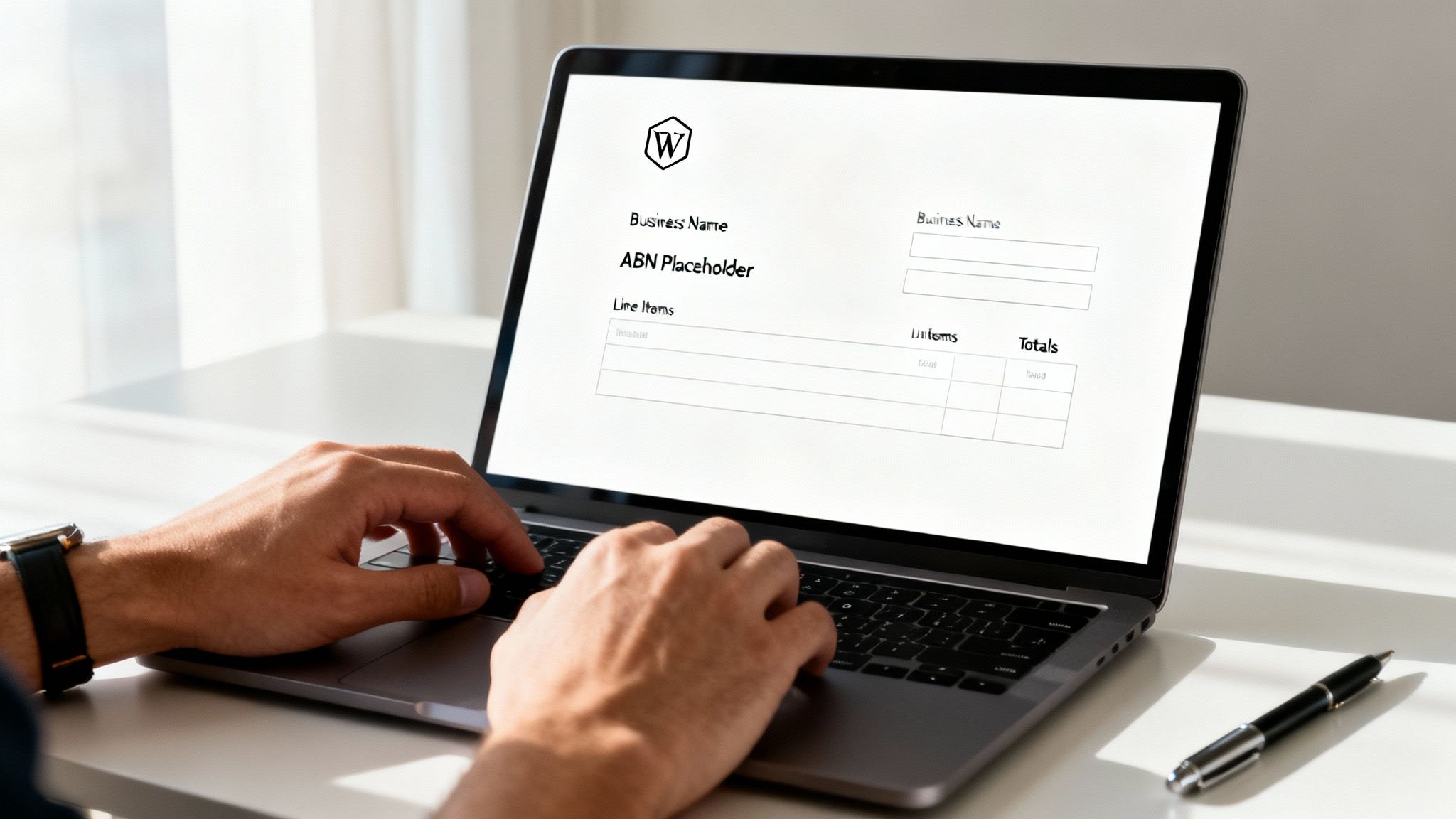
First up, drop in your business logo. Most templates have a placeholder image that you can just click and replace. Then, get your contact details updated:
- Your Business Name and your Australian Business Number (ABN).
- Your Contact Information, like your address, email, and phone number.
- Your Client's Details, including their full business name and address.
Take a moment to check these details again. A typo in an ABN or the client’s name can cause real payment delays and just looks a bit sloppy.
A well-organised invoice isn't just a request for payment; it's a reflection of your professionalism. Clear, accurate information removes friction and helps you get paid faster, reinforcing the value you provide to your clients.
Next, you'll want to give the document a unique identifier. Every single invoice you send out needs its own invoice number. A simple sequential system like INV-001, INV-002 is perfect. And, of course, add the Invoice Date (the day you send it) and the Due Date (when you need it paid).
Detailing Your Services and Calculating Totals
This section is the heart of your invoice. It needs to be crystal clear about what you’re charging for, leaving absolutely no room for confusion. Vague descriptions like "Consulting Services" are a recipe for follow-up questions that slow down payment.
Instead, get specific. Break down the job into clear, logical parts. For instance, if you're a freelance writer, you'd be better off listing each article title as its own line item.
Putting it all in a table is the cleanest way to present this information:
| Description | Quantity | Rate | Amount |
|---|---|---|---|
| Blog Post "10 Tips for SEO" (1,200 words) | 1 | $600.00 | $600.00 |
| Social Media Content for May Campaign | 5 | $50.00 | $250.00 |
| Website Copy Refresh - About Us Page | 1 | $400.00 | $400.00 |
After listing out all your hard work, you'll need to do the sums. Add up the line items to get your Subtotal. If you’re registered for GST, you need to add this as a separate line, which is 10% of the subtotal in Australia. Finally, make the Total Amount Due big and bold so it can’t be missed.
Since you're working in Word, these calculations are all manual. It's a smart habit to grab a calculator and double-check your maths before that invoice ever leaves your outbox.
Before you get too carried away with fonts and colours in Word, let's talk about what really matters: the legal bits. In Australia, an invoice is more than just a request for payment; it’s a tax document that needs to tick some very specific boxes set by the Australian Taxation Office (ATO).
Getting these details right isn't optional. It's the difference between getting paid on time and dealing with compliance headaches later. Think of it as the legal backbone of your invoice.
What Makes a Tax Invoice Official?
For an invoice to be considered a valid "tax invoice," it must contain a few key pieces of information. Missing even one of these can cause delays, as your client might not be able to process it or claim their GST credits.
At a minimum, your document needs to show:
- The words "Tax Invoice" displayed prominently (usually right at the top).
- Your full business name and Australian Business Number (ABN). This is a must.
- The date you issued the invoice.
- A clear description of what you're charging for (e.g., "5 hours of graphic design services" or "Supply and installation of kitchen sink").
If you're just starting out and don't have an ABN yet, sorting that out is your first step. It's a straightforward process, and you can learn how to apply for an ABN quite easily.
A compliant invoice does more than just get you paid. It signals to your clients that you're professional, organised, and running a legitimate business they can trust.
To make this crystal clear, here’s a quick checklist of what the ATO expects to see on your tax invoice.
Australian Tax Invoice Checklist
This table breaks down the mandatory components for a compliant Australian tax invoice. Use it as a quick reference to make sure you haven't missed anything before you hit 'send'.
| Invoice Component | Why It's Required | Example |
|---|---|---|
| "Tax Invoice" Title | Clearly identifies the document for tax purposes. | Tax Invoice |
| Your Business Identity | Your legal business name and ABN. | XYZ Creative Pty Ltd |
| Issue Date | Records the date the transaction was documented. | Date: 15 October 2023 |
| Invoice Number | A unique identifier for tracking and record-keeping. | Invoice #00123 |
| Item Description | Details the goods or services supplied. | 1 x Brand Strategy Workshop |
| GST Details | The GST amount, either per item or as a total. | Total (ex. GST): $1,000.00 |
| Total Amount | The final, GST-inclusive price payable. | Total Due: $1,100.00 |
Making sure these elements are on every invoice is a simple habit that will save you a world of trouble down the line.
Nailing the GST Details in Word
If you're registered for GST, the rules get a little stricter. For any sale over $82.50 (including GST), you absolutely must provide a proper tax invoice. A simple invoice just won't cut it.
When you're building your invoice in Word, you have to clearly state the GST amount. You can either show it separately for each line item or as one lump sum at the bottom. A common and clear way to do this is with a line that says "Total includes $X.XX GST."
Accuracy here is critical for your own financial reporting and for staying on the right side of the ATO. For a more detailed walkthrough, have a look at our complete guide on creating a GST invoice template in Australia.
Getting Your Invoice Sent and Paid Without the Hassle
You’ve created a professional, compliant invoice. That’s a big win. But the job isn't done until that invoice is in your client's hands and the payment is in your bank account. How you send it can make all the difference between getting paid on time and chasing down late payments for weeks.
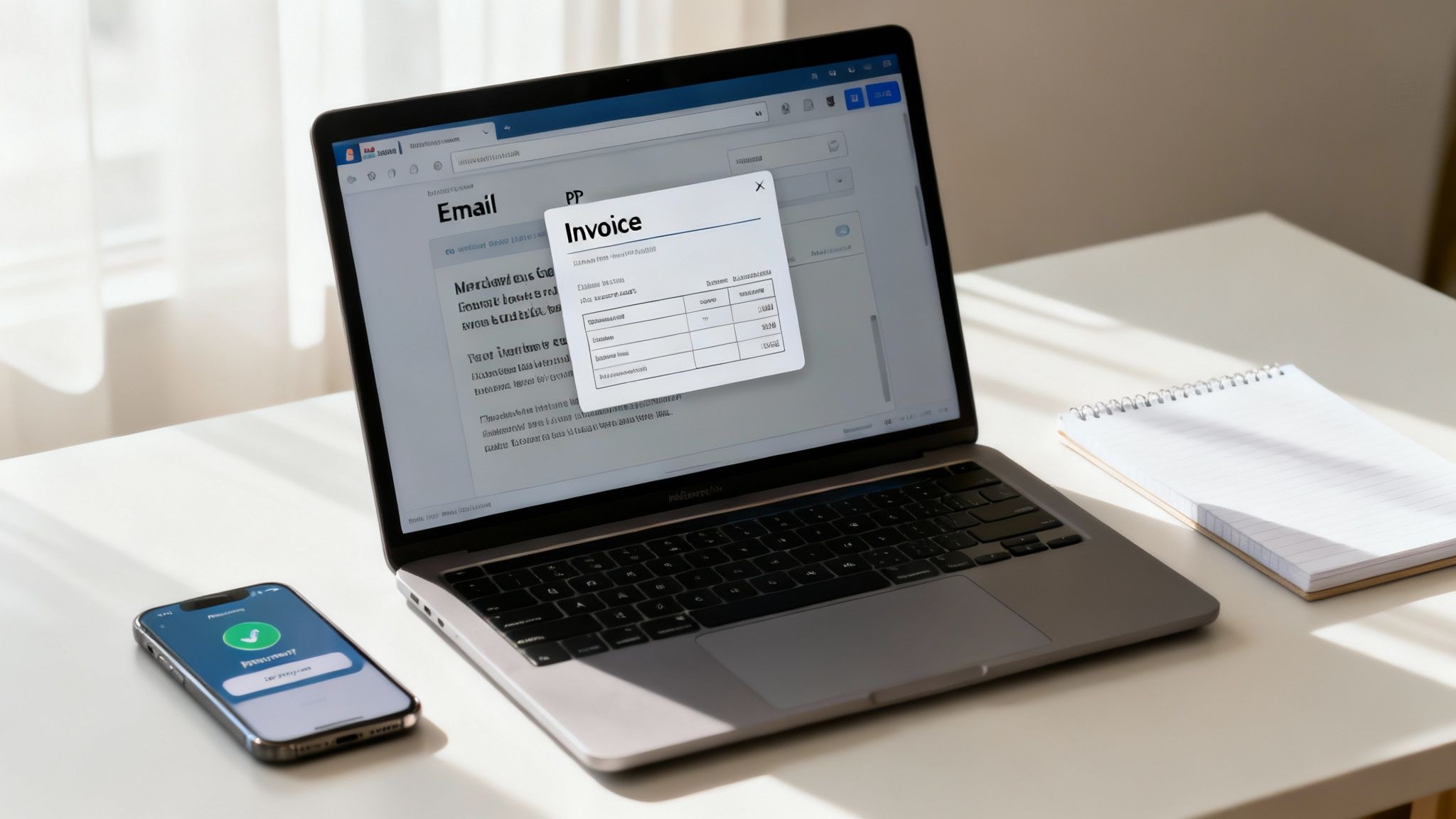
The first rule of thumb? Never, ever send an editable Word document. It just doesn't look professional and, frankly, it opens you up to all sorts of issues. Always convert it to a PDF first. It’s as simple as going to File > Save As and selecting PDF from the format list. This locks in your formatting and presents a final, official document.
Writing an Email That Gets Your Invoice Opened
The way you present your invoice in an email matters just as much as the invoice itself. A clear and direct email sets a professional tone and helps your client’s accounts team process it quickly. You don’t need to write an essay, just get straight to the point.
Make sure your email includes these key things:
- A specific subject line: Something like "Invoice [Your Invoice Number] for [Project/Service Name]" is perfect. It’s unambiguous and easy for them to search for later.
- A brief, friendly message: Attach your PDF and write a simple note. "Hi [Client Name], Please find the attached invoice for our recent work on [Project Name]. The total amount of [Total Amount] is due by [Due Date]."
- A clear next step: End with a simple call to action. Something like, "Please let me know if you have any questions," keeps the door open for communication.
Think of your email as more than just a delivery service. It’s a professional handshake that helps move the payment process along smoothly. A little clarity and politeness go a long way.
Setting Clear Payment Expectations
Don't leave your client guessing. Vague payment instructions are one of the biggest reasons for delays. Be direct and put your terms front and centre on the invoice.
If you expect payment immediately, use "Due on Receipt". If you offer a bit more flexibility, "Net 14" or "Net 30" clearly states they have 14 or 30 days to pay. There’s no room for misinterpretation.
Giving your clients multiple ways to pay is another game-changer. Offering options like direct bank transfer, credit card payments, or even PayPal makes it incredibly convenient for them to settle up. For a deeper dive into delivery methods, our guide explores a few other ways on how to send an invoice.
And if an invoice does become overdue? Don't panic. A polite and friendly follow-up email a day or two after the due date is usually all it takes to get things back on track without souring a good client relationship.
When It's Time to Graduate from Word Invoicing
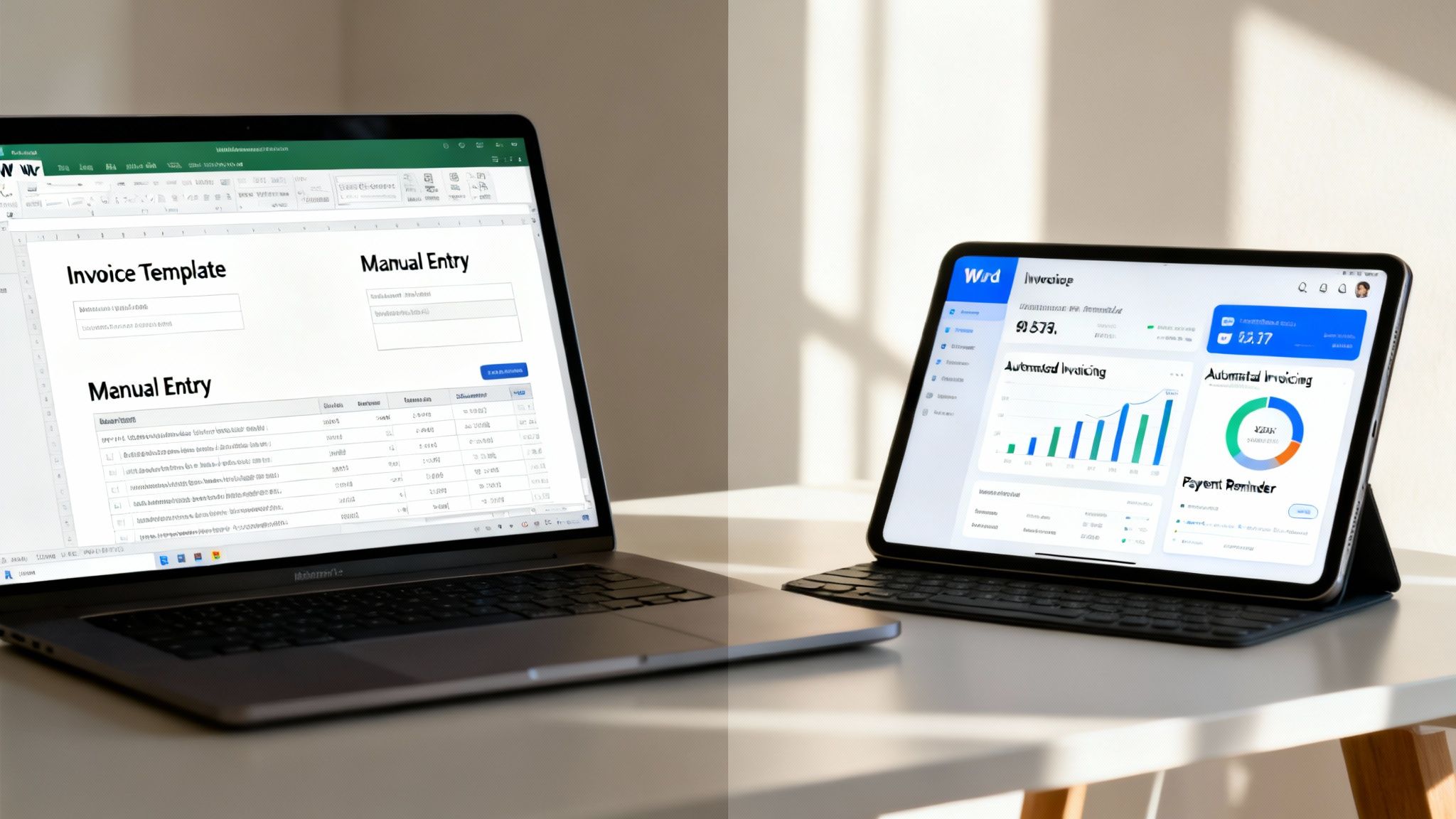
While Word is a brilliant starting point for any new business, there comes a time when its manual nature starts to feel less like a tool and more like an anchor. If you find yourself spending more time keying in data, cross-referencing spreadsheets, and chasing down late payments than you do on your actual work, you've likely hit that ceiling.
That’s the tipping point. This is when switching to a proper invoicing platform stops being a luxury and becomes a smart, strategic move for growth. These systems are specifically designed to solve the exact problems that Word invoicing creates, handling tasks that a simple document just can't.
Reclaiming Your Time with Automation
This is where the real magic happens. Dedicated software brings automation into the picture, giving you back your most valuable asset: time. Imagine your recurring monthly invoices sending themselves out automatically, without you even thinking about it. Picture a system that sends polite payment reminders for you, so you don't have to be the one chasing money.
The impact on your business's health can be huge. Recent research showed that the average Australian business that adopts e-invoicing could unlock productivity gains of around A$970,000 each year, simply by reducing errors and speeding up processing.
Moving past Word isn't just about saving a few hours. It’s about building a more professional, reliable financial process that lets you focus on your clients and growth, rather than getting bogged down in admin.
As your business scales, knowing how to make this transition is key. For anyone ready to take that next step, digging into resources on mastering automated invoice processing can give you a clear path forward, improving both your efficiency and financial accuracy. It’s a crucial move for any business looking to grow seriously.
Common Questions Answered
Is a Word Document Actually a Legal Invoice in Australia?
Yes, it absolutely is. What makes an invoice legally valid in Australia isn’t the software you use, but the information you include. As long as your Word document contains all the details the Australian Taxation Office (ATO) requires for a tax invoice, like your ABN, the date, GST details (if you’re registered), and a proper description of what you’re billing for, you're good to go. The content is what counts, not the format.
What's the Best Way to Number Invoices in Word?
Consistency is king here. The simplest and most reliable method is a straightforward sequential system, like INV-001, INV-002, and so on. Some people like to add the year as a prefix (e.g., 2024-001), which is great for organising files later.
Key takeaway: The golden rule is to never, ever reuse an invoice number. A simple spreadsheet is a fantastic way to keep track of the numbers you've issued and prevent any accidental duplicates.
Should I Include My Bank Details Directly on the Invoice?
Definitely. Make it as easy as possible for your client to pay you. Including your payment details right on the invoice, such as your bank account name, BSB, and account number for direct bank transfers, removes a common roadblock. The fewer questions a client has to ask, the faster you’ll see the money in your account.
Ready to stop creating invoices manually and start getting paid faster? Payly combines smart invoicing, time tracking, and e-signatures into one platform designed for Australian businesses. Start your free 14-day trial today.
Payly Team
Sharing insights and strategies to help service businesses thrive. Follow Payly for more tips on time tracking, invoicing, and business operations.
Related Articles

Ready to streamline your business?
Join thousands of freelancers and agencies who use Payly to track time, send invoices, and get paid faster.