
Best Free time sheet templates for Australian businesses
Discover the best time sheet templates for Australian businesses. Free, downloadable, and easy to use; find the perfect template today.
Payly Team
December 3, 2025

Despite the rise of automated tracking software, the humble timesheet remains a cornerstone of efficient business operations. For many Australian freelancers, agencies, and small businesses, a well-structured template is the most direct, cost-effective method for logging hours, managing project budgets, and ensuring accurate payroll. It offers a level of simplicity and control that complex software sometimes obscures, providing a clear, tangible record of work performed without a steep learning curve or monthly subscription fees.
This guide is designed to eliminate the guesswork in finding the perfect time sheet templates for your specific needs. We have curated a comprehensive collection of downloadable resources tailored for Australian businesses. Whether you're a consultant billing by the hour, an agency managing multiple projects, or an operations manager preparing for the next pay run, you will find a practical solution here. Our list covers everything from weekly and monthly formats to specialised templates for project-based work, all available in Excel, Google Sheets, CSV, and PDF.
Each entry includes a direct download link, a screenshot for a quick preview, and a concise analysis of its ideal use case. We’ve focused on templates with Australian-specific customisations, such as GST calculations and public holiday considerations. Furthermore, we provide clear instructions for importing these templates into popular time-tracking tools and demonstrate how to convert any template into a professional, branded invoice or a legally signable document using Payly. This resource is your fastest path to finding and implementing a timesheet system that works for you.
1. Payly
For Australian freelancers, agencies, and consultancies looking to move beyond static spreadsheets, Payly represents a significant operational upgrade. It’s not merely a source for time sheet templates; it’s a comprehensive platform designed to replace the entire fragmented toolkit of time tracking, invoicing, and contract management. Its core strength lies in its all-in-one workflow, which seamlessly converts tracked hours into professional, branded invoices and then into legally binding, signable documents.

This integrated approach is specifically tailored for the Australian market, a crucial differentiator. The platform incorporates local business necessities like GST calculations, state-based public holiday calendars, and integrations with Xero and MYOB. This localised focus ensures that timesheets and subsequent invoices are always compliant and accurate, saving significant administrative time.
Key Features and Analysis
The platform’s standout feature is its account-based pricing model, which is a game-changer for growing teams. Instead of paying per user, a single flat fee covers a set number of team members. For example, the Professional plan at A$49 per month covers up to 10 users, offering substantial cost savings compared to subscribing to separate time tracking, invoicing, and e-signature tools.
Why It's Our Top Choice:
- Integrated Workflow: The ability to manage the entire process from time entry to client payment within one system eliminates data entry errors and streamlines operations.
- Australian-Centric Design: Built-in GST tools and local compliance features make it an ideal choice for Australian businesses.
- Cost-Effective Scalability: The account-based pricing avoids the punitive per-user fees that penalise growing teams.
- Security and Compliance: Payly offers bank-level encryption and legally binding e-signatures with cryptographic audit trails, ensuring data and documents are secure.
While the mobile experience is currently iOS-first, the platform’s robust web application and proven performance, with over 50,000 hours tracked and A$2 million invoiced, establish it as a reliable and powerful tool for Australian businesses seeking to professionalise their time management and billing processes.
Website: https://www.payly.com.au
2. Microsoft Create (official Microsoft templates)
For businesses and freelancers already embedded in the Microsoft 365 ecosystem, Microsoft Create is the most logical starting point for reliable time sheet templates. This official library offers a range of free, professionally designed templates for Excel and Word, covering standard pay periods like daily, weekly, biweekly, and monthly. The primary advantage is seamless integration; these files work flawlessly within the software you already use, including OneDrive and SharePoint for easy cloud-based collaboration and sharing.

What makes this resource stand out is its trustworthiness. Because the templates are maintained by Microsoft, you can be confident they are secure, well-structured, and compatible with the latest versions of Office. Customisation is straightforward, allowing you to add your company logo, adjust brand colours, and modify columns to suit specific project needs directly within Excel or Word.
Core Features and Limitations
While these templates provide a solid foundation, their designs are intentionally basic. They lack built-in automation for complex calculations, workflow approvals, or direct integration with payroll systems without using advanced Excel functions or third-party add-ins. They are best suited for straightforward time tracking where manual data entry and review are acceptable.
Best for: Businesses and sole traders deeply integrated with Microsoft 365 who need a simple, no-cost, and trustworthy template solution.
- Access: Free to download
- Formats: Microsoft Excel (.xlsx), Microsoft Word (.docx)
- Pros: Maintained by Microsoft, seamless Office 365 integration, easy to customise.
- Cons: Basic functionality, no built-in automation or approval workflows.
Website: https://create.microsoft.com/en-us/templates/business-timesheets
3. Vertex42
For those seeking robust, well-documented spreadsheet solutions, Vertex42 is a specialist publisher offering some of the most highly-rated time sheet templates available for Excel and Google Sheets. This resource goes beyond basic layouts, providing multiple variants for different needs, including formats with clock-in/out fields, dedicated sections for breaks, and detailed project-based timecards. The key differentiator is the quality and depth of the templates, which often include built-in formulas for auto-totals and overtime calculations.

What makes Vertex42 stand out is its commitment to user support. Each template is accompanied by a detailed help page explaining how to use its features, from entering time in different formats to understanding the calculations. This makes their advanced templates accessible even to users with moderate spreadsheet skills. The site also offers a broader library of related resources, such as payroll registers and leave accrual trackers, making it a comprehensive hub for business administration spreadsheets. If you need to convert time formats for payroll, their templates often support both standard and decimal inputs.
Core Features and Limitations
While powerful, these templates are designed for use within Excel or Google Sheets and lack direct integration with external payroll or project management software. The license also restricts the public redistribution of the files, making them better suited for internal business use rather than for sharing as part of a service. Users may need some familiarity with spreadsheet functions to troubleshoot or make significant customisations.
Best for: Businesses and individuals who want feature-rich, well-supported spreadsheet templates with built-in calculations for overtime and project tracking.
- Access: Free to download
- Formats: Microsoft Excel (.xlsx), Google Sheets
- Pros: Regularly updated, detailed documentation, supports advanced calculations and multiple time-entry formats.
- Cons: License restricts redistribution, may require some spreadsheet knowledge for advanced customisation.
Website: https://www.vertex42.com/ExcelTemplates/excel-timesheet.html
4. Smartsheet
Smartsheet offers one of the most comprehensive libraries of time sheet templates, moving beyond standard formats to provide role-specific options for industries like construction and legal. This resource is ideal for businesses needing more than a generic layout, offering downloadable templates in Excel, Google Sheets, Word, and PDF formats. Each template collection is supported by detailed how-to guides, making implementation and customisation straightforward for managers and staff alike.

What sets Smartsheet apart is its clear upgrade path. The free templates serve as an excellent entry point, but the platform is designed to transition growing businesses towards its powerful cloud-based project management and workflow automation tools. This makes it a great choice for companies that anticipate needing more advanced features, like automated approvals and data collection, in the future, without having to switch providers.
Core Features and Limitations
The free templates are highly functional and well-organised, but the main purpose of the gallery is to introduce users to the paid Smartsheet ecosystem. The website prominently features calls-to-action to sign up, and accessing the most powerful features, such as automated workflows and integrations, requires a subscription. The templates themselves are standalone files and do not automatically sync with the platform without a paid account and manual setup.
Best for: Businesses and consultants who need industry-specific templates and are looking for a scalable solution that can grow from simple spreadsheets to a fully automated workflow platform.
- Access: Free to download
- Formats: Microsoft Excel (.xlsx), Google Sheets, Microsoft Word (.docx), PDF
- Pros: Strong variety of role-specific templates, includes helpful instructions, offers a clear upgrade path to a powerful cloud platform.
- Cons: Template pages heavily upsell the paid Smartsheet product, advanced workflow automation requires a subscription.
Website: https://www.smartsheet.com/content/daily-timesheet-templates
5. Toggl Track
Toggl Track is a well-known name in time tracking software, but it also provides an excellent library of free time sheet templates as a gateway to its platform. This resource is ideal for those who want to start with a simple spreadsheet but may need to graduate to a more robust, automated solution later. The collection covers Excel, Google Sheets, Word, and PDF formats, with templates for daily, weekly, biweekly, and monthly tracking, as well as project-specific layouts. The key benefit is the clear pathway from static template to dynamic software.
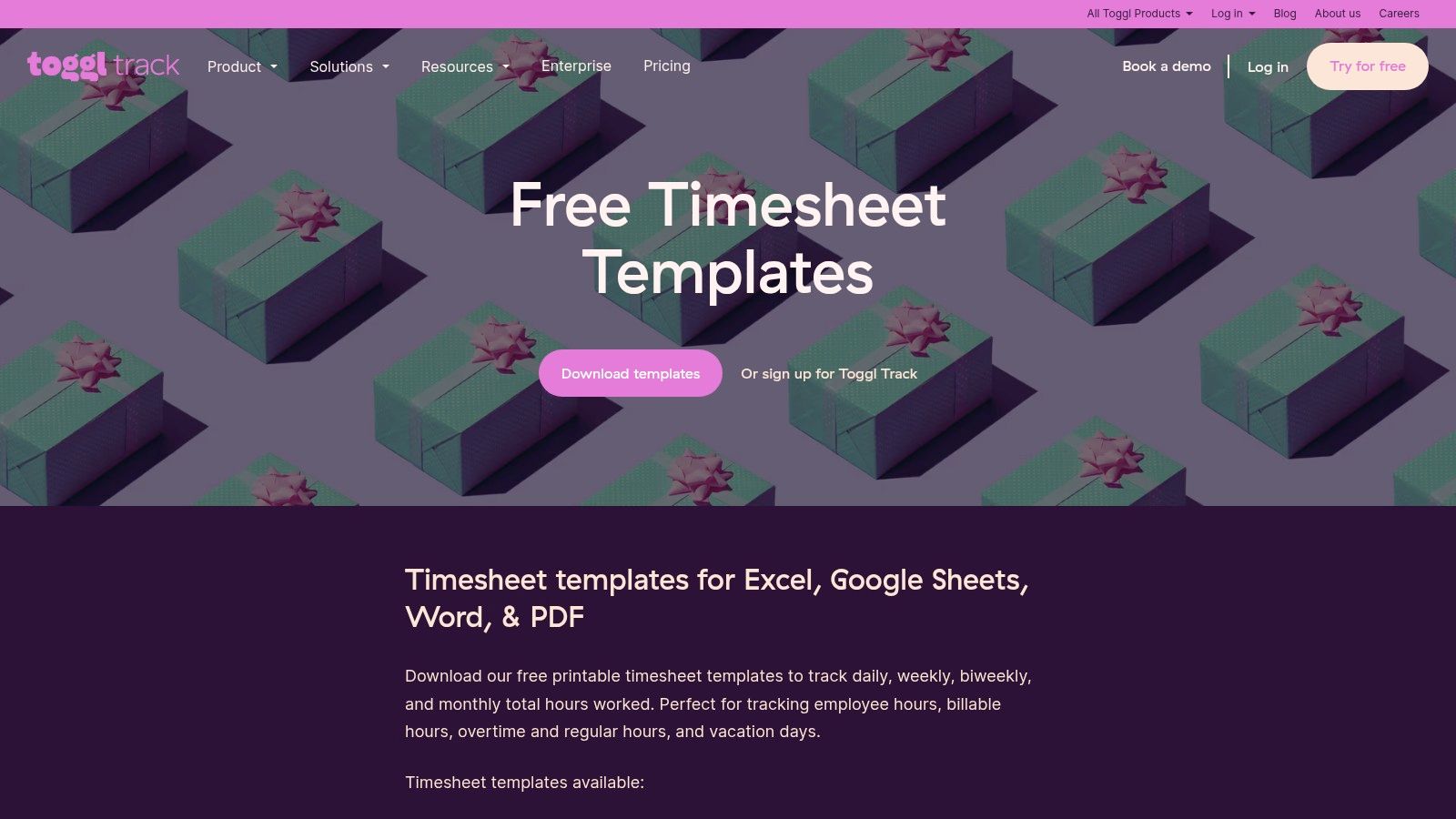
What makes Toggl’s offering unique is its dual approach. You can download a standalone Excel file with pre-built formulas for calculating billable totals, or you can copy a Google Sheets version directly to your Drive for cloud-based collaboration. This flexibility serves as a soft introduction to the Toggl ecosystem. If your time tracking needs become more complex, you can transition to their free or paid software tiers for live tracking, detailed reporting, and integration with project management tools.
Core Features and Limitations
The templates themselves are clean, functional, and user-friendly, but like most static files, they require manual data entry. They are designed to be a stepping stone. While the optional Toggl Track app offers powerful features like automated timers and profitability reports, these advanced capabilities are not part of the downloadable templates and often sit behind a paywall. The templates are a solid starting point, but true automation requires moving to the software.
Best for: Freelancers and small teams wanting high-quality templates with a clear, optional upgrade path to a professional time tracking app.
- Access: Free to download
- Formats: Microsoft Excel (.xlsx), Google Sheets, Microsoft Word (.docx), PDF
- Pros: Broad format coverage, easy one-click Google Sheets copies, provides a natural transition to a dedicated tracking app.
- Cons: Advanced reporting and live tracking require signing up for the software; some features are locked behind paid plans.
Website: https://toggl.com/track/timesheet-templates/
6. Clockify
Clockify offers a unique hybrid approach, providing a library of straightforward time sheet templates while also giving users a clear upgrade path to a full-featured digital time tracking system. The website provides a collection of free, downloadable templates for daily, weekly, biweekly, and monthly periods. These are available in the most common formats, including Microsoft Word, Excel, PDF, and Google Docs/Sheets, making them accessible to virtually anyone regardless of their preferred software.

What makes Clockify stand out is that its templates serve as a gateway to its powerful (and generously free) time tracking software. For businesses that start with manual templates but find they need more automation, Clockify provides a seamless transition. The software itself includes advanced features like timesheet locking, approvals, and reporting, which are significant steps up from a static spreadsheet. This blend of simple templates and a scalable software platform makes it a versatile choice for growing businesses.
Core Features and Limitations
The downloadable templates are clean, professional, and easy to use, but like most free offerings, they are entirely manual. They lack any built-in automation for calculations or project tracking. To access more advanced functionality, such as automated workflows, detailed reports, or team management features like locking timesheets, users must sign up for the Clockify app. While the free tier of the app is very powerful, some of the most sophisticated features are reserved for paid plans.
Best for: Startups and small businesses looking for free templates with an option to easily transition to a comprehensive time tracking platform as their needs grow.
- Access: Free to download
- Formats: Microsoft Excel (.xlsx), Microsoft Word (.docx), Google Sheets, Google Docs, PDF
- Pros: Wide variety of formats, clear pathway to a full software solution, generous free tier for the app.
- Cons: Templates are basic without the app, advanced workflows require upgrading to a paid Clockify plan.
Website: https://clockify.me/timesheet-templates
7. MYOB (AU)
For Australian businesses needing a simple, compliance-aware starting point, MYOB provides free and reliable time sheet templates. As a leading name in Australian accounting and payroll software, MYOB offers basic weekly and monthly templates designed with local record-keeping obligations in mind. The primary advantage here is the context provided; MYOB frames these templates not just as downloads but as part of a broader business process, offering clear guidance on when manual tracking is sufficient and when to upgrade to a digital payroll system.
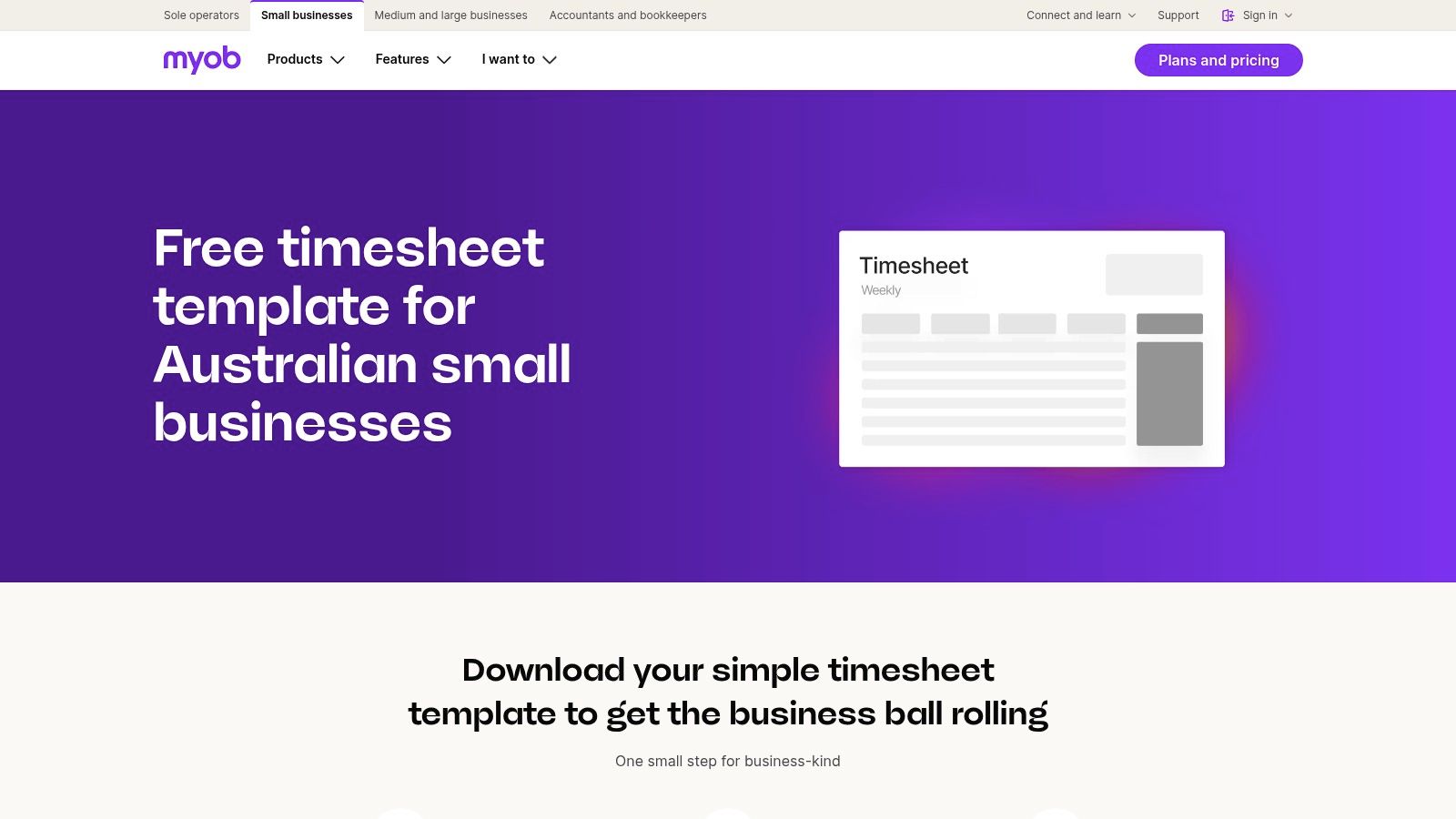
What makes this resource stand out is its authoritative, local perspective. The accompanying instructions and FAQs address specific Australian business concerns, helping owners understand their responsibilities for time-tracking and employee payment records. The editable PDF format is ideal for printing and manual sign-offs, creating a physical paper trail for compliance purposes before data is entered into payroll software.
Core Features and Limitations
While the guidance is excellent, the templates themselves are very basic. The PDF format lacks the automatic calculation capabilities of a spreadsheet, meaning all totals for hours and pay must be calculated manually. This makes them less flexible than Excel or Google Sheets alternatives. The templates are essentially a stepping stone, designed to encourage users to eventually adopt MYOB's paid software for more automated time tracking and payroll integration.
Best for: Small Australian businesses looking for a simple, printable timesheet with compliance-focused guidance from a trusted local payroll provider.
- Access: Free to download
- Formats: Editable PDF
- Pros: Local brand with Australian payroll expertise, helpful guidance on when to switch from templates to apps, designed for compliance.
- Cons: PDF format is less flexible than Excel for calculations, software integration is a paid product, requires manual calculations.
Website: https://www.myob.com/au/templates/timesheet-template
8. Xero (AU)
For small Australian businesses seeking a simple entry point into structured time tracking, Xero's free timesheet calculator is an excellent resource. It’s an interactive tool that generates a downloadable and editable spreadsheet with pre-built formulas. Users simply input start times, end times, and break durations, and the calculator automatically totals the hours worked for both weekly and monthly summaries, making it a reliable source for basic time sheet templates.

What makes this tool stand out is its function as a stepping stone. While the template itself is a straightforward spreadsheet, it is presented within the context of Xero’s comprehensive payroll and accounting software. This design provides a clear, logical upgrade path for businesses that eventually outgrow manual templates and require a more integrated solution for payroll, leave management, and compliance with Australian regulations. It familiarises users with the Xero ecosystem without an initial financial commitment.
Core Features and Limitations
The calculator's strength is its simplicity and automation of basic calculations, removing the potential for manual addition errors. However, it requires users to submit their email address to download the generated spreadsheet, which may be a minor inconvenience. The template lacks advanced features like project tracking, multi-rate calculations, or direct integration for invoicing. Its primary purpose is to serve as a basic time recording tool and an introduction to Xero's paid services.
Best for: Australian small businesses and startups looking for a simple, automated spreadsheet and considering a future move to a full-fledged payroll system like Xero.
- Access: Free (requires email submission to download)
- Formats: Microsoft Excel (.xlsx)
- Pros: Automatically calculates totals, provides a clear pathway to a full payroll system, tailored for Australian users.
- Cons: Requires contact information to download, template functionality is very basic, serves as a lead-in to paid products.
Website: https://www.xero.com/au/calculators/timesheet-calculator/
9. Fair Work Ombudsman (AU)
For Australian businesses prioritising legal compliance above all else, the Fair Work Ombudsman is the definitive source for time sheet templates. As the national workplace relations regulator, its resources are designed to help employers meet their specific record-keeping obligations under Australian law. The provided templates are straightforward, no-frills documents that capture all legally required information, including employee details, pay periods, hours worked, and leave entitlements, ensuring you have a compliant foundation for your payroll processes.

What makes this resource essential is its authority. Using a template directly from the Fair Work Ombudsman provides peace of mind that your time-tracking methods align with official standards. The site also offers invaluable supporting materials, including fact sheets on record-keeping, pay slips, and information on tools like the 'Record My Hours' app. These resources help businesses understand not just what to record, but why it's important for compliance and avoiding penalties.
Core Features and Limitations
While these templates are perfect for compliance, they are intentionally basic. They lack any form of automation, branding options, or integration with payroll or invoicing software, requiring complete manual data entry and calculation. They are tools for compliant data collection, not comprehensive business management. You can learn more about how to handle specific calculations, such as those related to time rounding policies, from other specialised resources.
Best for: Australian businesses seeking a free, authoritative template to ensure their basic time-tracking records are fully compliant with national workplace laws.
- Access: Free to download
- Formats: Microsoft Word (.docx), PDF
- Pros: Authoritative source for Australian compliance, guarantees legal requirements are met, includes comprehensive supporting fact sheets.
- Cons: Extremely basic design with no customisation, focused solely on compliance rather than business efficiency or automation.
Website: https://www.fairwork.gov.au/tools-and-resources/templates
10. Officeworks (AU)
For Australian businesses that require physical, paper-based time sheet templates, Officeworks is the go-to national retailer. While most solutions focus on digital downloads, Officeworks provides tangible time and wages record books from trusted brands like Zions, Wildon, and J.Burrows. This is essential for specific worksites, industries with mandatory paper trail compliance, or organisations that prefer a physical backup for their payroll records. Their nationwide presence ensures easy access through Click & Collect or local delivery.
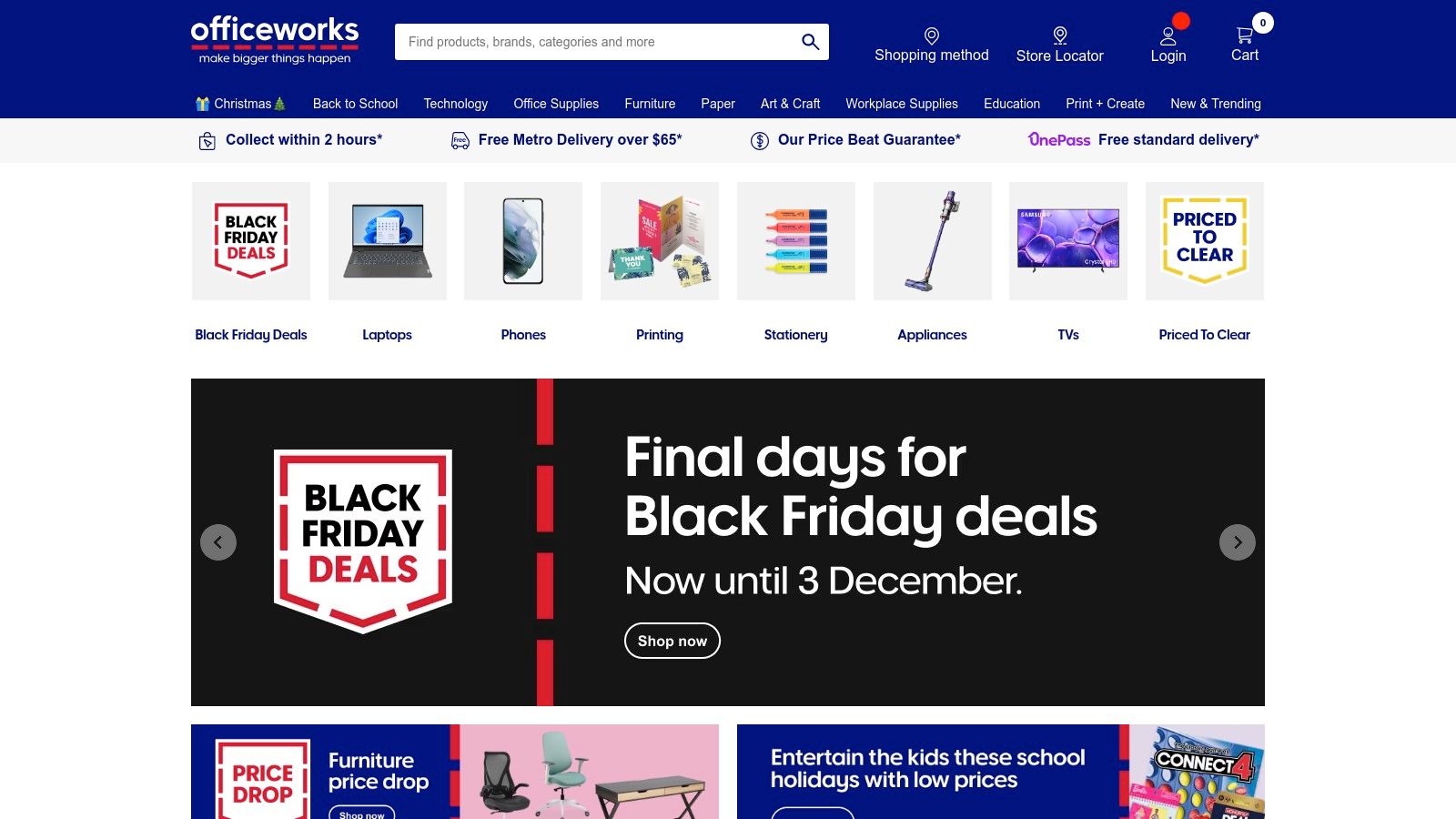
What makes Officeworks a valuable resource is its reliability for sourcing standardised, physical compliance tools. Product pages clearly detail formats (A4/A5), page counts, and whether pads are perforated or contain duplicate carbon copies, making bulk ordering for multiple teams straightforward. The convenience of picking up a time sheet book locally on the same day is an advantage digital-only providers cannot match, catering to urgent operational needs.
Core Features and Limitations
These physical books offer a simple, non-technical solution but come with the inherent drawbacks of a manual process. They require physical storage, are susceptible to loss or damage, and all data entry and calculations must be done by hand, increasing the risk of human error. They are best suited for environments where digital access is limited or as a supplementary record-keeping method, not as a primary, scalable time tracking system for a modern business.
Best for: Australian businesses in trades, retail, or hospitality that require physical time sheet books for on-site staff or for compliance and archival purposes.
- Access: Paid physical products
- Formats: Paper-based time and wages books (A4, A5)
- Pros: Easy nationwide availability in Australia, clear product details for bulk purchasing, tangible record-keeping.
- Cons: Entirely manual workflow, prone to errors and data loss, stock can vary between stores.
Website: https://www.officeworks.com.au
11. Etsy Australia
For those seeking visually appealing or highly niche designs, Etsy Australia serves as an unconventional but valuable marketplace for time sheet templates. Independent creators offer a vast assortment of digital downloads, spanning everything from minimalist layouts in Google Sheets to fully branded Canva templates. This makes it an excellent option for freelancers or small businesses wanting a template with more personality than a standard corporate spreadsheet, often for a very low one-off cost.
What makes Etsy stand out is the sheer diversity and creativity available. You can find templates specifically designed for project tracking with Gantt chart elements, client-facing reports, or simple, colourful trackers for personal use. The ability to read seller reviews and see ratings before purchasing provides a layer of quality control, helping you find a reliable template that meets your specific aesthetic and functional requirements.
Core Features and Limitations
The primary strength of Etsy lies in its variety and affordability, with most templates sold as instant digital downloads. However, quality and support can vary significantly between sellers. It is crucial to check the file format (e.g., Excel, PDF, Canva) and read recent reviews to ensure the product is well-made and the seller is responsive. These templates are standalone files with no ongoing support or integration capabilities.
Best for: Creative professionals, freelancers, and small businesses who prioritise aesthetics and unique layouts and are comfortable with a one-time purchase from an independent seller.
- Access: One-off purchases (typically AU$2–$15)
- Formats: Microsoft Excel (.xlsx), Google Sheets, Fillable PDF, Canva
- Pros: Very affordable, huge selection of creative and niche designs, seller reviews help verify quality.
- Cons: Quality varies between sellers, no ongoing support, templates are not integrated with other business systems.
Website: https://www.etsy.com/au/market/timesheet_template
12. eBay Australia
For businesses that prefer or require physical carbon copy records, eBay Australia is an invaluable marketplace for sourcing traditional time sheet templates in book or pad format. While digital templates are common, many industries still rely on paper-based systems for on-site sign-offs. eBay provides a platform to find specific record books from brands like Zions or Olympic, often at competitive prices, especially when a particular model is out of stock at local stationery suppliers.
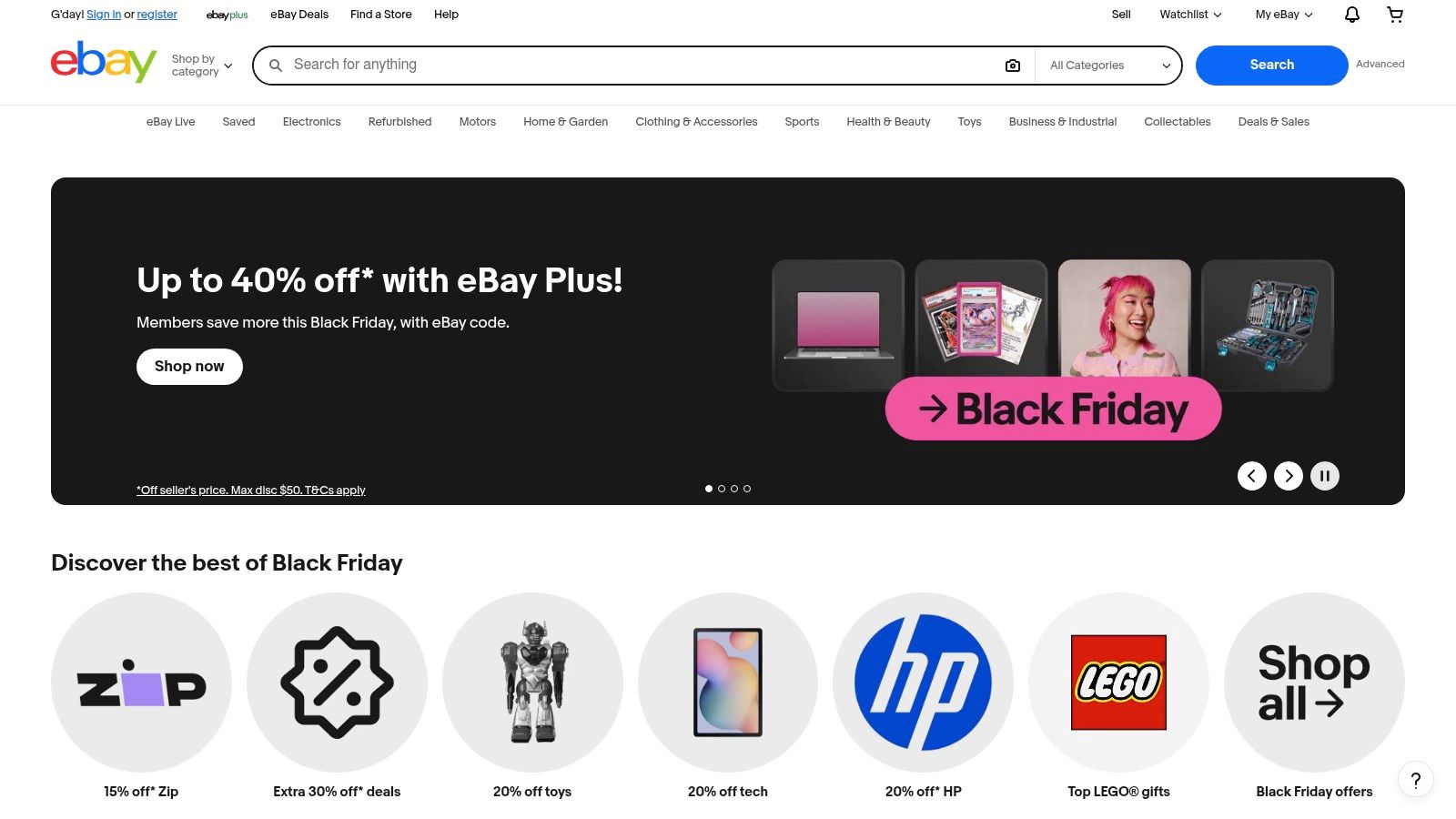
What makes eBay stand out is the sheer breadth of availability and the ability to compare multiple sellers in one place. Detailed listings frequently specify product SKUs, such as Zions #26 for weekly records or #76SB for duplicate wage books, ensuring you can find the exact layout you need. The inclusion of seller ratings and eBay's buyer protection policies provides a layer of security not always present when purchasing from unknown online retailers.
Core Features and Limitations
The primary function is sourcing physical products, not digital downloads. These books are ideal for environments where digital access is limited or a physical signature is required for compliance. However, being a marketplace, inventory levels and pricing can change rapidly, and buyers must pay attention to seller-specific shipping times and return policies. These physical time sheets also require manual data entry for payroll processing, adding an extra administrative step compared to integrated digital solutions.
Best for: Businesses in trades, manufacturing, or hospitality needing physical, Australian-compliant time sheet books and duplicate pads, especially for bulk purchases.
- Access: Price varies by seller and product
- Formats: Physical books and carbon copy duplicate pads
- Pros: Competitive pricing on specific brands, wide availability, buyer protection policies.
- Cons: Shipping times vary by seller, prices and stock are inconsistent, requires manual data transfer.
Website: https://www.ebay.com.au
Top 12 Timesheet Template Comparison
| Product | Core features | UX & unique selling points | Price & value | Best for |
|---|---|---|---|---|
| Payly (Recommended) | Time tracking, timesheets, smart invoicing, PDF e‑signatures, document mgmt, POs, onboarding, Xero/MYOB/QuickBooks/Stripe integrations | Single web + iOS app, account‑based pricing (no per‑user fees), bank‑level security, AU tax & holiday tools | Personal free; Professional A$49/mo (up to 10); Business A$99/mo; Business Plus A$349/mo; large savings vs stacked tools | Australian freelancers, agencies & small service teams wanting an all‑in‑one operations platform |
| Microsoft Create (official templates) | Editable Excel & Word timesheet templates (daily/weekly/biweekly/monthly), OneDrive/SharePoint sharing | Familiar MS Office UI, easy branding/customisation, maintained by Microsoft | Free with Microsoft 365 access | Office 365 users who need printable, trustable templates |
| Vertex42 | Excel & Google Sheets timesheets, clock‑in/out, breaks, project timecards, auto‑totals | Well‑documented templates, extensive payroll/related template library | Mostly free/low‑cost; license limits redistribution | Spreadsheet‑comfortable users needing flexible, formula‑rich templates |
| Smartsheet | Template gallery (role‑specific), multi‑employee cards, guides; upgrade to cloud workflows | Wide template variety, clear how‑tos, path to automation & approvals | Templates free; Smartsheet platform paid for automation | Teams wanting templates now with easy upgrade to automated workflows |
| Toggl Track | Downloadable templates (Excel/Sheets/Word/PDF), project formats, optional Toggl app with reports | Broad format coverage, easy downloads, solid free tier for app | Templates free; Toggl app has free & paid plans | Teams starting with static templates who may adopt time‑tracking app |
| Clockify | Templates in Word/Excel/Sheets/PDF, in‑app features (lock, copy week), free tracking platform | Simple template library + generous free software tier and basic approvals | Templates free; Clockify free plan generous, paid for advanced features | Budget teams wanting free time‑tracking with printable templates |
| MYOB (AU) | Editable PDF weekly/monthly timesheets, AU compliance guidance | Local payroll expertise, guidance on when to move to software | Templates free; MYOB payroll/time software paid | Australian businesses focused on payroll compliance and record‑keeping |
| Xero (AU) | Timesheet calculator spreadsheet, auto‑totals, weekly/monthly summaries | Easy starting spreadsheet, links to Xero Payroll for upgrade path | Calculator free to download (may require form); Xero paid after trial | Small teams considering Xero Payroll or needing quick calculator |
| Fair Work Ombudsman (AU) | Official timesheet & wage record templates, record‑keeping rules & tools | Authoritative compliance guidance, retention and formatting rules | Free | Employers requiring legally compliant Australian record formats |
| Officeworks (AU) | Physical timesheet/time‑wage books (A4/A5, duplicate pads), SKUs & product specs | Nationwide availability, Click & Collect, bulk purchasing options | Pay‑per‑book (varies by brand/size) | Sites needing paper pads or physical compliance archives |
| Etsy Australia | Instant downloadable templates (Excel, Sheets, PDF, Canva), varied styles | Affordable one‑off purchases, niche/brandable layouts, seller reviews | Typically AU$2–$15 per download | Users wanting inexpensive, unique or branded printable templates |
| eBay Australia | Marketplace listings for physical timesheet books & duplicate pads, SKU references | Competitive pricing, seller ratings & buyer protections | Varies by seller/listing | Buyers seeking specific physical books or bulk deals not available locally |
Choosing the Right Timesheet Solution for Your Australian Business
Navigating the landscape of time tracking can feel complex, but as we've explored, the right tools can transform this essential task from a chore into a strategic advantage. This article has provided a comprehensive look at a wide range of time sheet templates and dedicated software solutions, each offering distinct benefits for Australian businesses, freelancers, and agencies.
We've covered everything from the versatile, ready-to-use templates available from Microsoft Create and Vertex42, to the robust, project-management-focused platforms like Smartsheet. For those needing seamless integration with their existing workflows, dedicated time tracking apps such as Toggl Track and Clockify offer powerful automation. We also examined Australian-specific resources from MYOB, Xero, and the Fair Work Ombudsman, ensuring your processes remain compliant with local regulations.
Ultimately, the goal is to move beyond simple time recording and toward a system that enhances productivity, ensures accurate payroll, and streamlines your client invoicing. The journey from a basic spreadsheet to a fully integrated system is a significant step in professionalising your operations.
Key Takeaways for Your Business
To select the best approach, it’s crucial to reflect on your specific operational needs. A simple, downloadable template might be perfect for a solopreneur just starting out, while a growing agency will likely benefit from a scalable software solution that syncs time tracking directly with project management and invoicing.
Consider these critical factors before making your final decision:
- Scalability: Will this solution grow with your business? A simple Excel template may work for one person, but it can become cumbersome when managing a team of ten.
- Integration: How well does the tool connect with your existing software stack? Seamless integration with accounting platforms like Xero or MYOB, or project management tools, is essential for eliminating manual data entry and reducing errors.
- Compliance: Does your chosen method meet Australian standards, particularly those outlined by the Fair Work Ombudsman? This is non-negotiable for ensuring you pay your team correctly and maintain accurate records.
- Workflow Efficiency: The best system is one that your team will actually use. It should be intuitive, accessible (especially for remote or mobile teams), and simplify the process rather than complicate it. Your goal is to minimise administrative friction.
- Professionalism: How does your timesheet process translate into client-facing documents? The ability to convert tracked hours into a professional, branded invoice is a vital final step that impacts how your clients perceive your business.
Your Actionable Next Steps
Armed with this information, you are now equipped to choose a time tracking system that truly fits your business. Start by identifying your biggest pain point. Is it inaccurate invoicing, poor project visibility, or compliance risks? Let that guide your choice.
Experiment with the free templates and trials we've discussed. Download a few of the spreadsheet options and see how they feel. Sign up for a free tier of a dedicated time tracking app to understand its workflow. This hands-on experience is invaluable for making an informed decision that will save you time and money in the long run.
Ultimately, mastering your time tracking is about more than just logging hours; it's about gaining control over your most valuable resource. By implementing a structured, efficient system, you’re not just organising your records; you're building a more profitable, professional, and sustainable business.
Ready to turn your tracked hours into professional invoices and get paid faster? Payly transforms your completed time sheet templates into branded, signable documents and secure payment links in just a few clicks. Streamline your entire workflow from time tracking to payment at Payly.
Payly Team
Sharing insights and strategies to help service businesses thrive. Follow Payly for more tips on time tracking, invoicing, and business operations.
Related Articles


Ready to streamline your business?
Join thousands of freelancers and agencies who use Payly to track time, send invoices, and get paid faster.